2,822 stars · GPL-3.0, from the repository sidebar · 20.4 (2026-09-28), read from /releases/latest as a yearless '28 Sep 07:19' and settled by ungh's pushedAt of 2026-09-28T07:19:20Z, which matches to the minute · Track this in Scout
A desktop window over FFmpeg for converting, trimming and processing video, audio and images.
▶Repo detailsthe review · specs · pros & cons · install
What it does
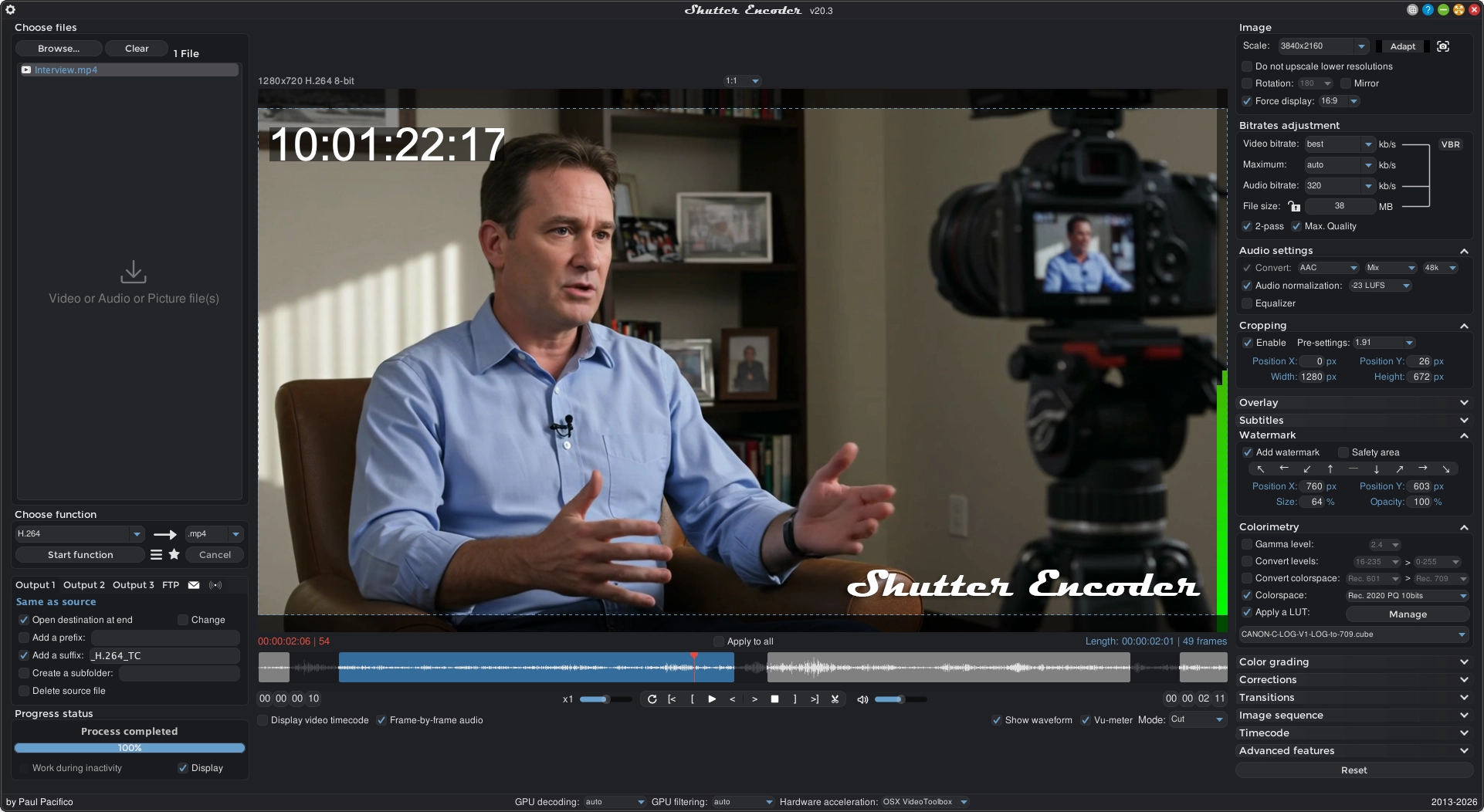
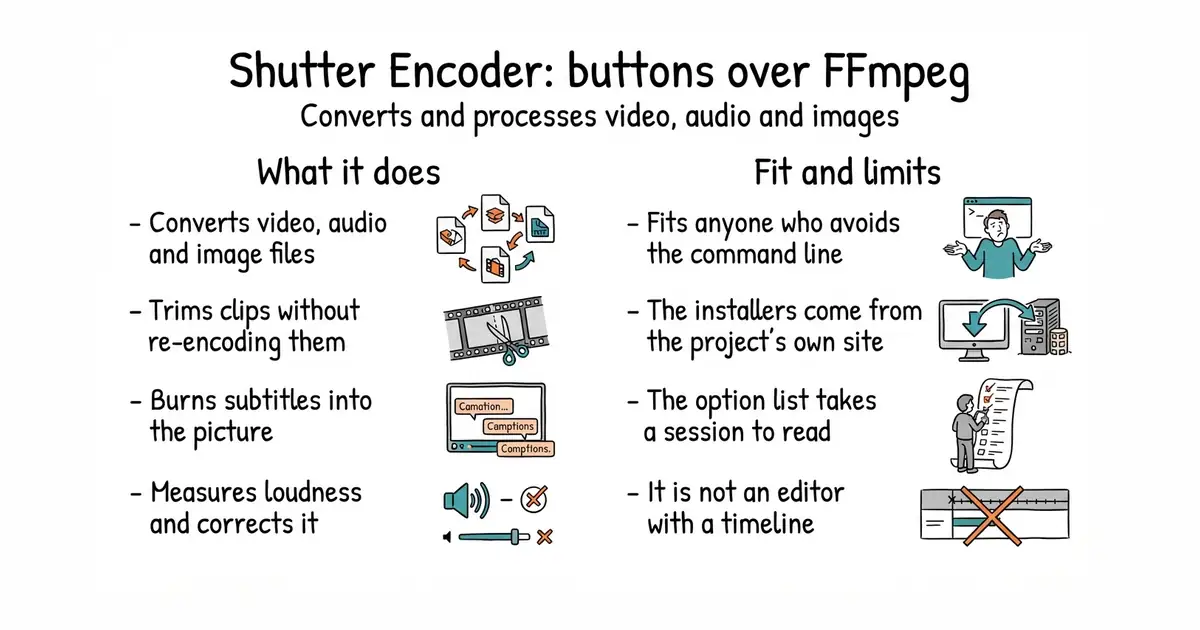
You add files to a list, choose a job, and it runs. Conversion covers the common video codecs, the two broadcast editing codecs, and the newer web ones, plus audio and images. It can change the container without re-encoding, which is fast and lossless. It can cut and trim losslessly, replace or remove an audio track, pull a stream out of a file, and extract or add subtitles. Subtitles can be embedded or burned into the picture, in three subtitle formats. It measures loudness and normalises it. It detects black frames and missing media, crops, scales, pads, applies colour adjustments and lookup tables, and adds a watermark. Around all that sits a queue, saved presets, renaming rules, a media information panel, and an optional upload when a job finishes. It also bundles separate tools for web video downloading, raw image reading and metadata. The newest release is 20.4, from 28 September 2026, and code landed the same day. What the README does not state is any limitation, so the honest boundary is what the feature list leaves out: this converts and processes files, and it is not an editor with a timeline.
Why it matters
Who it suits. Anyone who needs FFmpeg's results without FFmpeg's command line. That is a large group: people trimming interview footage, normalising the loudness of a podcast, making a web-sized copy of a large video, burning subtitles into a clip before posting it. The lossless cut is the feature worth knowing about on its own, because trimming without re-encoding keeps the original quality and takes seconds rather than an hour. Skip it if you are comfortable writing FFmpeg commands, because then this is a slower way to do what you already do.
Verdict. The most useful tool here for someone who does not write code, and the long feature list is both the attraction and the warning. Everything is in one window, which means the first session involves reading rather than clicking. Three honest notes. The project publishes its installers on its own website rather than attaching them to the repository, so the download comes from shutterencoder.com and not from GitHub. The README documents no build instructions beyond gathering dependencies into a folder, so building it yourself is not a supported path. And it bundles several machine-learning extras, listed separately from the main features, which are large downloads and are not what most people come here for. HandBrake/HandBrake at 24,400 stars is the better-known alternative and the simpler one: fewer jobs, strong presets for phones and televisions, under GPL-2.0, and Edition 43 covered it. cdgriffith/FastFlix at 1,500 stars is the smallest of the three and the one to choose when the job is only modern video encoding with brightness data preserved; Edition 43 covered it as well.
- Lossless cutting and container changes, so a trim keeps the original quality and finishes in seconds.
- One window covers video, audio, images, subtitles and loudness, with a queue and saved presets.
- Installers for Windows, macOS and Linux, so nothing has to be compiled.
- The installers are published on the project's own website rather than attached to the repository.
- The feature list is long enough that the first session is spent reading rather than working.
- The bundled machine-learning extras are large downloads and are listed apart from the main features.
 HandBrake/HandBrake
A simpler desktop video converter with strong presets for phones and televisions, at 24,400 stars, under GPL-2.0; Edition 43 covered it.
Track this in Scout cdgriffith/FastFlix
A small window for modern video encoding that preserves brightness data, at 1,500 stars, under an MIT licence; Edition 43 covered it.
Track this in Scout
Prerequisite: none for the prebuilt versions, which carry their own runtime.