Grasppy Browser Extension
Capture every AI chat. Use it anywhere.
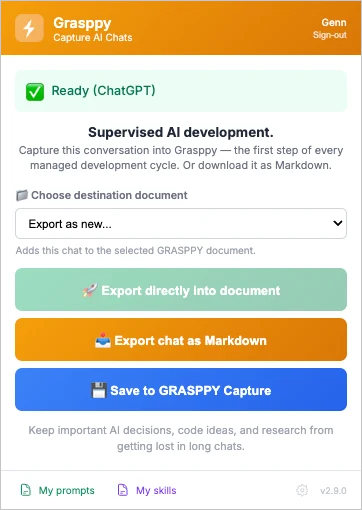
One click saves the conversation you're in — from Claude, ChatGPT, Gemini, Grok and nine more — as a clean Markdown file you can use anywhere, or straight into Grasppy where it becomes organized, searchable context.
Free with any Grasppy account · Export unlimited Markdown · 13 AI tools · No lock-in.
The problem
The chat closes. The thinking goes with it.
You work something out with an assistant — a decision, a fix, the reason you chose one approach over another. Then the tab closes. It is still in there somewhere, in a thread you cannot name, on a platform you may not be paying for next year.
Decisions forgotten
Why did we structure it that way? The reasoning made sense — 17 conversations ago. Now even the AI doesn't remember.
Solutions lost
You already solved this three sessions back. The code is there, the logic is there. Finding it again is the problem.
Scattered everywhere
Your work isn't in one chat — it's spread across every AI tool you use, and none of them connect.
How it works
One click. Captured. Yours.
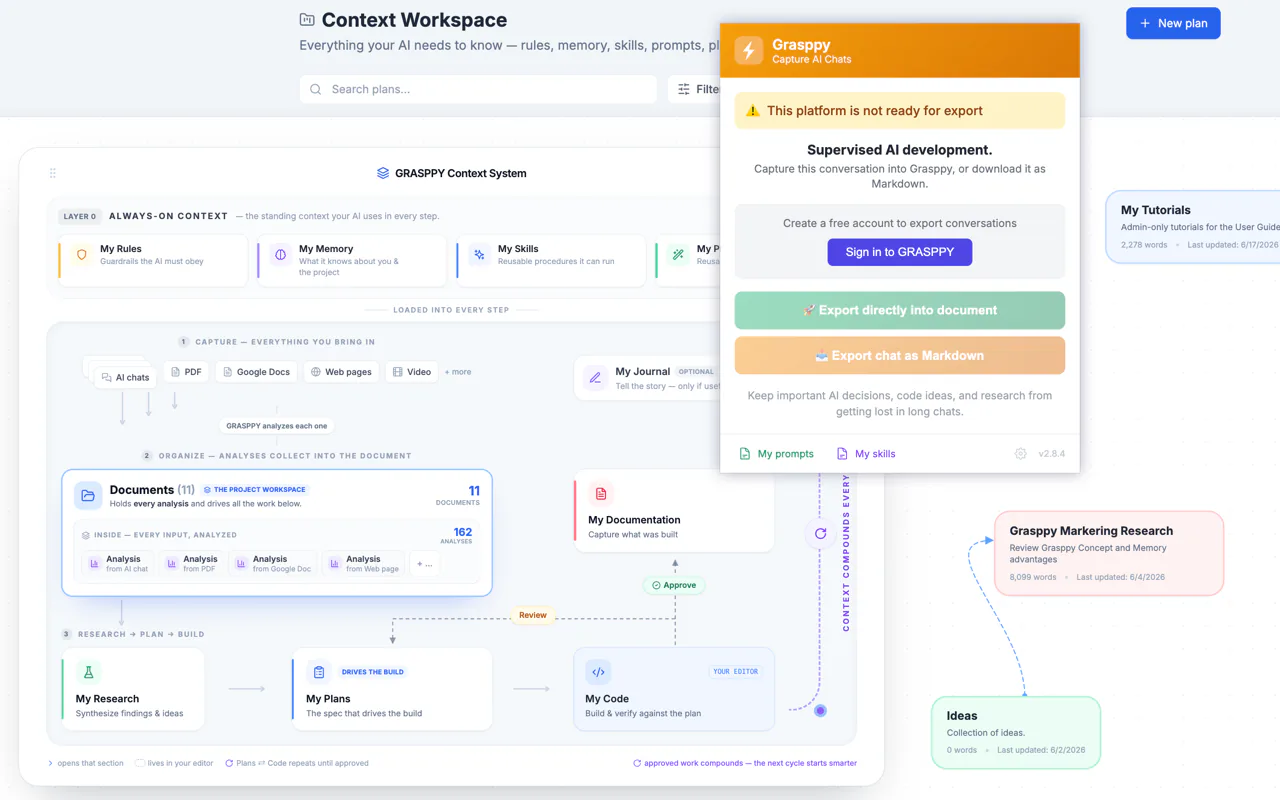
Open the panel on any supported AI chat and capture the conversation — download it as Markdown, or send it straight into your Grasppy workspace.
Works everywhere
Capture from 13 AI tools.
One button across the AI tools you actually use — not one more silo.
 Claude
 ChatGPT
 Gemini
 Grok
Grok GitHub Copilot
 DeepSeek
 Perplexity
 Mistral
 Bolt
Bolt Lovable
 Voila
Voila Replit
 TypingMind
A genuinely free benefit
Export Markdown. Use it anywhere. Free.
With any free Grasppy account, export unlimited clean Markdown from your AI chats and take it wherever you work — your editor, your notes, another AI, a teammate. No paywall on the export. No lock-in.
Free with an account
Create a free Grasppy account and export as much Markdown as you want. No credit card, no per-export limit.
Yours to keep
Clean, portable Markdown files you own — drop them in Obsidian, VS Code, another AI, anywhere.
No lock-in
The export is a real file on your machine. Use Grasppy for the full workflow, or just take the Markdown and go.
Or keep it on your own disk
Captured locally, ready when you want it.
With the free Grasppy Capture app, exports land in a folder you chose — plain Markdown, no upload, nothing sent anywhere. They then appear in Grasppy ready to import with one click, so you decide later what becomes an analysis and what simply sits there safely.
Nothing is uploaded
The file is written to your own disk. Grasppy sees it only if you choose to import it.
Import when it matters
Captured conversations queue up in Grasppy. Import the ones worth analysing; leave the rest as files.
One permission, once
Chrome asks the first time you save locally. Without it the extension works exactly as before.
Get the full benefit
Or send it into Grasppy — and it becomes intelligence.
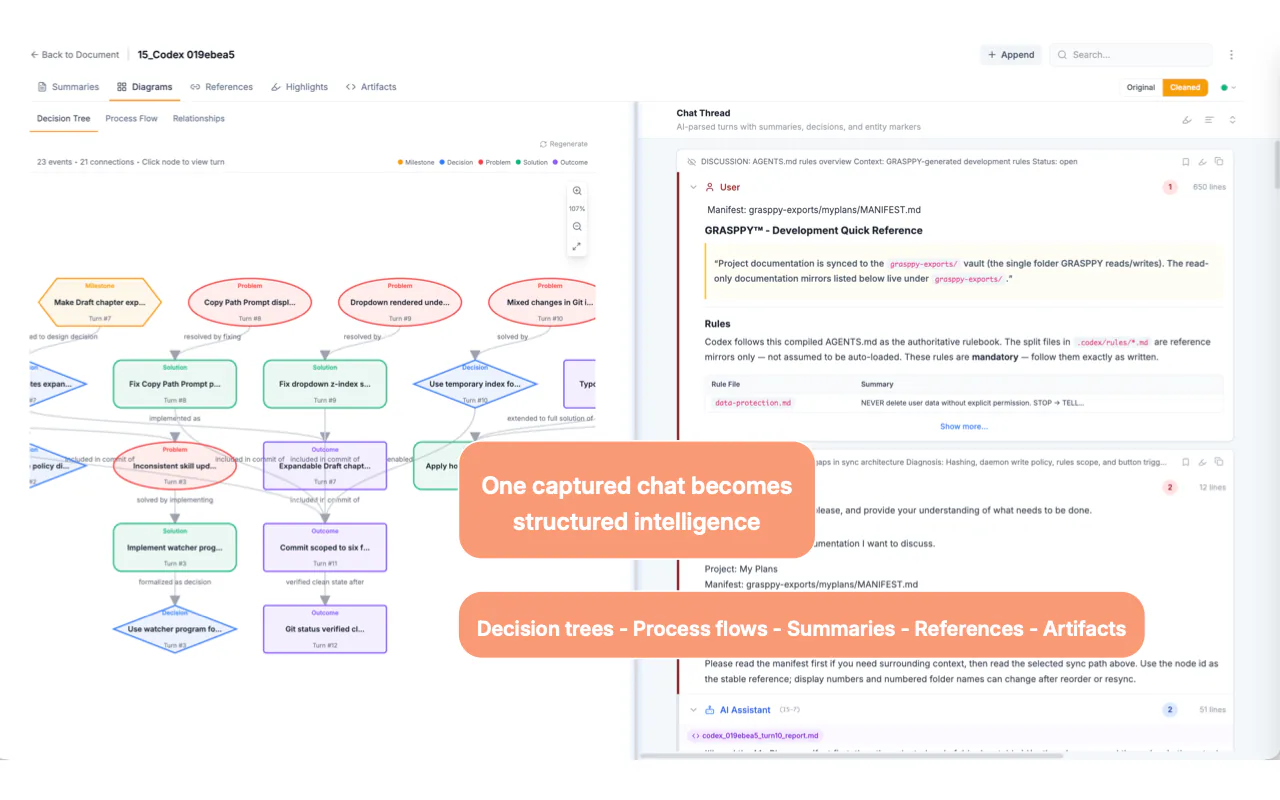
Capture straight into your Grasppy workspace and the conversation is analyzed into structured, searchable context — the start of every development cycle.
Capture your next AI chat in one click.
Free with any Grasppy account. Export Markdown anywhere, or build your context workspace.