2.7k stars · BSD-2-Clause · 5.8.16 (2026-02-18), read from /releases/latest · Track this in Scout
It makes the tables your database prints readable, with the headings pinned in place.
▶Repo detailsthe review · specs · pros & cons · install
What it is
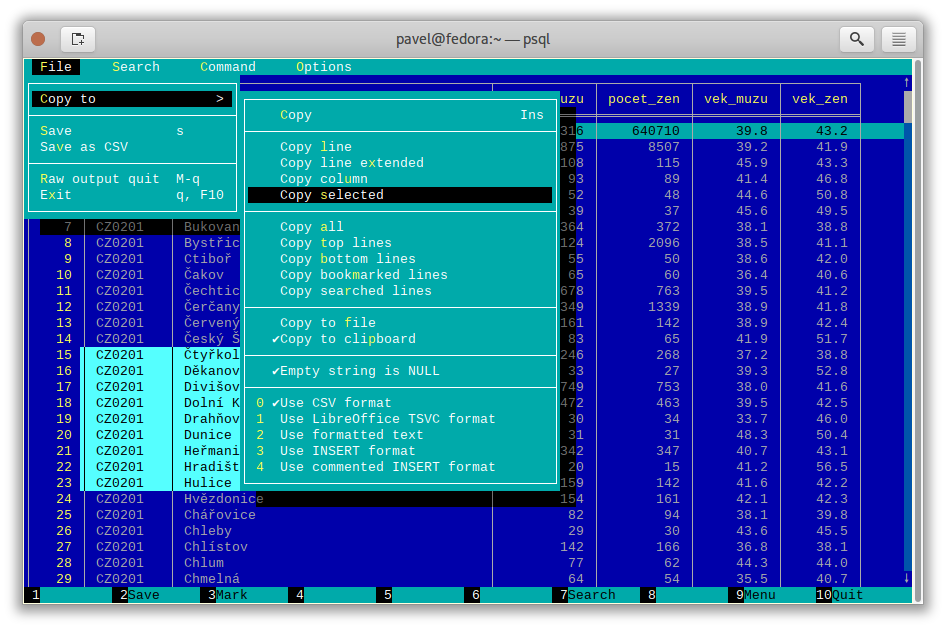
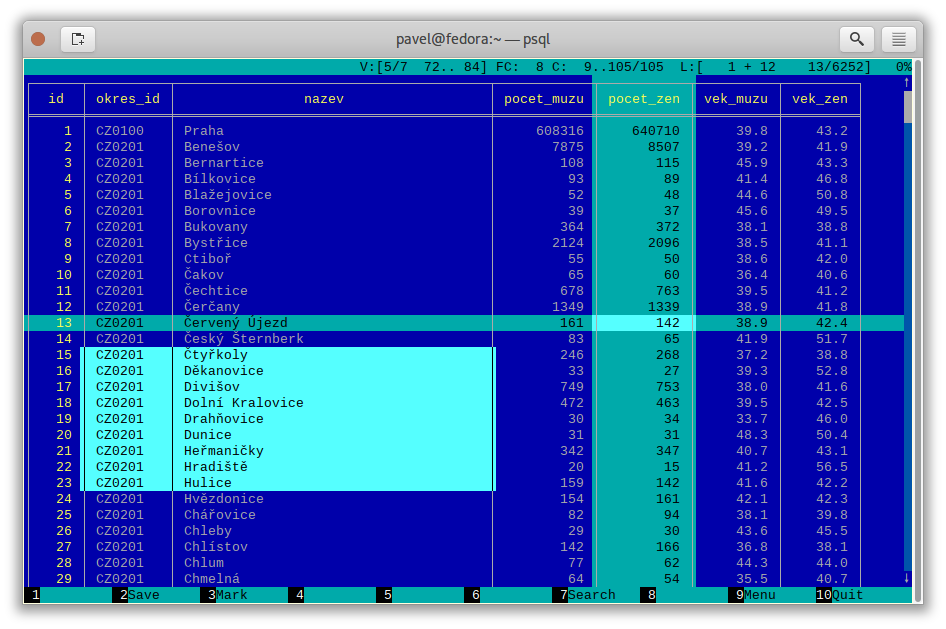
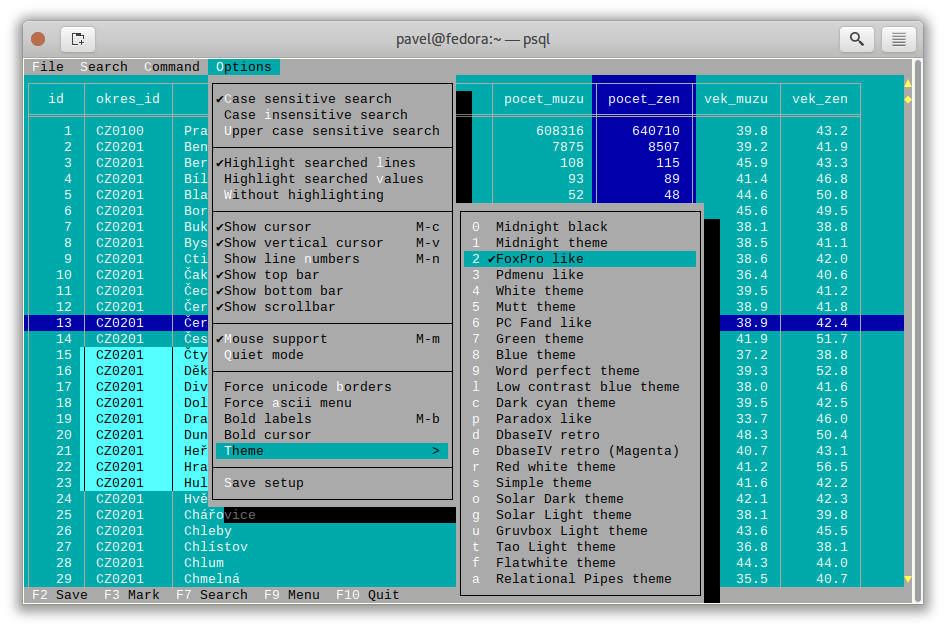
A pager, which is the small program that displays long output one screen at a time, built specifically for tables. It freezes header rows and key columns, scrolls in both directions, highlights the current row and column, searches, sorts, and copies a selected block to the clipboard. It works with PostgreSQL, MySQL and plain CSV or TSV files.What it is good for. Anyone who reads query results in a terminal more than once a week. The problem it removes is small and constant, which is why it is worth two minutes. Grasppy's data lives in PostgreSQL, and every time you read a wide result in psql you are doing arithmetic in your head about which column you are looking at. This is the cheapest improvement on today's page.
- Two minutes to install and one line of configuration, and it applies to everything from then on.
- It works on plain CSV files too, so it doubles as a viewer for exports.
- BSD-2-Clause, no conditions worth worrying about, and it is a single small program written in C.
- It only displays. It does not run queries, so you still need
psqlor another client in front of it. - The keyboard shortcuts take a day to learn. Press F1 for the help screen until they stick.
- There is no project website. Everything you need is in the README, which is good, but there is no tidy documentation site.
- dbcli/pgcli
Replaces psql itself with a client that completes table and column names as you type, and it uses pspg as its pager, so the two are partners rather than rivals.
Track this in Scout - saulpw/visidata
A spreadsheet for the terminal that opens CSV, JSON, SQLite and Excel files and lets you sort, filter and summarise them, so it edits and explores where pspg only displays.
Track this in Scout  tconbeer/harlequin
A full SQL editor in the terminal with a schema sidebar and a results pane, which replaces the whole psql plus pager pair rather than improving half of it.
Track this in Scout
# Debian or Ubuntu:
sudo apt-get install pspg
# Fedora:
sudo dnf install pspg
# macOS:
brew install pspg
# Switch it on for psql, permanently:
echo "export PSQL_PAGER='pspg'" >> ~/.bashrc
source ~/.bashrc
# Then just use psql as normal:
psql grasppy -c "SELECT * FROM documents LIMIT 200;"
# It also reads a CSV file directly:
pspg --csv export.csv