4,173 stars · MIT, from the repository sidebar · 0.8.2 (2026-09-27), settled on pypi.org/project/sqlite-web/ because the repository publishes no GitHub releases at all; ungh pushedAt is 2026-09-27T19:23:17Z, the same day · Track this in Scout
Opens a single SQLite database file as a web page for browsing, editing, querying, importing and exporting.
▶Repo detailsthe review · specs · pros & cons · install
What it does
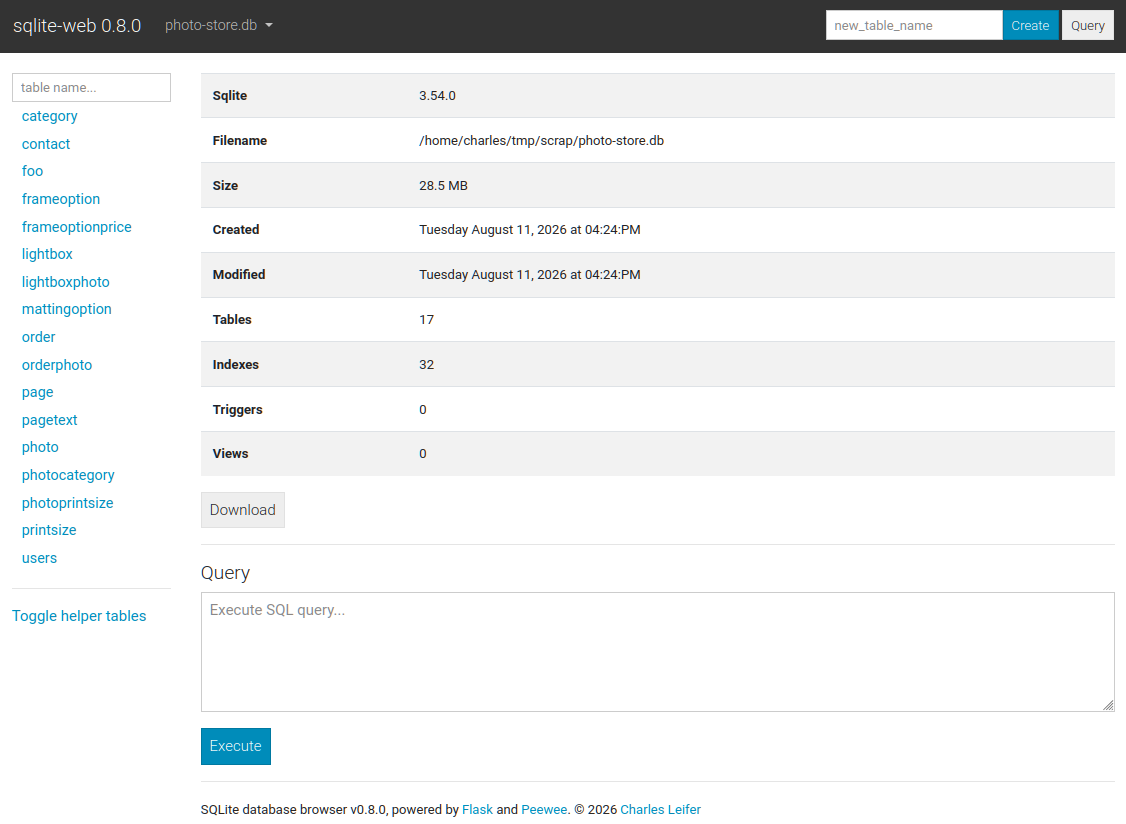
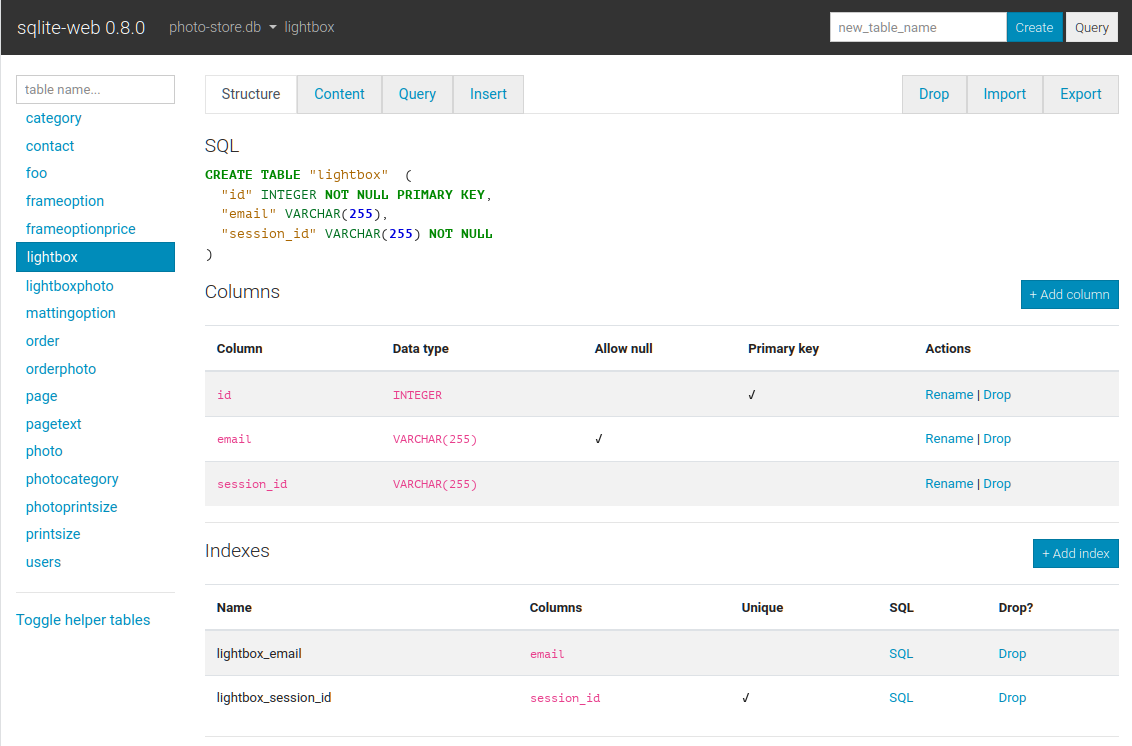
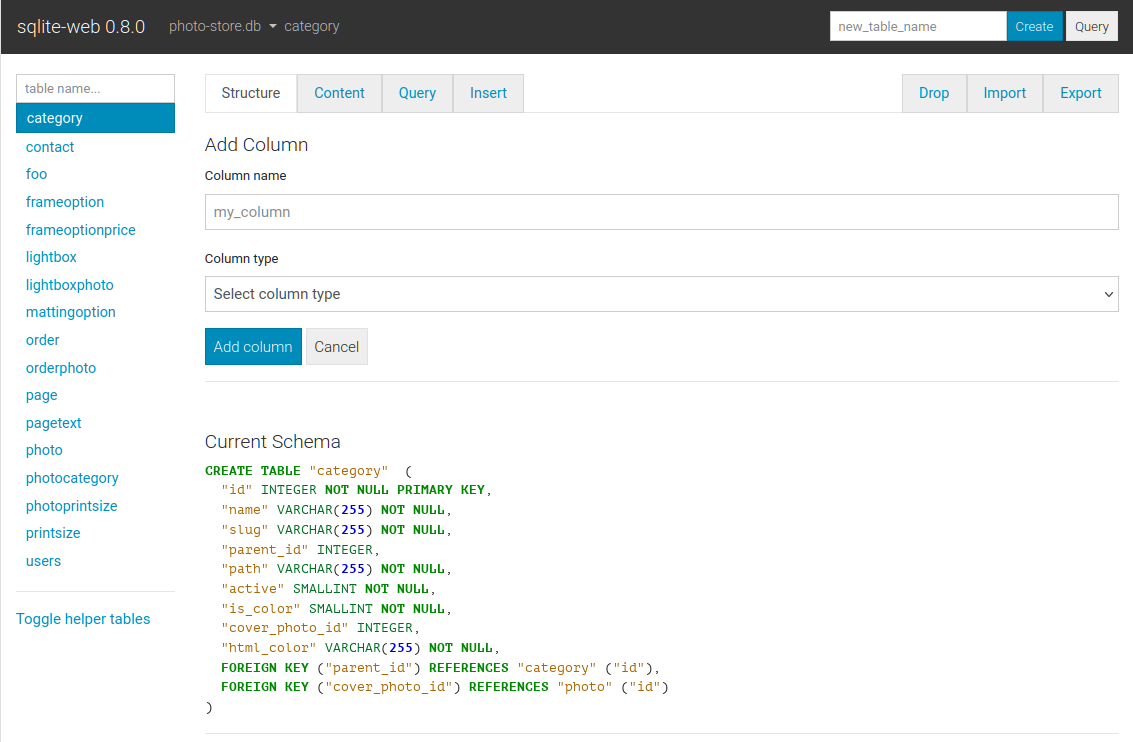
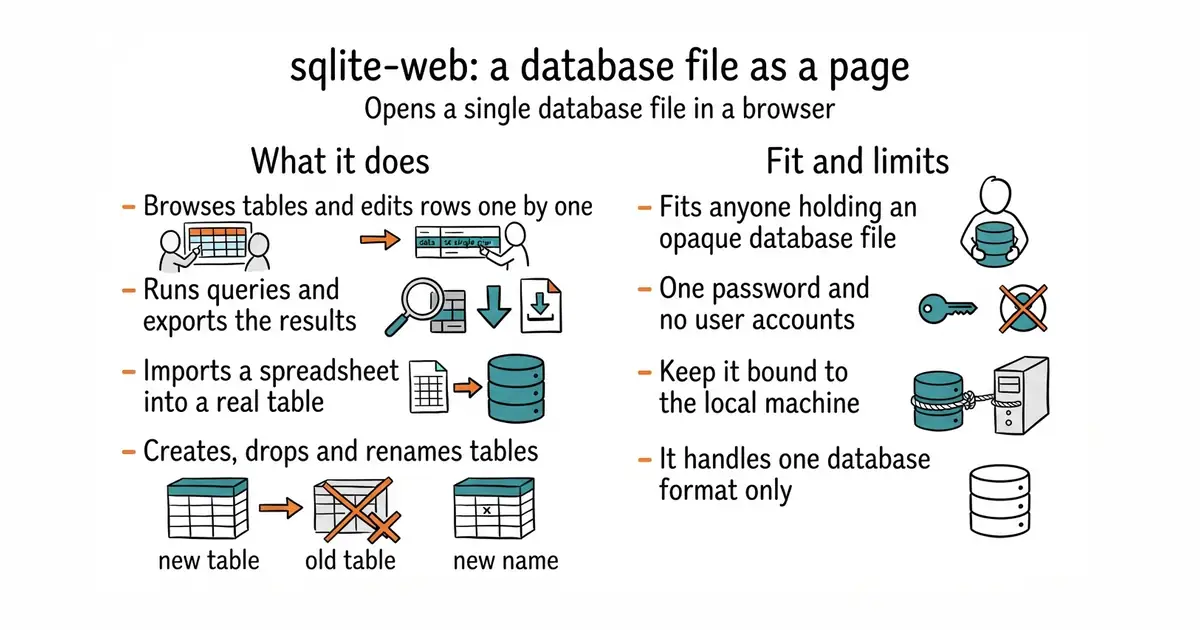
You run it with the path to a database file and open a page in a browser. From there you can create, drop and rename tables, columns and indexes, browse the rows of any table, and insert, update or delete them one at a time. There is a query box, and results can be exported as JSON or CSV. It imports JSON and CSV too, which is the quickest way to get a spreadsheet into a real table. A password can be required with -P or an environment variable, and -r opens the database read-only, which is the sensible way to look at something you care about. It binds to 127.0.0.1 by default, so nothing is exposed until you change that. A container image is published, and a faster server is included for heavier use. The newest release is 0.8.2, from 27 September 2026, confirmed on the public package index, and code landed the same day. What it does not have is any notion of users: there is one password and one level of access, so it is a tool for one person rather than a shared console.
Why it matters
Who it suits. Anyone who has a SQLite file and a question about what is inside it. That covers more people than it sounds like, because SQLite is where many small programs, phone apps and local tools keep their data. It suits the moment when a script wrote something wrong and you need to see the damage before deciding what to do. Skip it if you already keep a desktop database tool open, because this adds nothing you do not have.
Verdict. The cheapest five minutes on this page, and worth keeping installed even if it is used twice a year. Two cautions, both from the project itself. The --enable-filesystem option lets whoever has the page load any database file on the machine, and the README says to be careful with it, which is good advice to follow rather than read. And the single password means this should stay bound to the local machine, reached over an SSH tunnel rather than opened to a network. beekeeper-studio/beekeeper-studio at 23,600 stars is the desktop answer, covering PostgreSQL, MySQL and SQL Server as well, with a free edition under GPL-3.0 and a paid one beside it. dbeaver/dbeaver at 51,700 stars is the heavyweight under Apache-2.0: it connects to almost anything, and the price is a large Java application and a driver download.
- One command from install to a readable page, with a container image for machines where Python is unwelcome.
- Read-only mode and a password option, so a quick look at important data cannot break it.
- Imports and exports CSV and JSON, which makes it a usable bridge between a spreadsheet and a real table.
- One password and no user accounts, so it is not a console several people can share.
- The option that lets it open any file on the machine is a genuine risk, and the project says so.
- It handles SQLite only, so a project with a second database still needs a second tool.
- beekeeper-studio/beekeeper-studio
A desktop editor for SQLite, PostgreSQL, MySQL and SQL Server, at 23,600 stars, with a GPL-3.0 community edition and a paid edition alongside it.
Track this in Scout - dbeaver/dbeaver
A desktop database tool that connects to a very large number of database kinds, at 51,700 stars, under Apache-2.0.
Track this in Scout
pip install sqlite-web
sqlite_web /path/to/database.db