3.5k stars · MIT, named in the README · v4.14.3, 20 April 2026 · Track this in Scout
A layered image editor that runs in a browser, with no upload and nothing installed.
▶Repo detailsthe review · specs · pros & cons · install
What it does
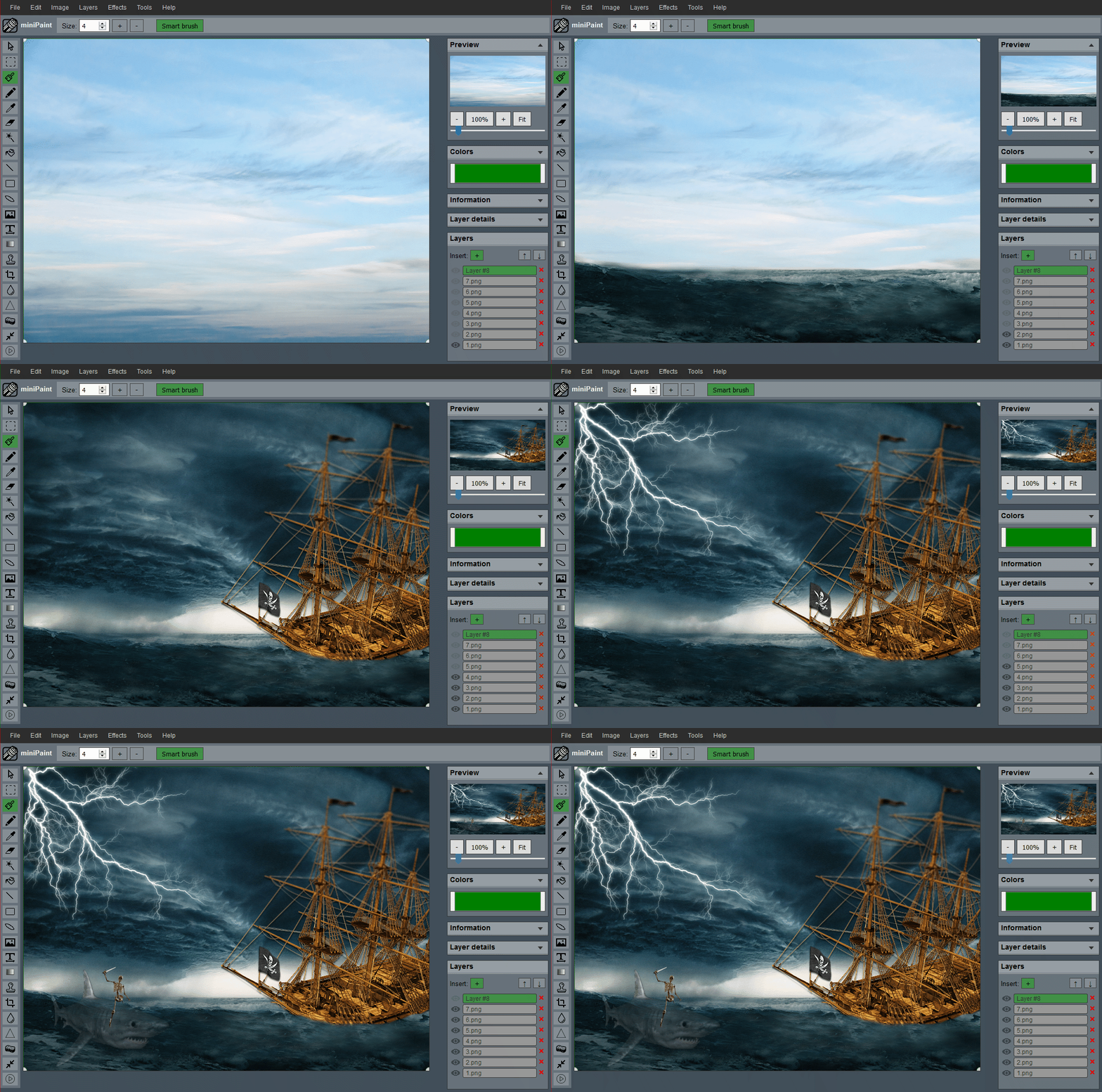
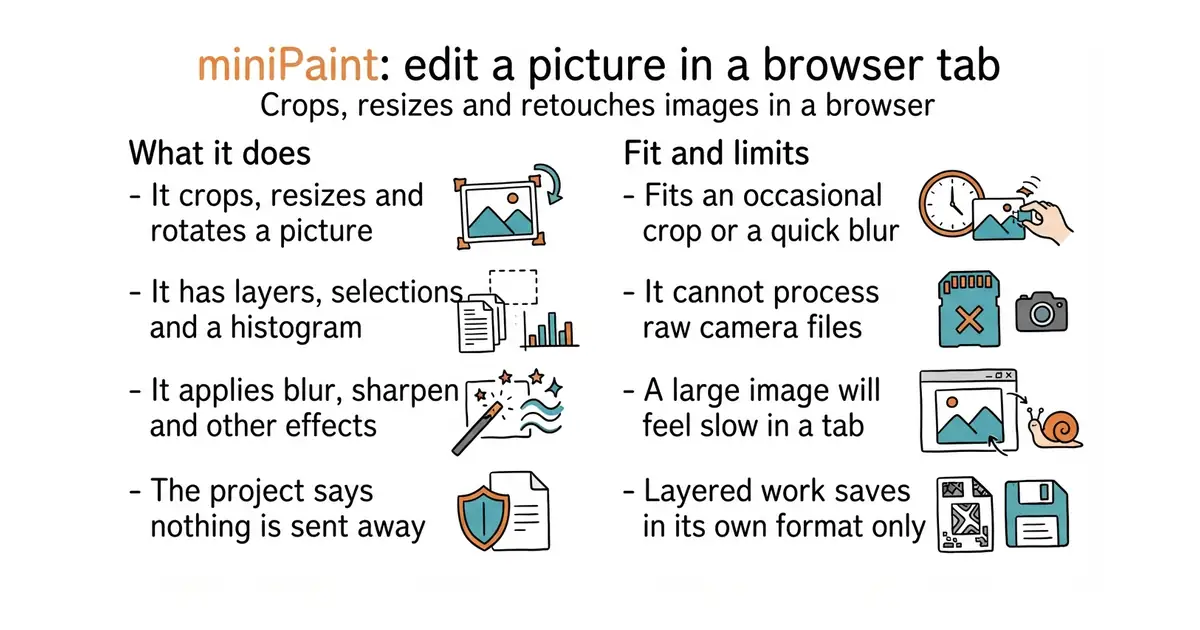
miniPaint opens, edits and saves images inside the browser using HTML5. It supports several file formats including a layered JSON format of its own, so work in progress can be saved and reopened. It offers undo and redo, selection, cut, copy and paste, resizing, rotation, flipping, colour correction and a histogram. Layers can be merged, flattened and given transparency. There is a large set of effects, including blur, sharpen and sepia, and a set of tools covering pencil, brush, magic wand, eraser, crop and clone. The README states that "nothing will be sent to any server". The newest release is 4.14.3 of 20 April 2026. It is a raster editor, so it does not produce the scalable vector files that svgedit above makes, and it is not a photograph workflow tool with raw-file processing.
Why it matters
Who it suits. Anyone who occasionally needs to crop a picture, blur a face, or save a smaller version, and does not want to install an image editor to do it. It suits people on a borrowed or locked-down machine especially well, since it is a web page. It also suits anyone uneasy about uploading a picture to a free online editor, because the project states the file never leaves the browser. Skip it if you edit photographs seriously, where raw processing and colour management matter.
Verdict. Worth bookmarking, and that is the whole recommendation. Open it, do the job, close the tab. The MIT licence and the plain structure also make it easy to host yourself, which is worth ten minutes if several people need it on a network with no internet access. For photograph work, darktable-org/darktable is the free tool that handles raw files properly, and GraphiteEditor/Graphite is the more ambitious browser editor to watch.
- Nothing installed, and the project states that nothing is sent to a server.
- Real layers, selections and a histogram, which covers most everyday edits.
- MIT licensed and simple to host on an internal network.
- A browser tab is slower than a desktop editor, and very large images will make that obvious.
- No raw-file processing or colour management, so it is not for photography.
- It saves layered work only in its own JSON format, which no other program reads.
 GraphiteEditor/Graphite
A browser editor covering both vector and pixel work, more capable and still changing fast.
Track this in Scout darktable-org/darktable
A desktop program for photographs, including raw files, which edits without altering the original.
Track this in Scout
https://viliusle.github.io/miniPaint/