3,105 stars · MIT, read from /blob/main/LICENSE on 2026-09-29; plain, copyright 2020-2022 Christian Visintin · v1.2.0 (2026-09-03), read from /releases/latest. Code on 2026-09-16. · Track this in Scout
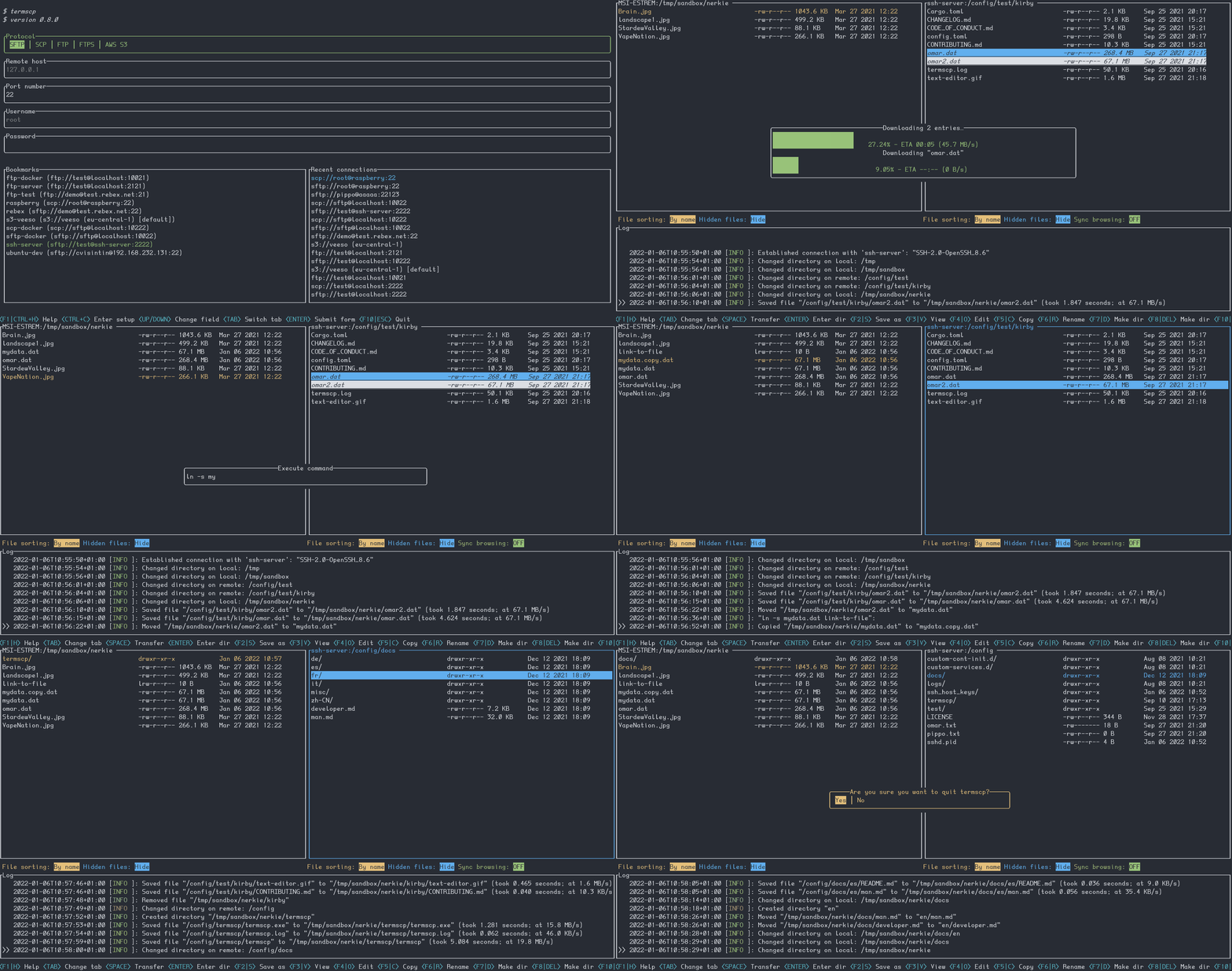
A two-panel terminal file explorer that connects to remote machines over eight protocols, with saved connections.
▶Repo detailsthe review · specs · pros & cons · install
What it is
A Rust program at 3,105 stars, at version 1.2.0 since 3 September 2026, with code landing on 16 September 2026. It speaks SFTP, SCP, FTP and FTPS, Kube, S3, Google Cloud Storage, SMB and WebDAV, all through the same two-panel screen.
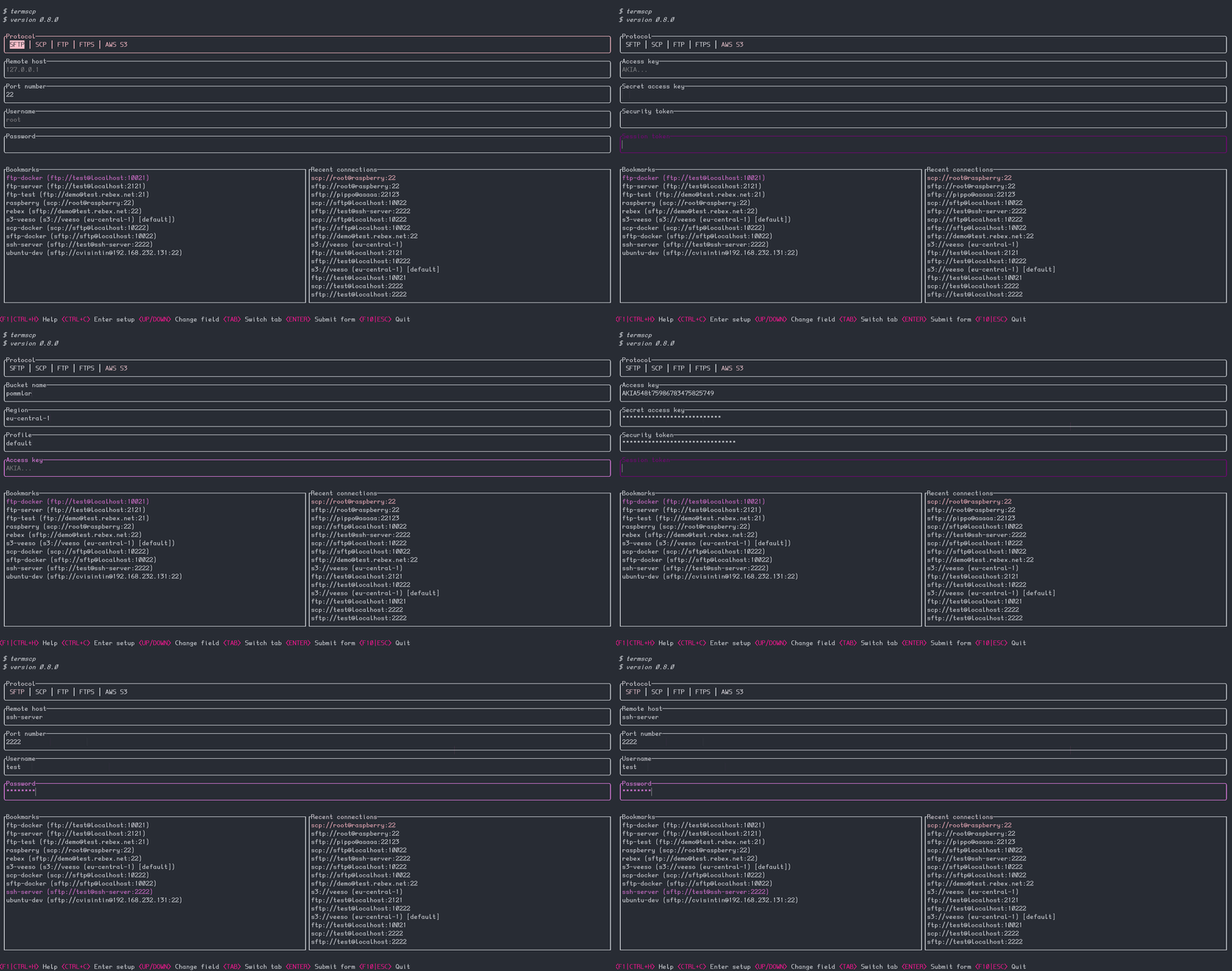
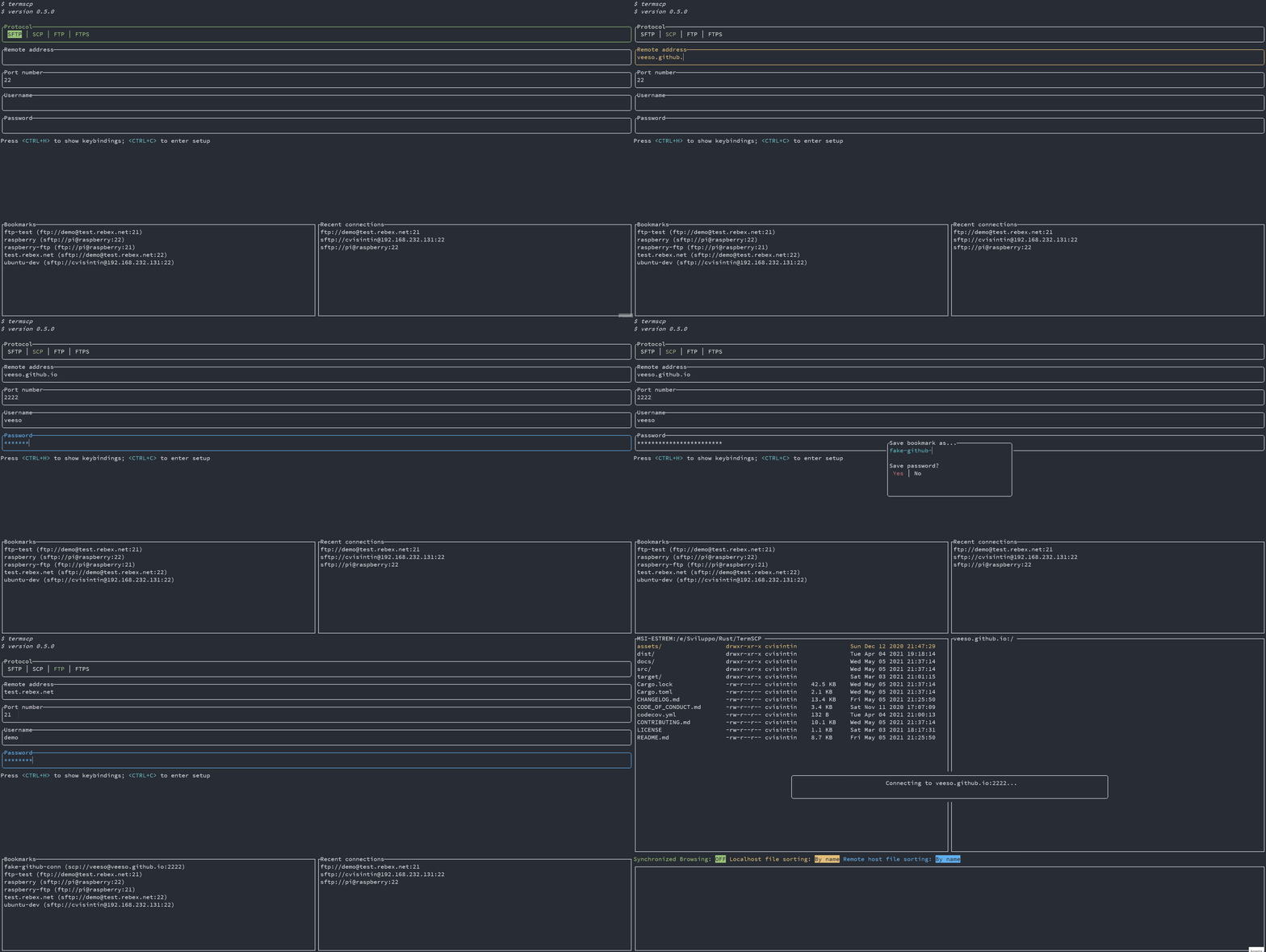
What it is good for. Anyone who moves files between a laptop and a remote machine often enough to resent typing the path each time, and who does not want a graphical client running just for that. The saved connections, which it calls bookmarks, are the feature that makes it stick.
- Eight protocols in one screen, including cloud storage buckets, which most terminal file managers do not touch.
- It can open a remote file in your usual editor, save it, and send it back without a manual download and upload.
- MIT licensed, read from the licence file, copyright 2020 to 2022 Christian Visintin, plain and unconditional.
- The documented install downloads a script from the internet and runs it immediately. That is normal and it is still worth reading the script first.
- Building from source on Linux needs three system packages installed first:
libdbus-1,pkg-configandlibsmbclient. On FreeBSD and NetBSD the equivalents aredbus,pkgconfandlibsmbclient. - Bookmarks store connection details, and optionally passwords, on the machine you run it from. That makes the machine itself part of your security, which is fine as long as it is a decision rather than a surprise.
sxyazi/yazi42,300 stars, MIT, covered in Edition 28; a much more popular terminal file manager, but it is built for local files and previews rather than remote transfer.
Track this in Scout
rclone/rclone59,300 stars, MIT, over 150 storage providers; it is the right answer for scripted and scheduled syncing, and it gives you no interactive screen.
Track this in Scout- filebrowser/filebrowser
35,900 stars, Apache-2.0, and archived on 31 August 2026 with no further releases and no security fixes, although the existing downloads and container images stay online.
Track this in Scout
curl --proto '=https' --tlsv1.2 -sSLf https://termscp.rs/install.sh | sh termscp --version