10.6k stars · BSD-2-Clause · v0.14.1 (2026-09-05), read from /releases/latest; the date showed no year and falls in the past, so 2026 · Track this in Scout
A log reader that merges files into one timeline by their timestamps and lets you query them with SQL.
▶Repo detailsthe review · specs · pros & cons · install
What it is
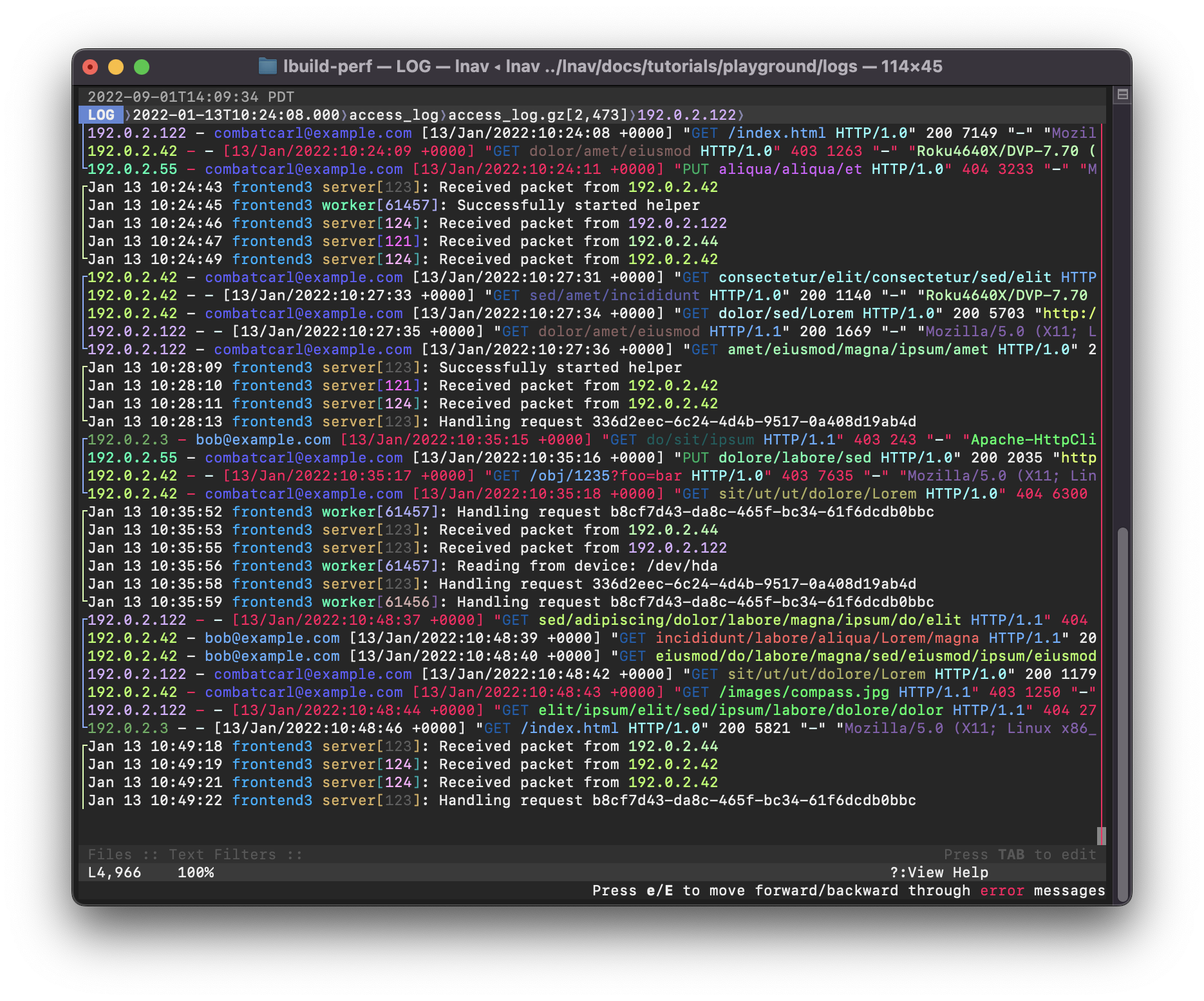
A terminal program that opens log files and directories of log files. It detects the format of the common ones on its own, including nginx, Apache, syslog and JSON lines, and builds an in-memory SQLite table out of what it parses. SQL is the ordinary language for asking questions of a database, and pressing ; inside lnav gives you a prompt where you can write it against your own log lines.What it is good for. Anyone who has ever opened a log file at midnight. The problem it removes is the reading. Instead of scrolling for the error, you filter to it; instead of counting by eye, you ask for a count. Compressed files are opened without unpacking them first, which matters when the thing you need is in last week's rotated log. For Grasppy this is the tool that answers "which requests were slow yesterday" straight from the nginx log, without adding anything to the server. It pairs with GoAccess (Edition 8 #4), which draws the traffic report, and with Dozzle (Edition 18 #2), which shows the live output of a container.
- It works on files you already have, with nothing to set up and nothing left running afterwards.
- It merges several files into one timeline by their timestamps, which is exactly what you want when a request crosses two services.
- The SQL prompt turns questions that were guesswork into answers with numbers.
- It is a terminal program. There is no web page and no way to share a view with somebody else.
- A log format it does not recognise is shown as plain text until you write a small format file for it, and that takes an hour the first time.
- It reads what is on the machine you run it on. It is not a place to collect logs from several servers.
 allinurl/goaccess
Reads the same web server logs but produces a traffic report rather than a reading window, so it answers how many while lnav answers what happened.
Track this in Scout amir20/dozzle
Shows the live output of running containers in a browser, which lnav cannot do, but it does not query history.
Track this in Scout- rcoh/angle-grinder
Filters and counts log lines from the command line with its own small query language; its newest release is from March 2025.
Track this in Scout
# Debian or Ubuntu:
sudo apt install lnav
# macOS:
brew install lnav
# Or take one static binary from:
#   https://github.com/tstack/lnav/releases/latest
# Read one file:
lnav /var/log/nginx/access.log
# Read every log in a folder, compressed ones included:
lnav /var/log/nginx/
# Inside lnav, press ';' and then ask a question:
#   ;SELECT c_ip, count(*) AS hits FROM access_log
#    GROUP BY c_ip ORDER BY hits DESC LIMIT 10