In simple English
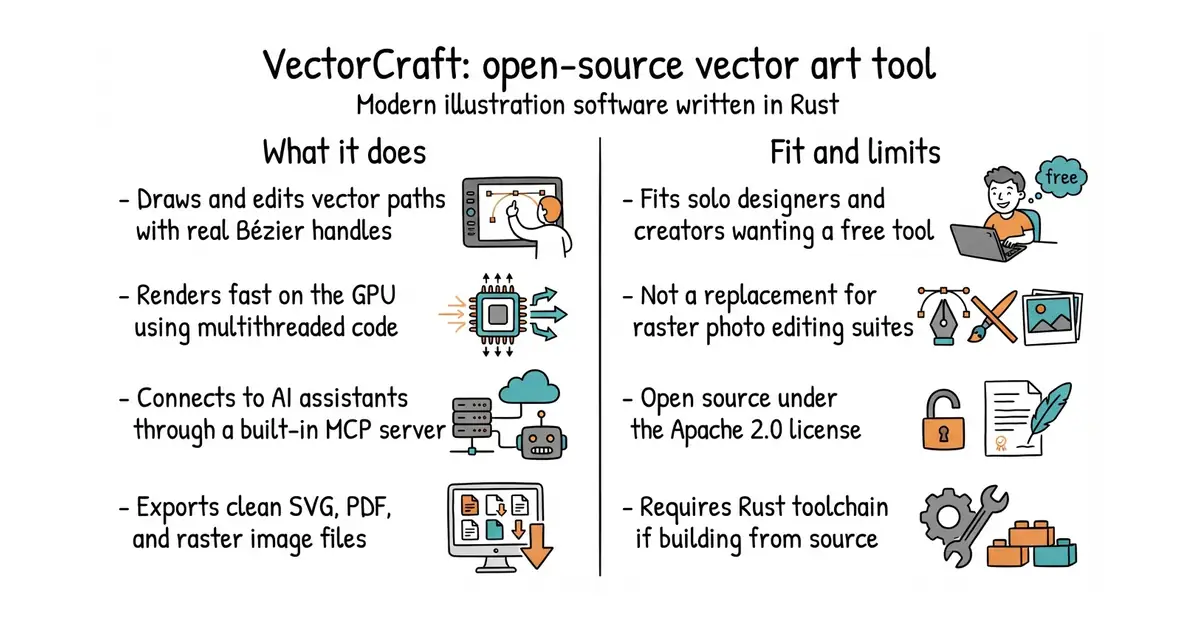
This program lets you draw and edit vector graphics like logos, posters, and icons. It runs on your computer or inside a web browser without needing expensive commercial subscriptions. It includes tools for paths, gradients, 3D shapes, and typography. You can use it to create complex artwork or automate tasks with an artificial intelligence assistant. It costs nothing to download and use.
What it is
VectorCraft is a native desktop and web application for vector illustration written from scratch in Rust. It supports common formats like SVG, PDF, and Adobe Illustrator files while providing an MCP (a way for computer programs to talk securely to other tools and artificial intelligence models) server for agent control.
What it is good for
Solo creators and designers who want a free tool to make vector artwork, scale posters, or automate batch graphic exports through the command line.
- Runs natively on desktop operating systems and web browsers.
- Includes an MCP server so coding assistants can draw and edit files.
- Opens and exports common vector file formats like SVG and PDF.
- Requires the Rust programming language toolchain to build from source.
- Some complex raster effects and advanced file exchange features remain incomplete.
- Linux users on Wayland may need to adjust settings for tablet pen support.
Paid vector illustration software and closed design tools
Claude Code for automated graphic generation and layout tasks
- inkscape/inkscape4.0k stars
A well-established open-source vector graphics editor with a traditional C++ codebase.

- SVG-Edit/svgedit7.8k stars
A vector drawing editor that runs in a browser and can be embedded in a web page.
- viliusle/miniPaint3.5k stars
A layered image editor that runs in a browser, with no upload and nothing installed.
- johanmattssonm/birdfont561 stars
A free desktop editor for drawing a typeface and exporting it as an installable font file.
git clone https://github.com/storytold/vectorcraft
cd vectorcraft
cargo run --release -p vectorcraft