7.8k stars · MIT, named in the About sidebar · v.7.3.3, 10 December 2025 on GitHub; the npm registry carries a newer 7.4.2 · Track this in Scout
A vector drawing editor that runs in a browser and can be embedded in a web page.
▶Repo detailsthe review · specs · pros & cons · install
What it does
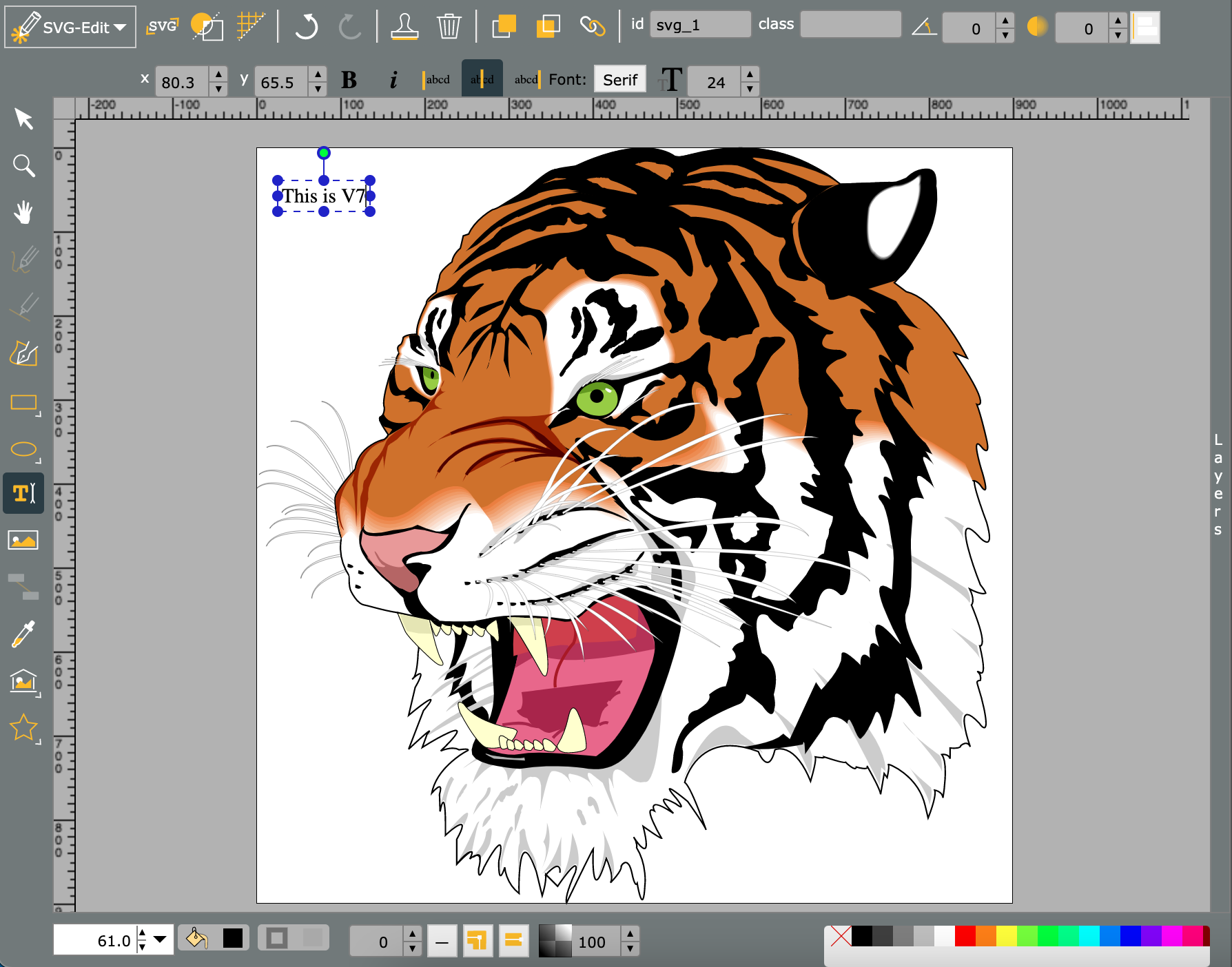
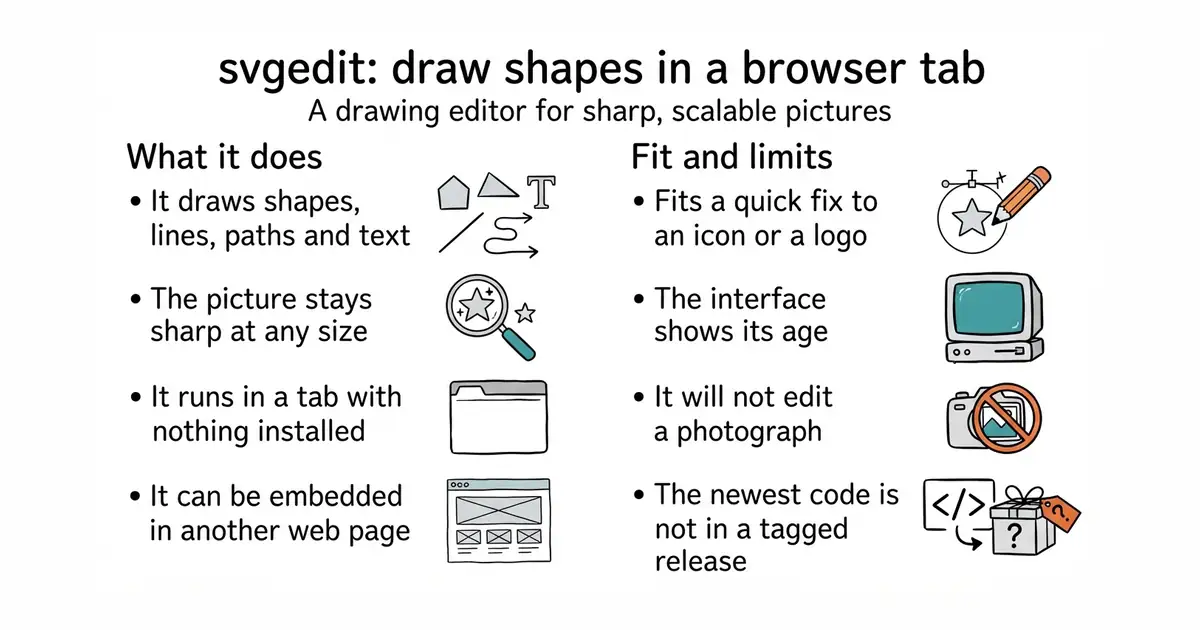
svgedit draws SVG, a picture format made of shapes and coordinates rather than pixels, so it stays sharp at any size. It gives you the usual shape, path, line and text tools, layers, grouping, and direct editing of the underlying code. It runs entirely in the browser, so there is no server component and nothing to upload. Because it is published as a package, it can be dropped into another web application as an editor, which is the reason most projects reach for it. The newest tagged release on GitHub is 7.3.3 of 10 December 2025, while the npm package carries a newer 7.4.2, so the package registry is ahead of the release tags here. It is not a photo editor and it does not open raster images for pixel work.
Why it matters
Who it suits. Anyone who needs to make or fix a simple vector picture and does not want to install a design program for it. It suits developers more than designers, because the real strength is embedding: if an application needs a drawing surface for its users, this is the shortest route to one. Skip it if you are doing serious illustration, where a desktop tool will be faster and less frustrating. Skip it too if you need to edit photographs.
Verdict. Worth bookmarking rather than installing. Open the demo, fix the icon, download the file, close the tab. As an embeddable editor it is worth half a day of evaluation, and the MIT licence means it can go into a commercial product without conditions. Note the version gap: take the npm package rather than the GitHub release if you want the newest code. For hand-drawn diagrams rather than precise shapes, excalidraw/excalidraw is the better-known tool, and for a full modern editor, GraphiteEditor/Graphite is where the energy is.
- Runs in a browser with nothing installed and nothing sent anywhere.
- MIT licensed, so it can be embedded in a commercial application without conditions.
- Long-lived and widely embedded already, which means most problems have been met before.
- The interface shows its age, and it is slower to use than a modern desktop editor.
- The newest GitHub release is 7.3.3 of 10 December 2025, and the newer 7.4.2 exists only on npm, so the two sources disagree.
- Vector only. It will not touch a photograph.
 excalidraw/excalidraw
A browser whiteboard for hand-drawn-style diagrams rather than precise vector shapes.
Track this in Scout GraphiteEditor/Graphite
A modern browser editor handling both vector and pixel work through a node-based engine.
Track this in Scout Yqnn/svg-path-editor
Does one job instead: editing the coordinates of a single SVG path by hand.
Track this in Scout
https://svgedit.netlify.app