In simple English
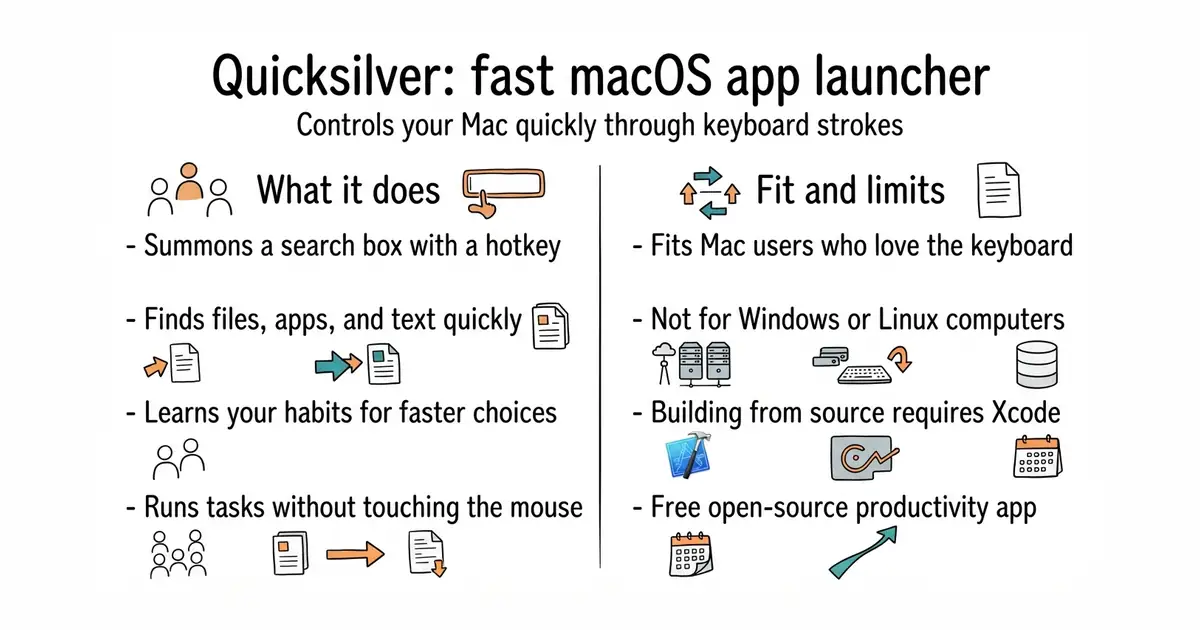
Quicksilver is a control panel for your computer. You summon it with a key combination and type a few letters to find files, launch programs, or send text. It learns which actions you use most often so it gets faster over time. It costs nothing to download and use. It runs on Apple computers and stays out of your way until you need it.
What it is
Quicksilver is the source code repository for a classic macOS application launcher. It lets you inspect how the program works, build it yourself, or report bugs.
What it is good for
Anyone who uses a Mac and wants to open apps, find buried files, or manipulate text without touching the mouse.
- Frees you from using the mouse for everyday tasks.
- Learns your habits to put frequent actions first.
- Free to use under an open-source licence.
- Requires building from source if you want to modify the code.
- Can confuse system scripts if you run multiple copies at once.
- Older user interface style that takes time to learn.
The macOS Finder and mouse navigation
macOS
- raycast/extensions7.8k stars
Raycast is a modern, extensible launcher for Mac with a focus on plugins and speed.

- SVG-Edit/svgedit7.8k stars
A vector drawing editor that runs in a browser and can be embedded in a web page.
- viliusle/miniPaint3.5k stars
A layered image editor that runs in a browser, with no upload and nothing installed.
- johanmattssonm/birdfont561 stars
A free desktop editor for drawing a typeface and exporting it as an installable font file.
Visit the official website at qsapp.com to download the compiled application for your Mac.