3,788 stars · MIT — ⚠ NOT NAMED IN THE SIDEBAR, which links only 'License'. Read from /blob/main/LICENSE: plain unmodified MIT text, 'Copyright (c) 2021-2023 Vinícius R. Miguel, João Marcos P. Bezerra, and contributors' · 0.8.3 (2026-09-13), read from /releases/latest as a yearless '13 Sep 15:53' and settled as this year because the date is in the past and ungh's pushedAt is 2026-10-14T09:45:28Z · Track this in Scout
One command compresses, extracts and lists fourteen archive formats, choosing the format from the file ending.
▶Repo detailsthe review · specs · pros & cons · install
What it does
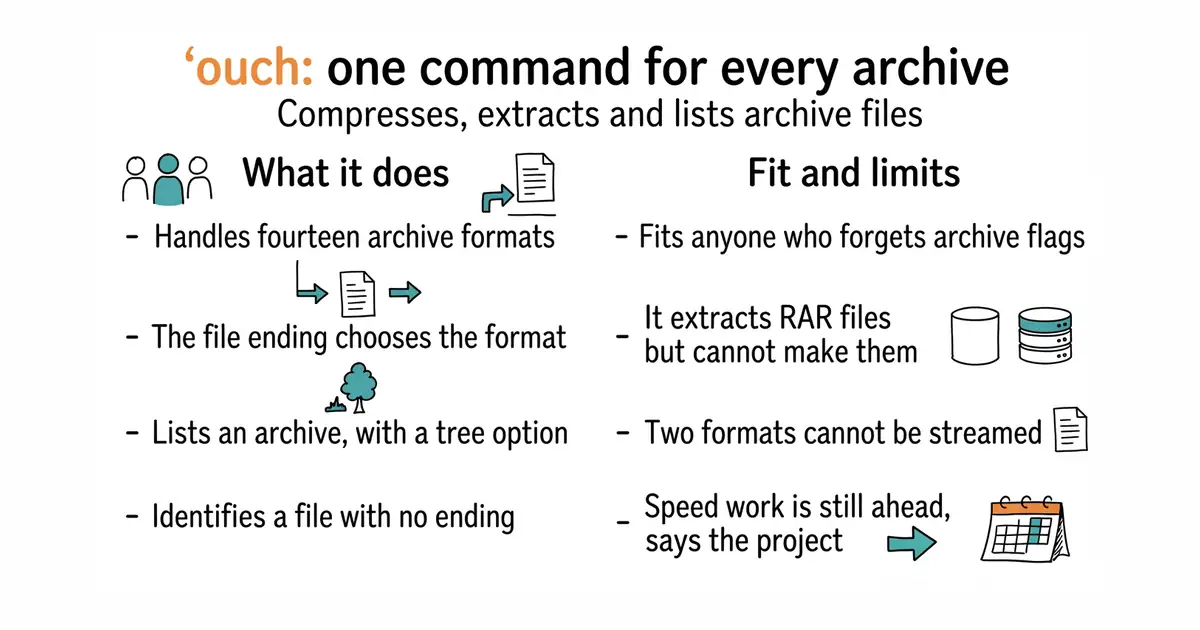
Three subcommands cover everything: decompress, compress and list. Decompressing works out the format from the file ending, and a flag sets where the contents should go. Compressing works the other way: the endings on the name you choose decide what happens, and they chain, so a name ending in .tar.gz makes a tar archive and then compresses it. Fourteen formats are supported, including tar, zip, 7z, gzip, zstandard, xz, bzip2 and lz4, with aliases so that an epub or a comic book archive is recognised as the zip file it really is. A file with no ending at all is identified from the bytes inside it, and you are asked to confirm before anything happens. Listing can print a tree. Compression for gzip, snappy and zstandard runs in parallel. There are shell completions, manual pages and a mode for screen readers. Release downloads are signed, and the project publishes instructions for rebuilding them yourself to check. The newest release is 0.8.3, from 13 September 2026, and code landed on 14 October 2026. What it does not do is create RAR archives: that format can only be extracted and listed, because of its licence, and even that support can be left out at build time.
Why it matters
Who it suits. Anyone who handles archives often enough to be irritated and not often enough to remember the flags. That is most people. It suits a shared machine particularly well, because one command with obvious words replaces six commands with cryptic letters, and the error messages are written to be read. Skip it if you only ever meet one format and the standard tool is already muscle memory.
Verdict. The smallest useful change on this page and the one most likely to still be installed in a year. Nothing here is clever, which is the point: the value is in never looking up a flag again. Three honest notes. RAR can be read but not written, so a workflow that produces RAR archives needs something else. Zip and 7z cannot be streamed, which is a limit of the formats rather than of this program, and it matters when the file is larger than the memory available. And the project says plainly that it has focused on ease of use and good error messages, with speed work still to come, so it is not the tool to choose for compressing a very large dataset. mholt/archives at 434 stars solves the same problem inside a Go program rather than at a prompt, including walking an archive as if it were a folder. wummel/patool at 457 stars is the older idea done in Python: it drives whichever archive programs are already installed, so it covers more formats but needs those programs present.
- One command and three obvious words cover extracting, creating and listing fourteen formats.
- The file ending chooses the format, and endings chain, so
.tar.zstjust works. - Shell completions, manual pages and signed, reproducible release downloads.
- RAR archives can be extracted and listed but never created, because of that format's licence.
- Zip and 7z cannot be streamed, so a very large archive of those kinds needs memory.
- The project says speed work is still ahead, so it is not the choice for compressing a huge dataset.
- mholt/archives
The same job as a Go library inside your own program, including walking an archive as a folder, at 434 stars, under an MIT licence.
Track this in Scout - wummel/patool
A Python command-line tool that drives whichever archive programs are already installed, at 457 stars, under GPL-3.0.
Track this in Scout
brew install ouch
sudo pacman -S ouch
scoop install ouch
cargo install ouch