In simple English
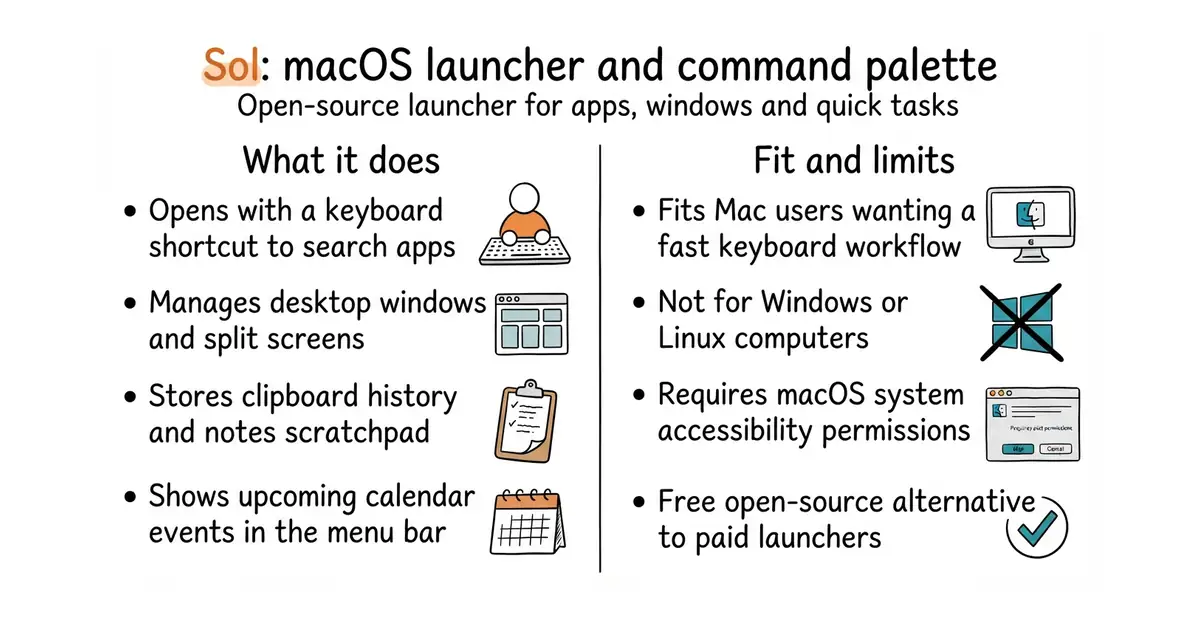
Sol is a small control panel for your Mac computer that opens with a single keyboard shortcut. It helps you search for apps, check your calendar, find emojis, and manage your open windows without touching the mouse. It runs natively, which means it starts instantly and uses very little memory. The app is free to download and use on your personal computer. It does not cost money, but you need to know how to install a command-line tool.
What it is
Sol is an open-source application launcher (a utility that lets you open apps and run quick tasks by typing) built specifically for macOS. It packs a window manager, clipboard history, emoji picker, and calendar integration into one lightweight menu.
What it is good for
It fits solo builders who want a fast, keyboard-driven workflow on a Mac without paying for commercial launcher subscriptions. It removes the need to switch between multiple separate utilities for window management, clipboard saving, and app searching.
- Opens instantly and runs natively on Apple Silicon and Intel Macs.
- Bundles useful tools like a window manager, clipboard history, and calendar directly into the menu bar.
- Available as a precompiled download or a simple command-line installation.
- Only works on macOS operating systems.
- Building from source requires setting up React Native tools like Xcode and Cocoapods.
- Requires granting accessibility and screen recording permissions to manage windows.
Spotlight, Alfred, Raycast
Homebrew
- raycast/extensions7.8k stars
Raycast is a popular commercial command palette with a large extension ecosystem, while Sol is open source and lightweight.

- SVG-Edit/svgedit7.8k stars
A vector drawing editor that runs in a browser and can be embedded in a web page.
- viliusle/miniPaint3.5k stars
A layered image editor that runs in a browser, with no upload and nothing installed.
- johanmattssonm/birdfont561 stars
A free desktop editor for drawing a typeface and exporting it as an installable font file.
brew install --cask sol