4,068 stars · MIT · v2.9 (2026-09-07), read from /releases/latest; the page omits the year and the code date of 2026-10-16 settles it · Track this in Scout
A feed reader that is one small file, runnable as a desktop application or as a small private server.
▶Repo detailsthe review · specs · pros & cons · install
What it does
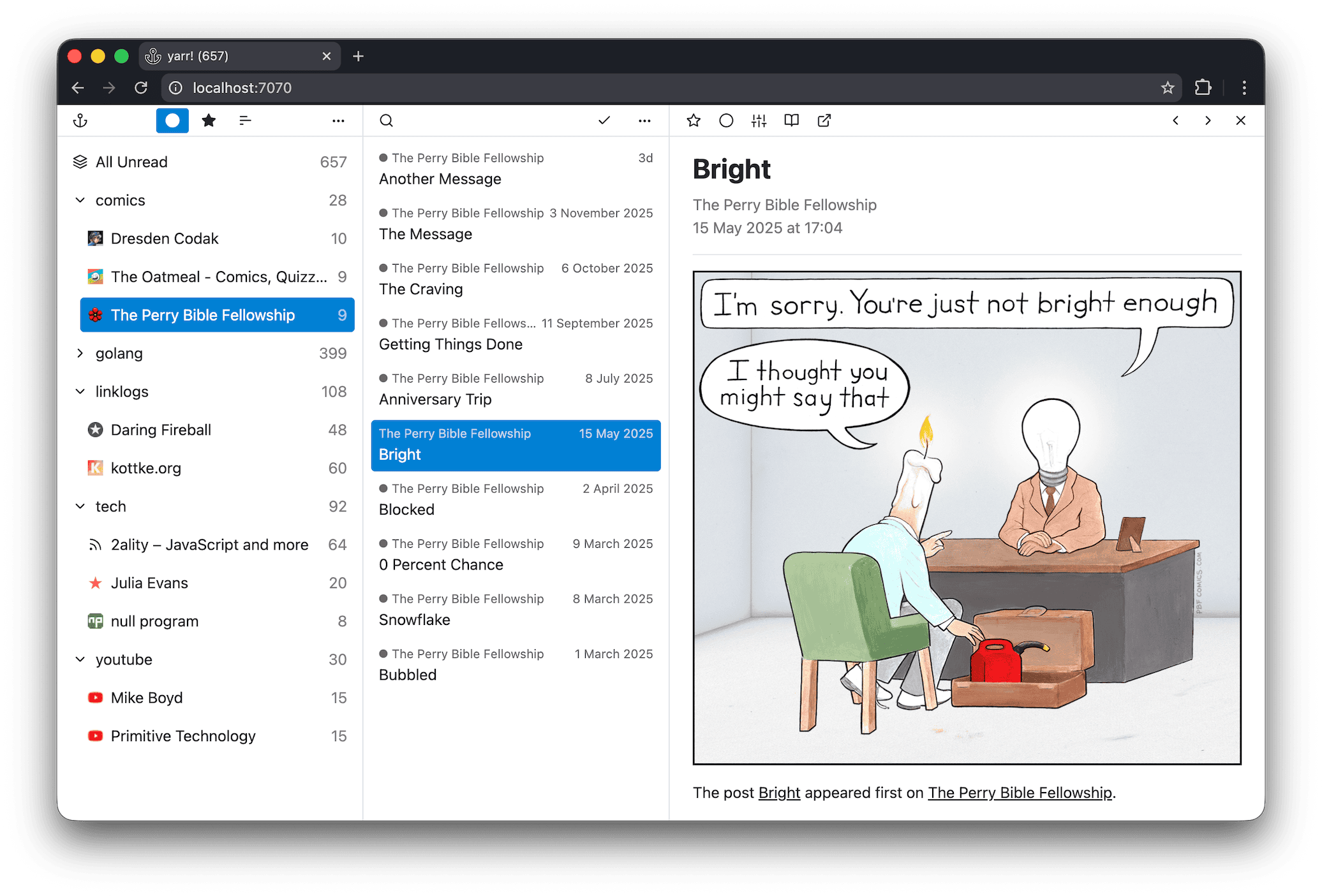
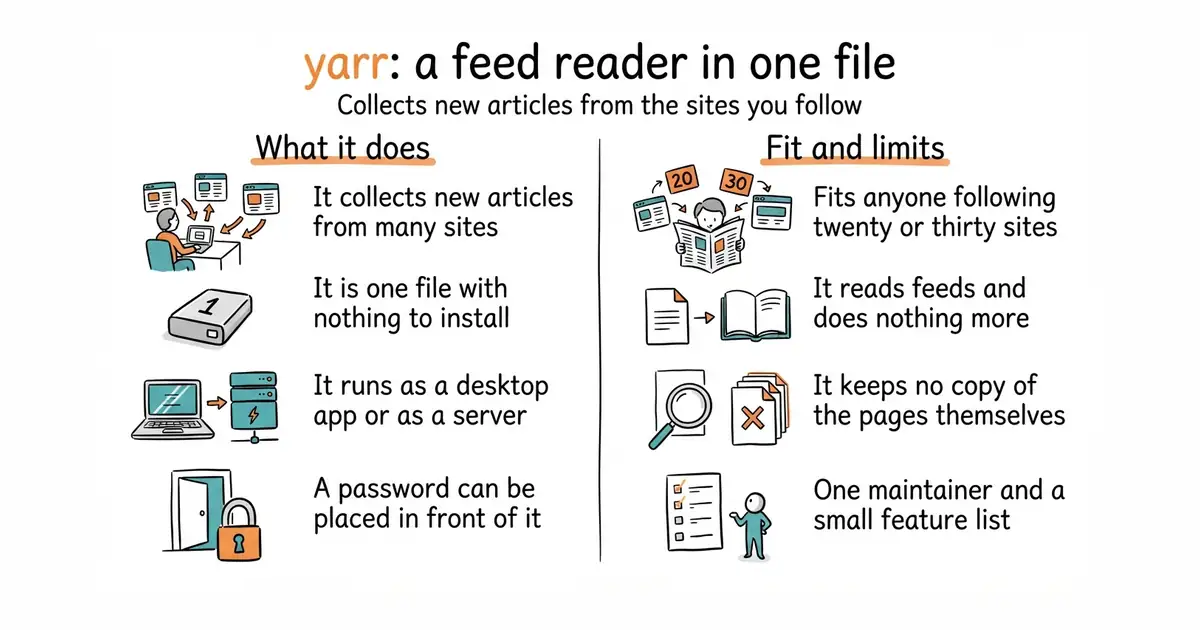
yarr is a feed aggregator with no installer and no dependencies. You download one file for your operating system, run it, and it serves a reading page at 127.0.0.1:7070. It comes in two builds. One opens its own desktop window; the other is a plain command-line version meant to run on a machine you can reach from elsewhere, with -addr to change the listening address and -auth to put a user name and password in front of it. It stores articles in SQLite by default, and can use PostgreSQL instead if you would rather keep the data in a proper database server. It runs on Windows, macOS and Linux, and the project's own description of itself is four words long: "yet another rss reader". That modesty is accurate, and it is the boundary too. Its feature list stops at reading. It names no page archiving, no highlighting, no sharing with other people and no email digest. For keeping a copy of a page rather than a link to it, entry 10 is the tool.
Why it matters
Who it suits. Anyone who wants to follow twenty or thirty sources without an account anywhere, and who finds the larger self-hosted readers more trouble than the reading is worth. It suits someone who wants a reader on a small machine at home that a phone can also reach, because the command-line build plus -auth covers that in one line. Skip it if you want highlights, notes, offline copies or sharing: those are different products, and this one does not pretend otherwise.
Verdict. Worth ten minutes, and almost none of it is setup. Version 2.9 was released on 7 September 2026 and code landed on the morning of writing, so a project this small is not drifting. The reason to choose it over the better-known alternatives is the absence of everything else. FreshRSS/FreshRSS at 15,800 stars wants PHP and a web server. miniflux/v2 at 9,800 stars wants PostgreSQL. yarr wants a file. Against that, it is one person's project and the feature list will not grow much, so if you expect to want full-text search over years of archives later, start somewhere larger. One practical note: the desktop and command-line builds are separate downloads on the releases page, and the file names differ by a _gui marker, which is easy to get wrong the first time.
- One file, no dependencies, no installer and no database to set up first.
- The same program works as a desktop application and as a small private server, with a password option built in.
- SQLite by default with PostgreSQL available, so it scales from a laptop to a shared machine without changing tools.
- Reading only. No archiving of the pages themselves, no notes, no highlights, no sharing.
- One maintainer and a deliberately small feature list, so a missing feature is likely to stay missing.
- The two builds look alike on the releases page, and downloading the wrong one is the most common first mistake.
 FreshRSS/FreshRSS
At 15,800 stars and AGPL-3.0, a much larger self-hosted reader with extensions and multiple accounts, needing PHP and a web server rather than one file.
Track this in Scout miniflux/v2
At 9,800 stars and Apache-2.0, a similarly minimal reader written in Go, but it stores everything in PostgreSQL, so there is a database to run as well.
Track this in Scout
unzip yarr-*.zip
chmod +x yarr
./yarr