In simple English
When people visit your website for the first time, they often do not know where to click. This tool darkens the background and puts a bright spotlight on one button or menu item. It also shows a small message box to explain what that item does. You can step users through multiple highlights like a slide show. It costs you nothing to use, and takes a few hours to write into your code.
What it is
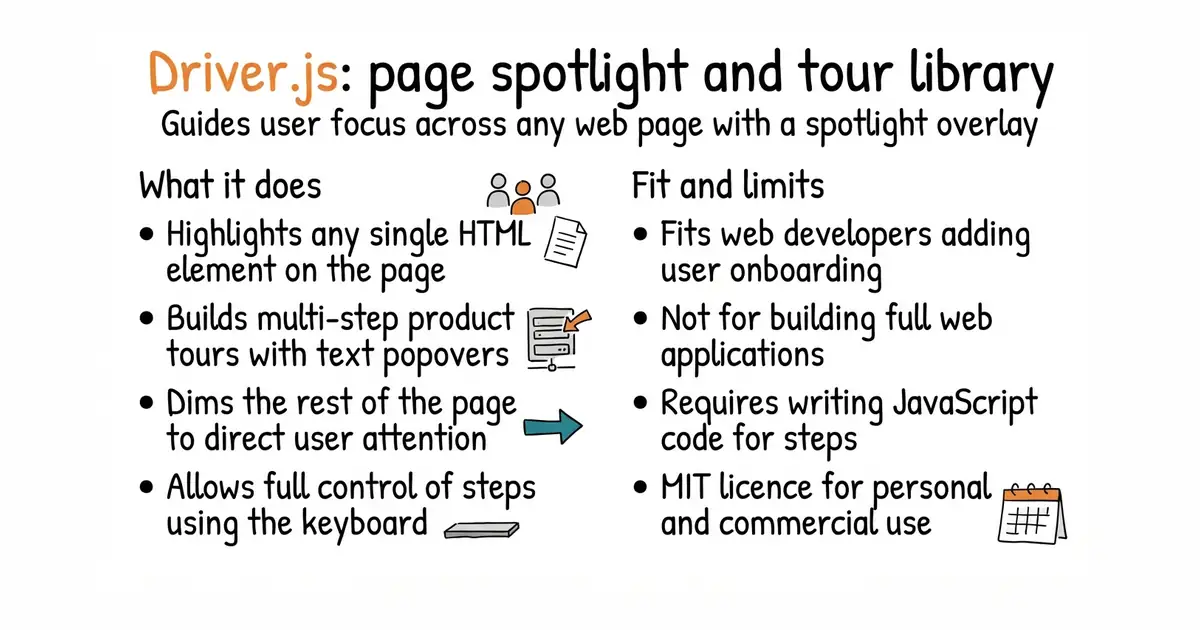
Driver.js is a standalone JavaScript library that creates custom guided tours and visual spotlights on web pages. It has zero external dependencies and weighs only about 5 KB compressed, so it loads instantly.
What it is good for
Solo builders who want to show new users how to use their web app without building a complex tutorial system from scratch.
- Weighs around 5 KB, so it will not slow down your website.
- Works in all modern web browsers without extra add-ons.
- Allows full control using keyboard arrows or custom buttons.
- Requires writing JavaScript code to set up each step of your tour.
- Does not include a visual editor, so you must define coordinates or HTML selectors in text.
- Changes to your website layout can break your tour steps, requiring manual updates.
Writing custom CSS overlays and tooltips by hand
A web framework like React or Vue
- floating-ui/floating-ui33k stars
A lower-level library for positioning tooltips and popovers next to page elements.

- SVG-Edit/svgedit7.8k stars
A vector drawing editor that runs in a browser and can be embedded in a web page.
- viliusle/miniPaint3.5k stars
A layered image editor that runs in a browser, with no upload and nothing installed.
- johanmattssonm/birdfont561 stars
A free desktop editor for drawing a typeface and exporting it as an installable font file.
npm install driver.js