33.4k stars · LGPL-3.0 (not named in the sidebar; read from the README, which points at COPYING) · 4.5.8 (2026-10-11), read from PyPI, which carries a year where the GitHub release byline does not · Track this in Scout
A live view of one computer's health, in a terminal, in a browser, or through an AI assistant.
▶Repo detailsthe review · specs · pros & cons · install
What it does
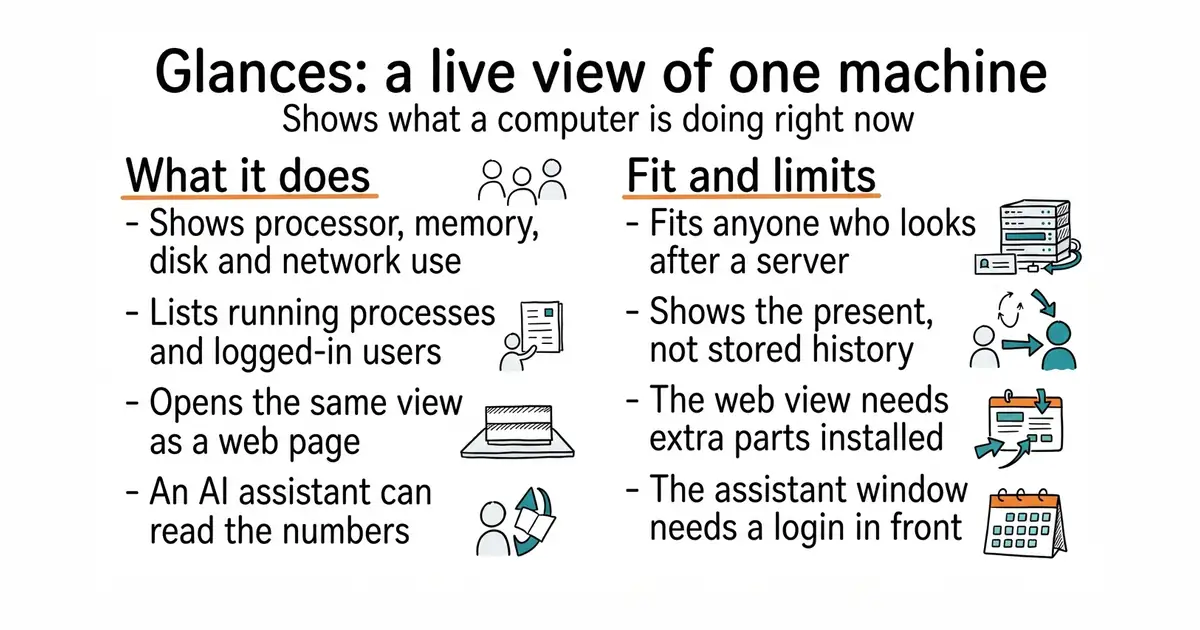
Run glances and it fills the terminal with processor load, memory use, disk activity, network traffic, running processes, logged-in users, and, where the hardware reports them, temperatures, voltages and fan speeds. It also reads container statistics from Docker and LXC, so programs running in sealed boxes are not invisible. Run glances -w and the same view becomes a web page on port 61208, with a REST interface — a way for other programs to ask for the same numbers over the network — beside it. From version 4.5.1 it also carries a built-in MCP server, started with glances -w --enable-mcp, so an AI assistant can query the machine itself. The current release is 4.5.8, published on 11 October 2026. It watches; it does not manage. There is no button to restart a service, no long history kept inside the tool, and the web interface's extra parts are not installed by default.
Why it matters
Who it suits. Anyone who looks after a server and currently finds out it is in trouble when something stops answering. It is also the quickest way to see inside a machine you have just been handed and know nothing about. Skip it where a full monitoring system with history, alerts and dashboards is already in place; Glances is the live view, not the record.
Verdict. Two minutes, and it is the single easiest win in this edition. The MCP server is the genuinely new part, and it is worth understanding before switching it on: it gives an assistant a read-only window into a machine, which is useful for "what is eating the memory" and less comfortable on a box holding anything sensitive. Keep it on a local network or behind a login. For history and alerts, pair it with netdata/netdata at 80.4k stars and GPL-3.0, which was Edition 42, or the much lighter henrygd/beszel at 24.3k stars and MIT, which was Edition 5.
- One
pip installand it works, on Linux, BSD, macOS and Windows. - Four ways to read the same data: terminal, web page, REST interface, and now an AI assistant.
- LGPL-3.0, with a release on 11 October 2026 and a long, steady history behind it.
- It shows the present, not the past; history means exporting to a database and running something else to draw it.
- The web interface needs extra parts that the plain install leaves out, and distribution packages are often behind.
- The MCP server opens a read-only window onto a machine, so it needs a network boundary or a login in front of it.
 netdata/netdata
Per-second metrics with stored history, anomaly detection and alerts, which is a much larger system to run for a much fuller answer.
Track this in Scout henrygd/beszel
A small server-health tracker with stored history, container statistics and alerts, aimed at watching several machines from one page rather than one machine in depth.
Track this in Scout
python3 -m venv ~/glances-env
source ~/glances-env/bin/activate
pip install 'glances[all]'
glances