In simple English
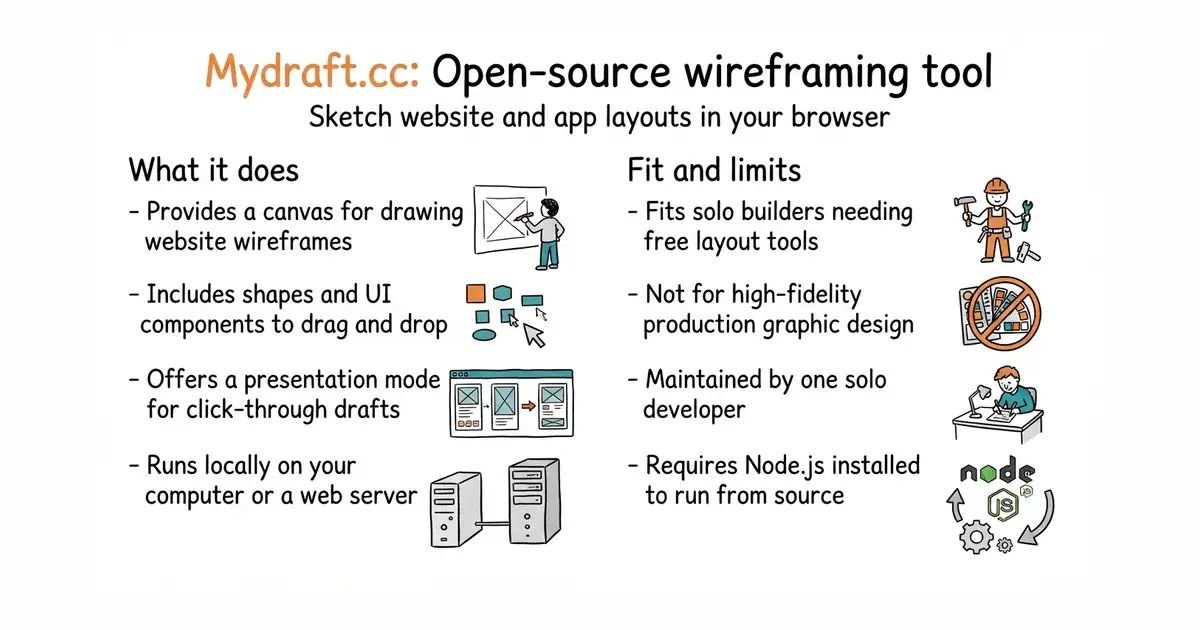
This tool lets you sketch rough layouts for websites and apps in your browser. You can drag boxes, buttons, and text onto a blank page to plan your design before you write code. It is free to use and runs on your own computer or web server. You do not need to pay a monthly fee to commercial design companies. It is maintained by a single developer who wants a free option.
What it is
An open-source wireframing application built with TypeScript (a programming language that adds safety rules to JavaScript), React (a library for building user interfaces), and Redux (a tool for managing application state). It provides a canvas with shape libraries and a presentation mode to show your rough drafts.
What it is good for
Solo builders who need to sketch user interfaces quickly without paying for expensive subscription software.
- Completely free and open source under the MIT licence.
- Runs locally on your computer with simple Node.js commands.
- Includes a presentation mode to view your drafts as a click-through flow.
- Requires Node.js (a tool that runs JavaScript outside a web browser) installed on your computer to run from source.
- Maintained by just one developer, so bug fixes may take time.
- Lacks the advanced collaborative features found in modern commercial design tools.
Paid wireframing and prototyping subscriptions
A local web browser like Firefox or Chrome
- excalidraw/excalidraw134k stars
A popular virtual whiteboard for sketching hand-drawn diagrams and wireframes.


- SVG-Edit/svgedit7.8k stars
A vector drawing editor that runs in a browser and can be embedded in a web page.
- viliusle/miniPaint3.5k stars
A layered image editor that runs in a browser, with no upload and nothing installed.
- johanmattssonm/birdfont561 stars
A free desktop editor for drawing a typeface and exporting it as an installable font file.
git clone https://github.com/mydraft-cc/ui.git
cd ui
npm i
npm start