4.4k stars · MIT · 2.18.0 (2026-09-14), read from /releases/latest · Track this in Scout
Your own server for coding-time statistics, compatible with the WakaTime editor plugins.
▶Repo detailsthe review · specs · pros & cons · install
What it is
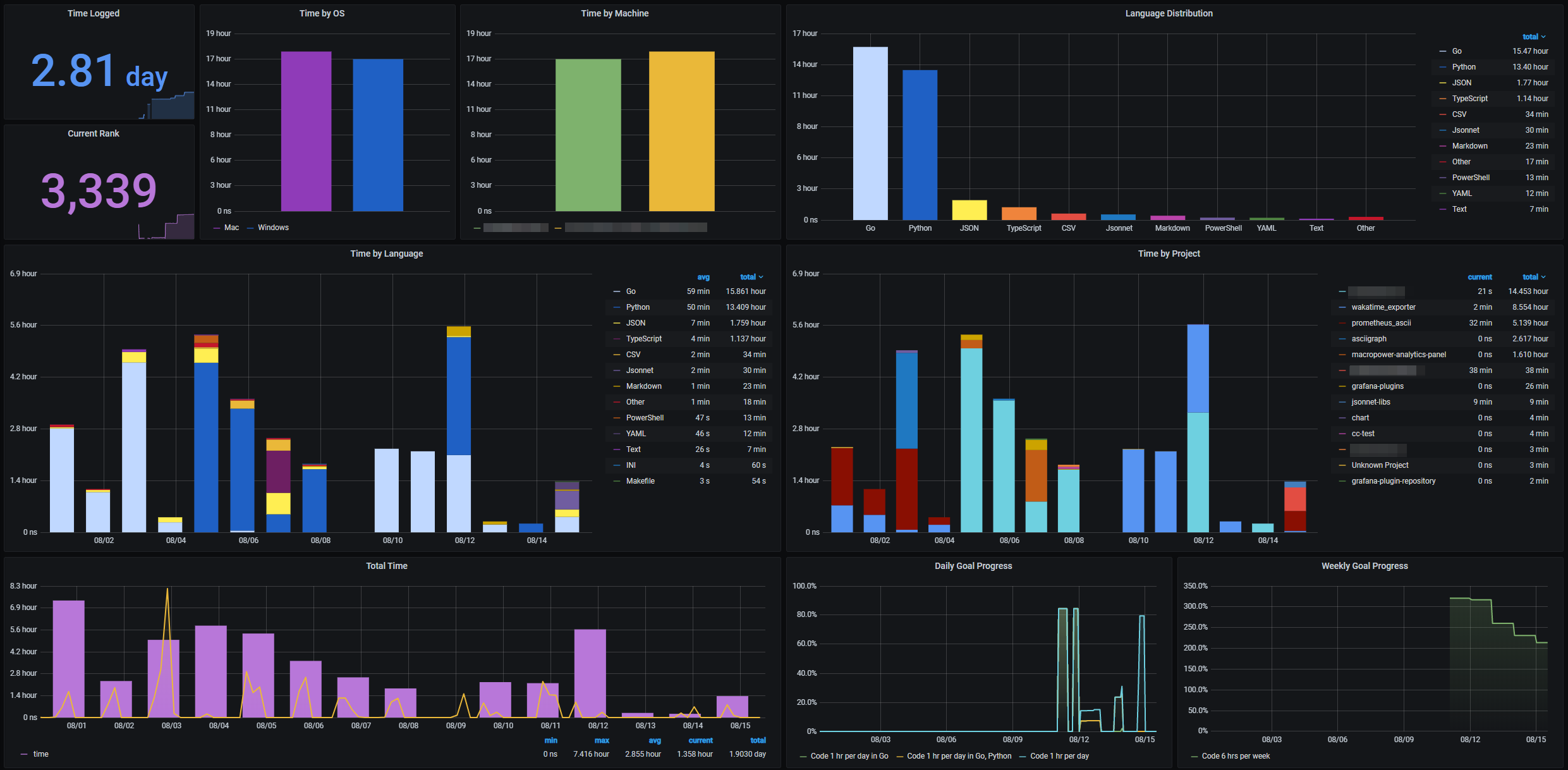
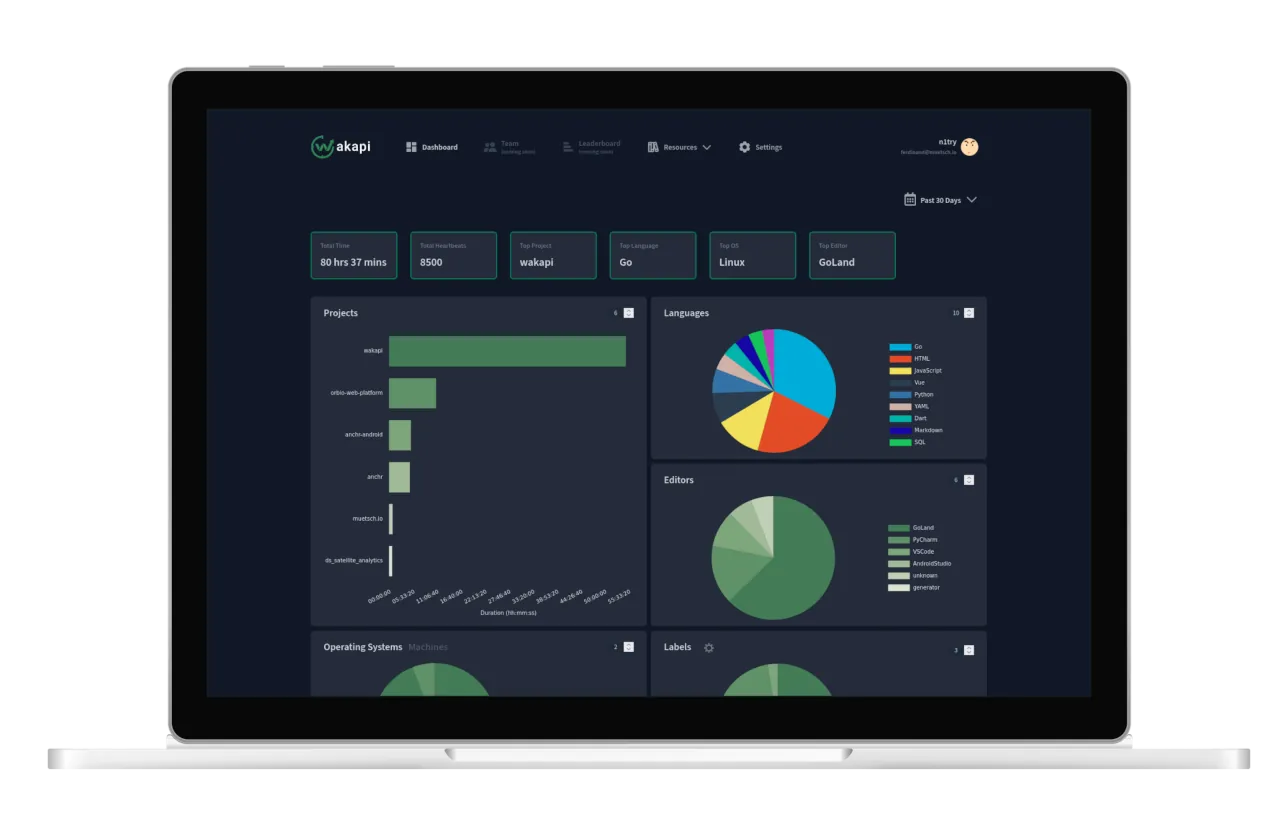
A small service written in Go that speaks the same protocol as WakaTime, the commercial coding-time service. That means the existing WakaTime plugins for VS Code, JetBrains, Vim and the rest send their data to your copy with one changed setting. It stores file names, project names, editor names, your computer's host name and timestamps, and it draws the totals by project, language, editor and operating system.What it is good for. Anyone who wants an honest answer to "where did this month go". The problem it removes is guessing. It is also useful when you bill by the hour, because the record is made while you work rather than remembered afterwards. One honest caution that belongs in plain sight: it records file names and project names, so it is a detailed picture of your work, and that is exactly why keeping it on your own server is better than sending it to a company.
- Nothing new in the editor. The WakaTime plugins already exist for almost every editor and they work unchanged.
- One small program with SQLite built in, so there is no database to install beside it.
- MIT licence, and it can optionally forward the same data to WakaTime if you want both.
- It measures activity in an editor. Time spent reading, thinking or in a terminal does not appear.
- The numbers are only as good as the plugin, and a plugin that is switched off records nothing.
- It is another service to run, back up and keep behind a login page.
- wakatime/wakatime-cli
The command-line program that every WakaTime editor plugin uses underneath; it is what sends the data that Wakapi receives.
Track this in Scout - ActivityWatch/activitywatch
Measures everything you do on the computer rather than only the editor, which is a wider picture and a much larger thing to run.
Track this in Scout
# With Docker, on your server:
docker run -d --init -p 3000:3000 \
  -e "WAKAPI_PASSWORD_SALT=change-this-to-a-long-random-string" \
  -v wakapi-data:/data ghcr.io/muety/wakapi:latest
# Or a plain binary, with no Docker:
curl -L https://wakapi.dev/get | bash
# Then open http://<your-server-address>:3000, create an account,
# and put your API key and your server address into the WakaTime
# plugin settings in your editor.