3.8k stars · MIT · v4.5.1 (2026-09-06), read from /releases/latest and confirmed on registry.npmjs.org · Track this in Scout
It turns one Markdown file into slides, a PDF or a PowerPoint file with one command.
▶Repo detailsthe review · specs · pros & cons · install
What it is
A command-line converter for Marp, a Markdown-based slide format. It reads a Markdown file where --- separates slides and exports HTML, PDF, PPTX or a set of PNG images. It can also serve the deck and rebuild it while you edit, and it takes a CSS theme if you want your own look.What it is good for. Anyone who has to produce a deck and resents the afternoon it takes. The problem it removes is the dragging. It is also useful for anything you have to produce repeatedly, because a deck built from text can be regenerated from new numbers. Slidev (Edition 12 #4) does the same job in the opposite way, and the difference is worth stating plainly: Slidev runs a development server for a live talk with interactive components, while this is one command that produces a file and exits. If you are speaking, use Slidev. If you are sending a PDF, use this.
- One command, one file in, one file out. Nothing keeps running afterwards.
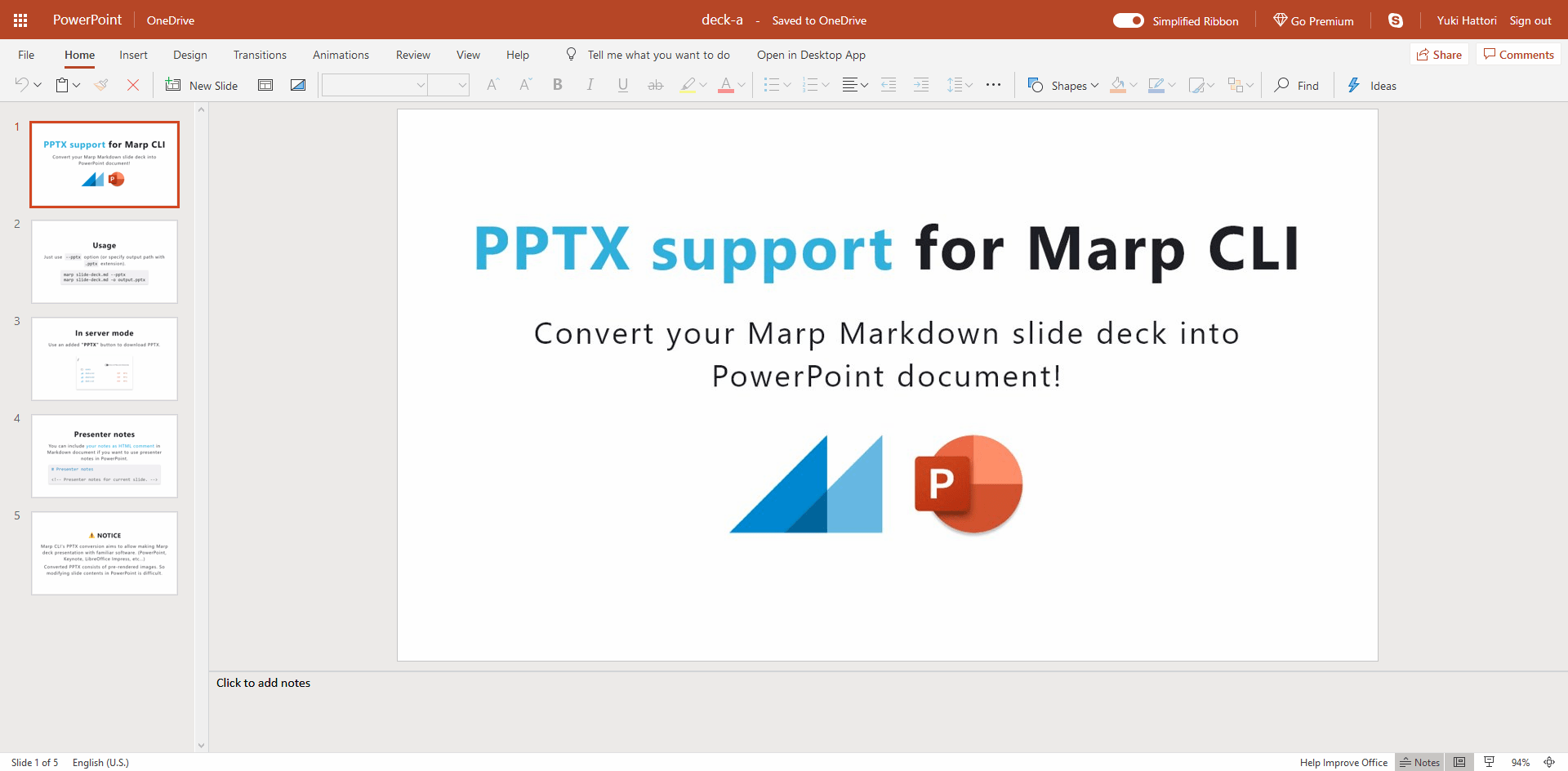
- It exports PowerPoint, which matters when the other person will not open anything else.
- MIT, and
npxruns it without installing anything permanently.
- It needs Node.js 18 or newer, which is an extra thing on the machine if you work in Python.
- Exporting to PDF, PowerPoint or images needs a browser installed — Chrome, Edge or Firefox — because it renders the slides in one.
- The default look is plain. Making it yours means writing CSS, which is a real skill to pick up.
 slidevjs/slidev
Slides from Markdown as well, but built around a live development server with interactive Vue components and a presenter view, so it suits a talk you give rather than a file you send.
Track this in Scout- hakimel/reveal.js
The web framework both of the above sit on top of, which you write in HTML instead of Markdown and control completely.
Track this in Scout  quarto-dev/quarto-cli
Renders one source file into a deck, an article, a PDF and a website, and runs Python or R code inside the document, which is far more than slides and correspondingly larger to install.
Track this in Scout
# Try it with no installation at all (needs Node.js 18+):
npx @marp-team/marp-cli@latest slide-deck.md
# macOS:
brew install marp-cli
# Inside a project:
npm install --save-dev @marp-team/marp-cli
# Write slides, then export. Three dashes start a new slide:
npx @marp-team/marp-cli@latest slide-deck.md --pdf
npx @marp-team/marp-cli@latest slide-deck.md --pptx
# Edit and watch it rebuild in a browser:
npx @marp-team/marp-cli@latest -s slide-deck.md