11,684 stars · MIT from the repository sidebar. · v0.9.0, and THE YEAR COULD NOT BE SETTLED: the release page reads '13 Sep 14:32' with no year, which would mean 13 September 2026, but ungh.cc gives pushedAt 2026-07-08T18:44:50Z, two months EARLIER than that. A release cannot postdate the last push, the project publishes no package on any registry, and ungh's releases sub-path did not answer, so the only honest reading is that the release predates 2026 and the 8 July 2026 code date is what proves currency. The edition says so plainly. · Track this in Scout
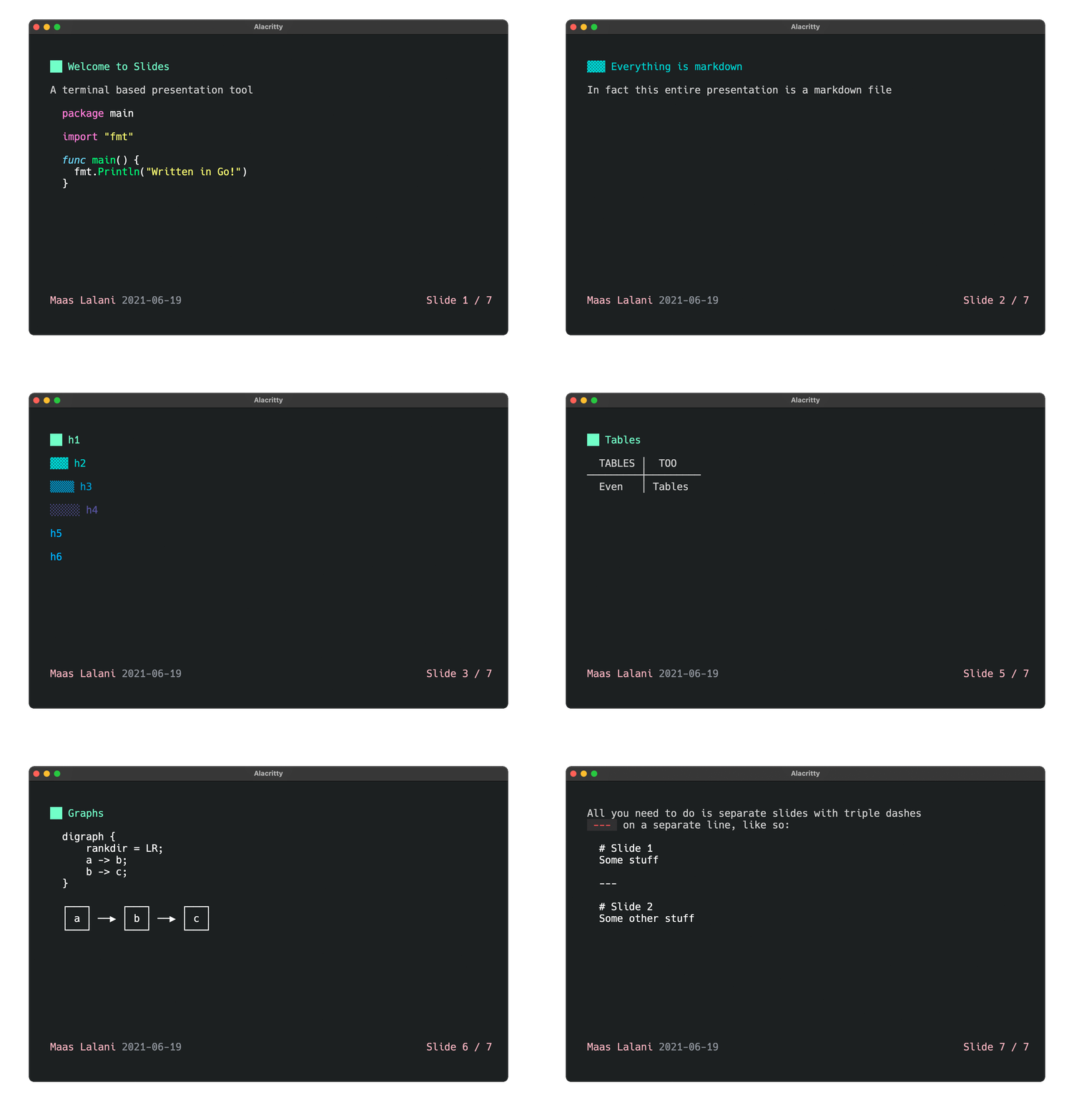
Shows a Markdown file as terminal slides and can run a code block live during the talk, with no pictures and nothing to export.
▶Repo detailsthe review · specs · pros & cons · install
What it does
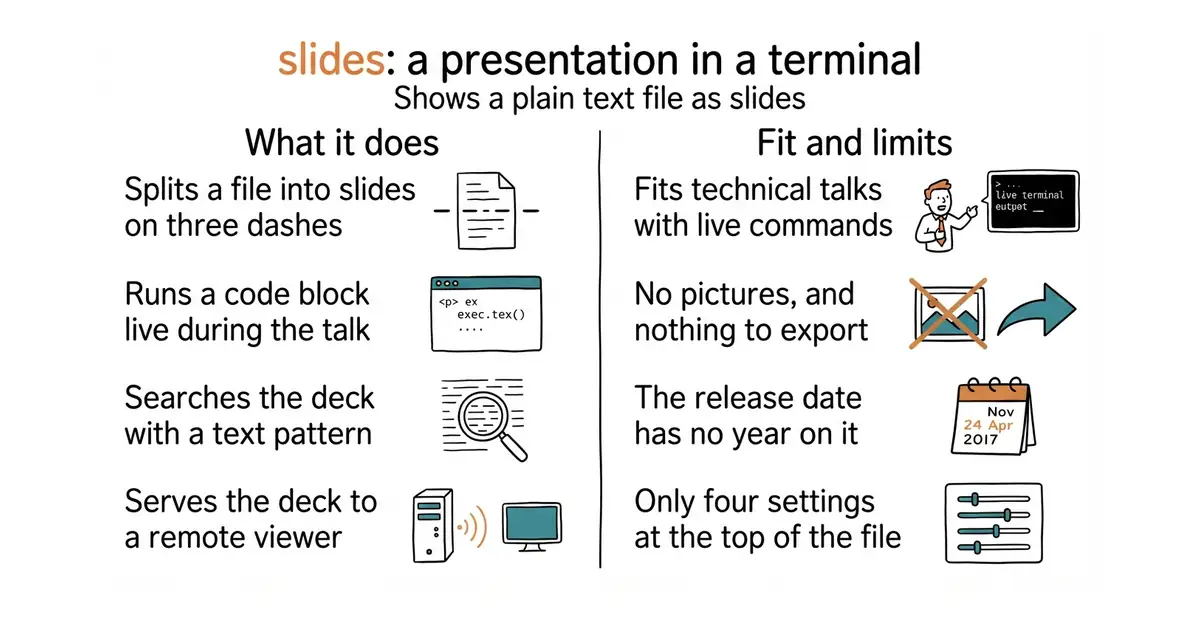
You write a file where each slide is separated by a line of three dashes. Running slides on that file starts the presentation, and the arrow keys move between slides. A short block at the top of the file sets the theme, the author, the date format and the paging text. Pressing ctrl+e on a slide runs the code block on it and prints the result on the slide, which means a live demonstration cannot fail from a typo made on stage. Blocks marked with tildes instead of backticks are run once before the presentation starts and replaced with their output, so a chart or a table can be generated fresh. A forward slash searches the deck using a regular expression, which is a short pattern language for matching text. Editing the file while it is open updates the presentation. slides serve publishes the deck over SSH, so somebody else can connect and watch. What it does not do is show pictures, and there is nothing to export: it draws text in a terminal, so there is no PDF and no slide file at the end.
Why it matters
Who it suits. Anyone who presents technical material to a technical audience and would rather write a file than arrange boxes — a conference lightning talk, an internal walkthrough, a teaching session where commands have to be run live. The code-running feature is the real reason to choose it over the alternatives, because it turns the demonstration into part of the deck. Skip it if the audience expects pictures or a file to take away, because this produces neither.
Verdict. Five minutes to install and five minutes to learn, which makes it the cheapest thing on this page to try. The limits are real though, and they are the whole trade: no images, no export, and the deck only exists while the terminal is open. mfontanini/presenterm at 8,639 stars is the better choice when the deck needs pictures and more layout, and Edition 37 covered it. marp-team/marp-cli, covered in Edition 21, is the one to use when the output has to be a PDF or a PowerPoint file that somebody else opens. One note on dates: the newest release is v0.9.0, and GitHub prints its date without a year, so the year cannot be read from the page; code last landed on 8 July 2026, which is what proves the project is alive.
- One command to install, one command to present, and the file is readable on its own.
- Running a code block live during the talk removes the risk of typing a command wrongly on stage.
slides servelets somebody watch over SSH, with no screen sharing involved.
- No pictures at all, and nothing to export: the presentation only exists inside a terminal.
- The newest release is v0.9.0 and GitHub does not print its year, so the release date cannot be read from the page.
- Only four things are configurable at the top of the file, so a deck that needs real layout will not fit.
 mfontanini/presenterm
Terminal slides with pictures and real layout, at 8,639 stars, with code on 22 May 2026; Edition 37 covered it.
Track this in Scout marp-team/marp-cli
Turns the same kind of Markdown file into a PDF or a PowerPoint file, under an MIT licence; Edition 21 covered it.
Track this in Scout
brew install slides
sudo snap install slides
yay -S slides
nix-env -iA nixpkgs.slides
go install github.com/maaslalani/slides@latest