24.1k stars · MIT · 1.5.0 (2026-03-30), read from /releases/latest; the date showed no year and falls in the past, so 2026 · Track this in Scout
A web page that starts, stops, edits and watches every Docker Compose stack on your server.
▶Repo detailsthe review · specs · pros & cons · install
What it is
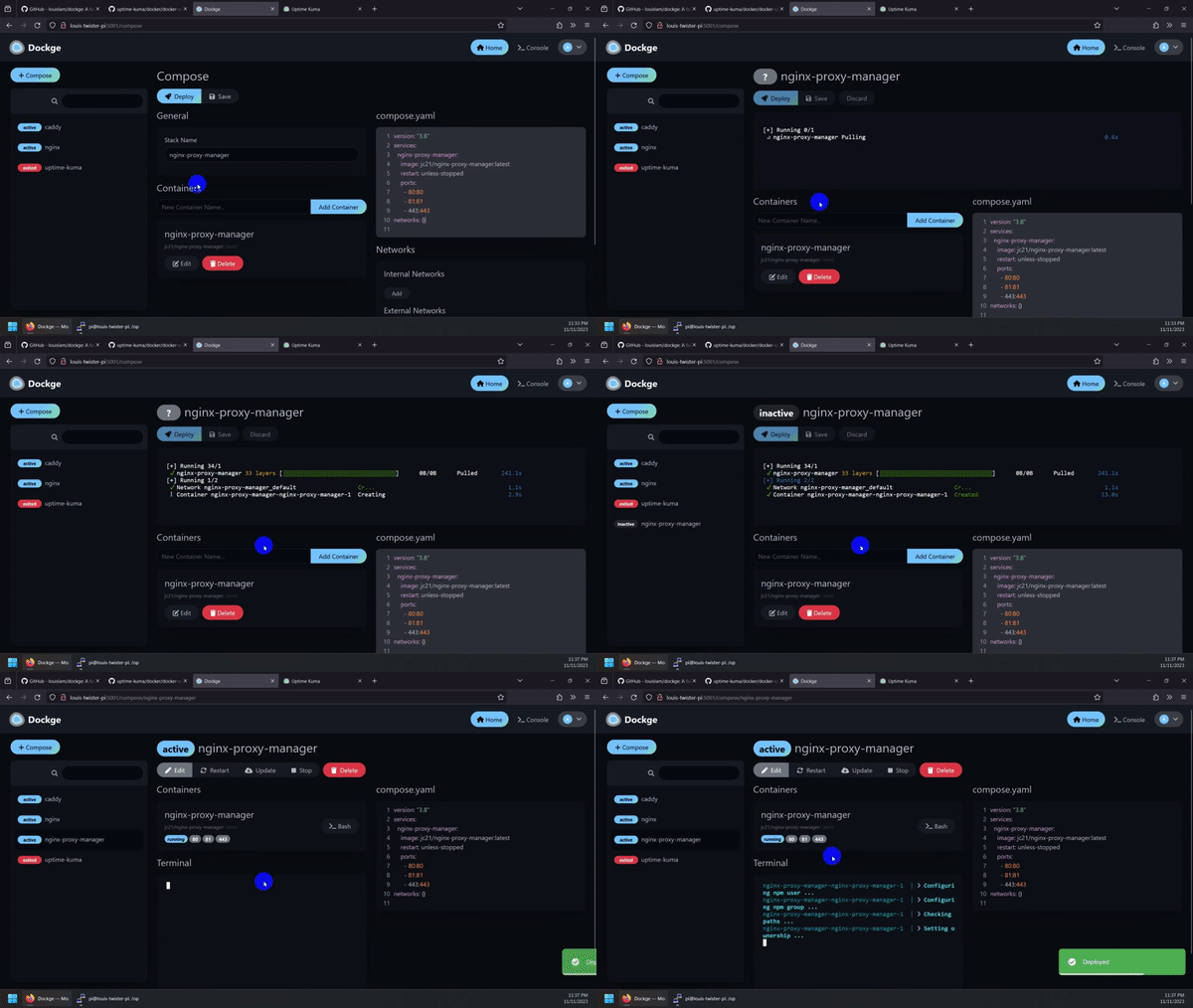
A self-hosted manager for Docker Compose stacks. Docker is a way to run a program inside its own sealed box, so it cannot break anything else on the server, and Docker Compose is the settings file that describes a group of those boxes. Dockge reads the compose files you already have, gives each stack a screen with live output, and writes your edits back to the same files on disk. It is by the same author as Uptime Kuma, which was Edition 7 #1.What it is good for. Any solo builder who runs more than two things on one server. The problem it removes is the gap between noticing something and fixing it. Restarting a stuck container stops being a laptop job and becomes three taps on a phone. It is also a good way to see what is actually running on a server you set up four months ago. Grasppy's Hetzner server now carries a long list of containers from twenty-one editions of this radar, and this is the screen that makes that list visible in one place.
- It edits your real compose files rather than hiding them in its own database, so nothing is trapped if you remove Dockge later.
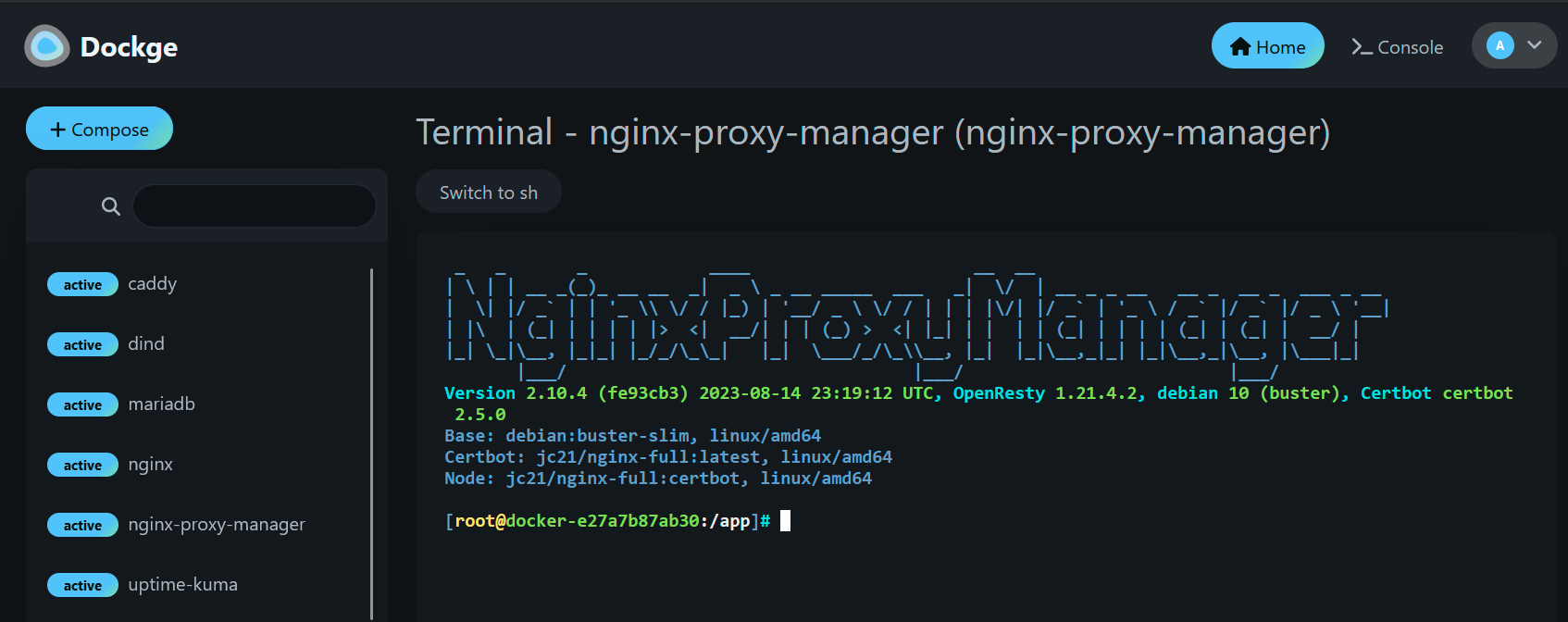
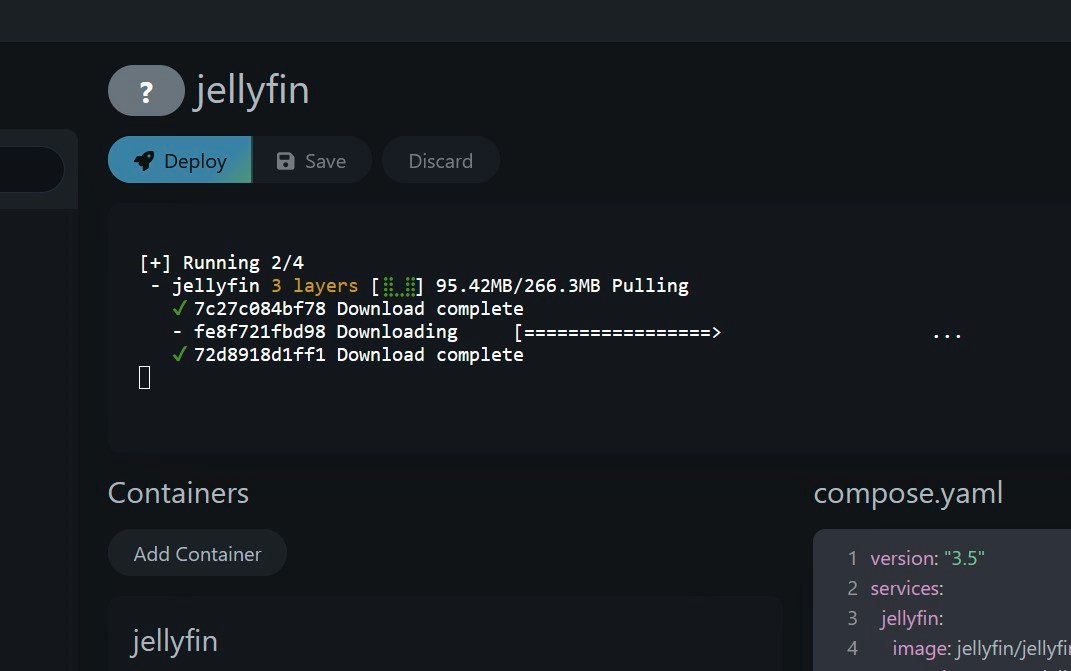
- The live output window is on the same screen as the buttons, so you see the error the moment a restart fails.
- MIT licence, which puts no conditions on using it for a business.
- It manages Docker Compose stacks and nothing else. Containers you started by hand with
docker runwill not appear. - It needs access to the Docker socket, which is the same as giving it full control of the server. Never put it on the open internet without a login page in front of it.
- One person maintains it, and the newest release is from March 2026. That is recent enough, but it is a single-maintainer project and worth knowing before you depend on it.
- portainer/portainer
Manages containers through a web page as well, and covers far more than Compose files, which makes it heavier to learn and heavier to run.
Track this in Scout - jesseduffield/lazydocker
The same job in a terminal window instead of a browser, so it is faster to open and useless from a phone.
Track this in Scout - moghtech/komodo
Builds and deploys across many servers at once, so it is the answer when one server becomes five.
Track this in Scout
```bash On your server, as a user who can run docker: sudo mkdir -p /opt/stacks /opt/dockge cd /opt/dockge sudo curl https://raw.githubusercontent.com/louislam/dockge/master/compose.yaml --output compose.yaml sudo docker