4,467 stars · Apache-2.0 and MIT, both shown in the About sidebar on 2026-10-14 · 0.10.3 (2026-09-05), settled exactly by ungh's releases endpoint at 2026-09-05T08:07:05Z; the GitHub page printed '05 Sep' with no year · Track this in Scout
It finds files using queries that look like SQL.
▶Repo detailsthe review · specs · pros & cons · install
What it does
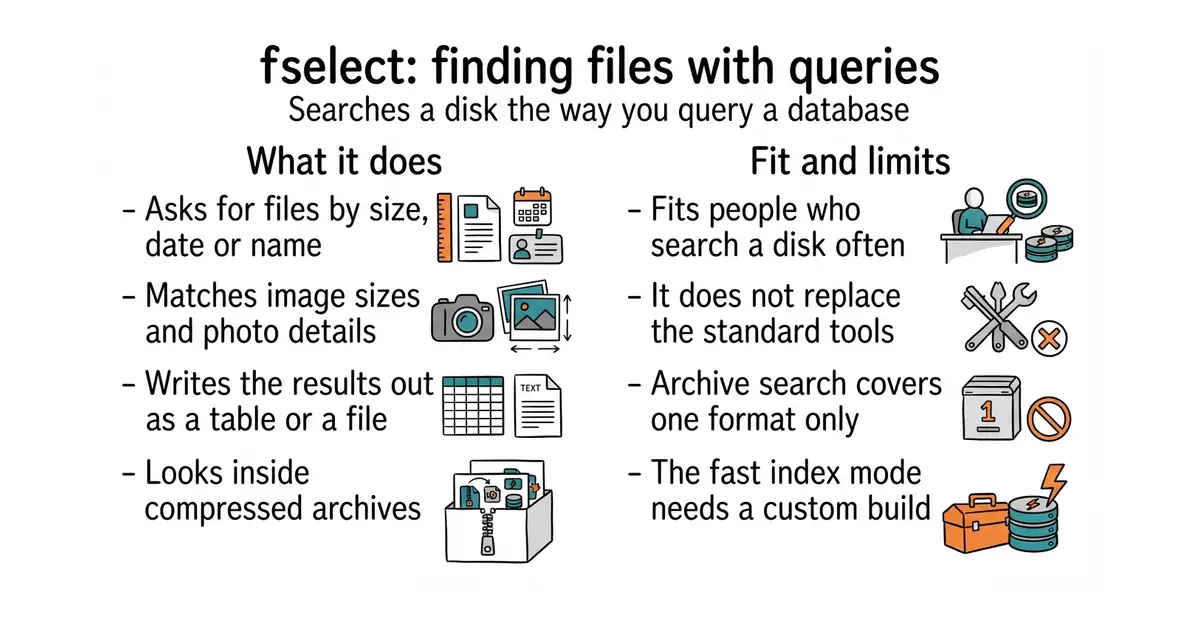
You type a query naming the fields you want, the folder to look in, and the conditions to match. The project is careful to say the language is not real SQL, only something close to it. It supports queries inside queries, functions that count and add up results, and date functions. Results can be printed as a table or written out as CSV, JSON or HTML. It can match on things ordinary file search cannot reach: the width and height of an image, the information cameras store inside a photograph, audio tags, extended file attributes, a file's hash, and its detected type. It can look inside zip archives. It reads .gitignore, .hgignore and .dockerignore files so that ignored files stay out of the results, and the project marks that part experimental. There is an interactive mode, and on Linux and Windows it can use an existing file index to answer faster if it is built with that option switched on. The newest release is 0.10.3, from 5 September 2026. What it does not do is replace the standard tools; the README says so itself. Archive search covers zip only, and nothing else.
Why it matters
Who it suits. Anyone who searches a disk often and writes the same awkward command every time: finding every photograph wider than 3,000 pixels, every configuration file over a megabyte, every file changed today in one folder but not another. It suits people who already think in database queries, because then there is nothing new to learn. Skip it if your searches are simple, because the standard tools are already installed and already fast.
Verdict. Worth five minutes, and the queries are the reason to keep it rather than the speed. The honest framing is that this is a second tool, not a replacement — the project says that plainly, and believing it will save disappointment. The reach into image dimensions, camera information and archive contents is where it earns its place, because that is work that otherwise needs a script. sharkdp/fd at 44,300 stars is the tool to reach for when the search is simple and should be fast, with sensible defaults and a short command. BurntSushi/ripgrep at 67,300 stars answers the other common question, which is finding text inside files rather than finding the files themselves. One practical note: the installed command is fselect, and a query containing brackets needs quoting so the shell does not read it first.
- Conditions on image size, camera information, audio tags, file hashes and detected file type.
- Results can be written straight out as CSV, JSON or HTML, so a search can feed a report.
- It can search inside zip archives, which ordinary file search cannot do at all.
- The query language only looks like SQL, so existing SQL knowledge transfers partly and not fully.
- Archive search covers zip and no other format.
- The index-backed fast mode has to be switched on when the program is built, so the ordinary install does not have it.
- sharkdp/fd
A faster and much simpler replacement for ordinary file search, at 44,300 stars, under Apache-2.0 and MIT licences.
Track this in Scout - BurntSushi/ripgrep
Searches the text inside files rather than finding the files, at 67,300 stars, and honours ignore files the same way.
Track this in Scout
cargo install fselect
brew install fselect
choco install fselect
scoop install fselect
winget install -e --id fselect.fselect