In simple English
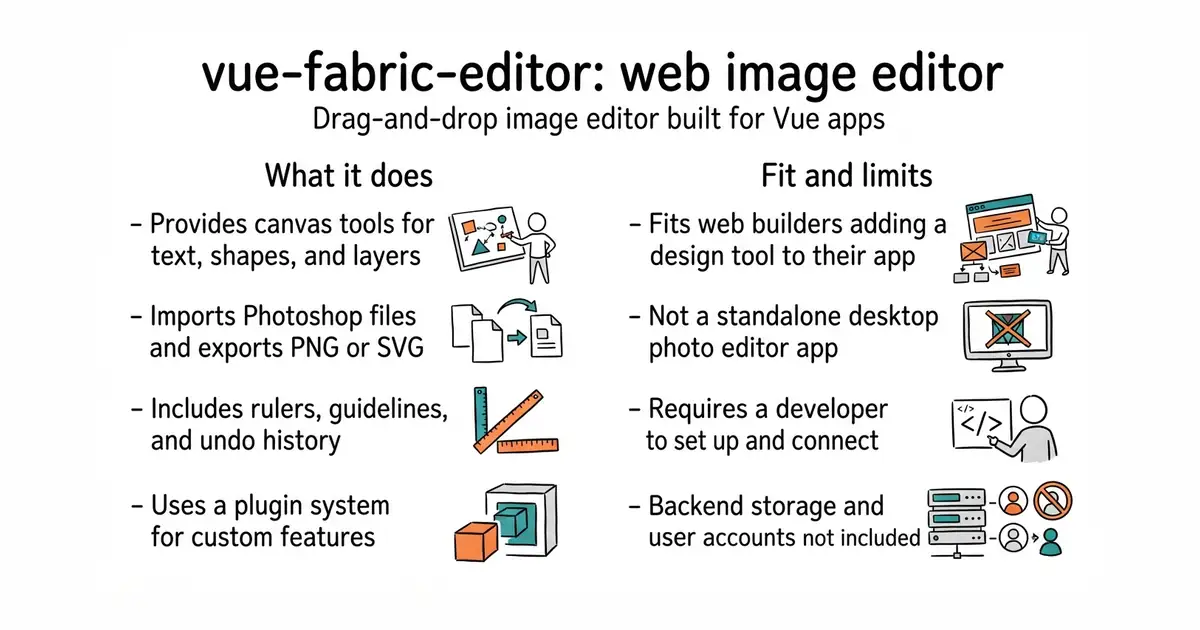
This tool lets you build your own online image editor without writing everything from scratch. It gives you a canvas where users can drag pictures, add text, and arrange shapes. You can drop it into your own web application to give your customers design features. The code is free to use under an MIT licence. You will need a developer to set it up and connect it to your system.
What it is
A modular image editor built with Vue and fabric.js (a library that makes working with HTML canvas elements easier). It includes ready-made panels for text, layers, rulers, and file exports.
What it is good for
Solo builders who want to add poster creation, merch customization, or banner editing to their web apps without building a drawing tool from scratch.
- Includes useful features like undo, redo, rulers, and alignment guides out of the box.
- Supports importing Photoshop files and exporting designs to PNG or SVG.
- Plugin-based design makes it simple for a developer to add new features or remove unwanted ones.
- Requires Node.js and strict package manager versions to run, which can cause friction during setup.
- Only provides the frontend code, so you must build your own backend for saving designs and user accounts.
- Documentation is sparse in English, as most guides and community discussions are in Chinese.
building an image editor canvas from scratch using raw HTML canvas APIs
Vue.js
- wangyuan389/mall-cook5.6k stars
Another open-source visual page builder created in the same community ecosystem.


- SVG-Edit/svgedit7.8k stars
A vector drawing editor that runs in a browser and can be embedded in a web page.
- viliusle/miniPaint3.5k stars
A layered image editor that runs in a browser, with no upload and nothing installed.
- johanmattssonm/birdfont561 stars
A free desktop editor for drawing a typeface and exporting it as an installable font file.
npm install -g pnpm@8.4.0
git clone https://github.com/ikuaitu/vue-fabric-editor.git
cd vue-fabric-editor
pnpm i
pnpm dev