306 stars · GPL 3.0, read from the README because THE SIDEBAR SHOWS NO LICENCE AT ALL. The README's copyright line reads 2010-2026, Matthew LaGrandeur. · 2.10.3, dated 12 July 2026 on the repository sidebar. ungh.cc gives pushedAt 2026-08-21T02:52:35Z. · Track this in Scout
A font editor that runs entirely in a browser page with nothing to install, aimed by its own description at hobbyists and beginners.
▶Repo detailsthe review · specs · pros & cons · install
What it does
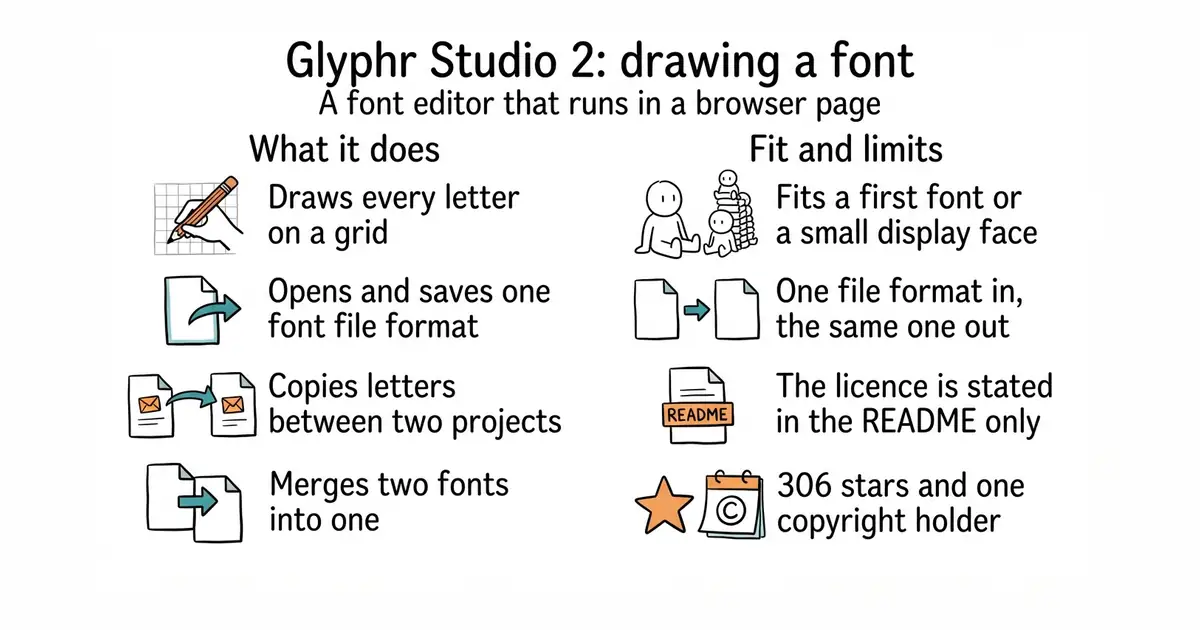
You open the web page and either start a new font or import an OTF file, one of the two common font formats. You then draw each letter on a grid, with the usual outline tools, and the editor keeps the measurements that make letters line up. Version 2's main addition over version 1 is working on several fonts at once: you can copy letters between projects, and merge two fonts into one. It exports back to OTF. There is no back-end at all — the whole thing builds to HTML, JavaScript and CSS, so a copy can be served from any plain web server or run from the hosted page. The newest release is 2.10.3, from 12 July 2026, and the project deliberately uses almost no outside libraries: just FontFlux JS for reading and writing font files and a small library for combining outlines. What it does not handle is any format other than OTF. There is no UFO or Glyphs import, which is what professional type pipelines use, and version 1 is deprecated with only very serious bugs being fixed.
Why it matters
Who it suits. Someone making their first font, or making a small display font for one project — a logo face, an icon set drawn as letters, a handwriting font traced from a scan. It also suits a classroom, because nothing has to be installed on the machines. Skip it if you work professionally in type, because the formats and the production tools are not here.
Verdict. The friendliest way into font drawing that exists, and genuinely worth an afternoon for anyone curious. Treat it as a sketching tool rather than a production one: with OTF as the only format in and out, a font drawn here cannot easily move into a professional pipeline later, and that is the thing to know before investing weeks in a design. fontforge/fontforge at 7,900 stars is the free desktop alternative with the full set of production features, and it is much harder to learn. fonttools/fonttools at 5,200 stars is the library underneath much of the professional toolchain, for anyone who would rather write code than draw. One small thing worth noting: the repository sidebar shows no licence, and the licence is stated in the README as GPL 3.0 with a copyright line running from 2010 to 2026.
- Nothing to install and no account to make, so a first font can be started in a browser tab.
- Multi-project editing means letters can be copied between fonts and two fonts merged.
- No back-end at all, so a private copy can be served from any plain web server.
- OTF is the only format it imports and exports, so there is no path into a professional type pipeline.
- The licence is in the README rather than in the sidebar, where most people look for it.
- A very small project: 306 stars, and one named copyright holder doing the work.
- fontforge/fontforge
The long-standing free desktop font editor with the full production feature set, at 7,900 stars, under GPL-3.0; far more capable and far harder to learn.
Track this in Scout - fonttools/fonttools
The Python library that reads and writes font files, at 5,200 stars, under an MIT licence; for building fonts in code rather than drawing them.
Track this in Scout
git clone https://github.com/glyphr-studio/Glyphr-Studio-2.git
cd Glyphr-Studio-2/dist
python3 -m http.server 8000