30.6k stars · GPL-3.0, named in the About sidebar · v14.0.0, 19 June 2026 · Track this in Scout
A free screenshot tool that lets you draw on the picture where it sits, on three operating systems.
▶Repo detailsthe review · specs · pros & cons · install
What it does
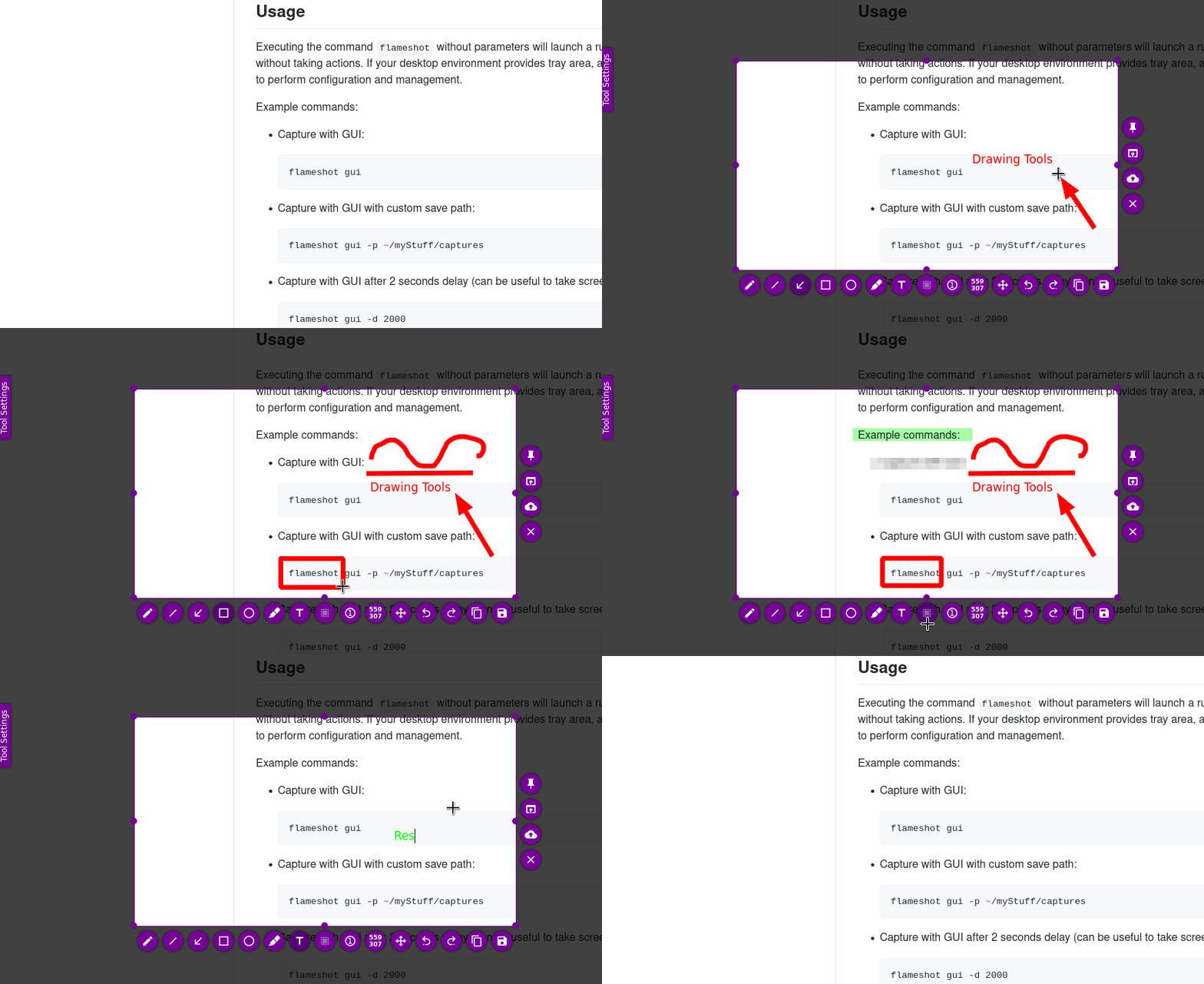
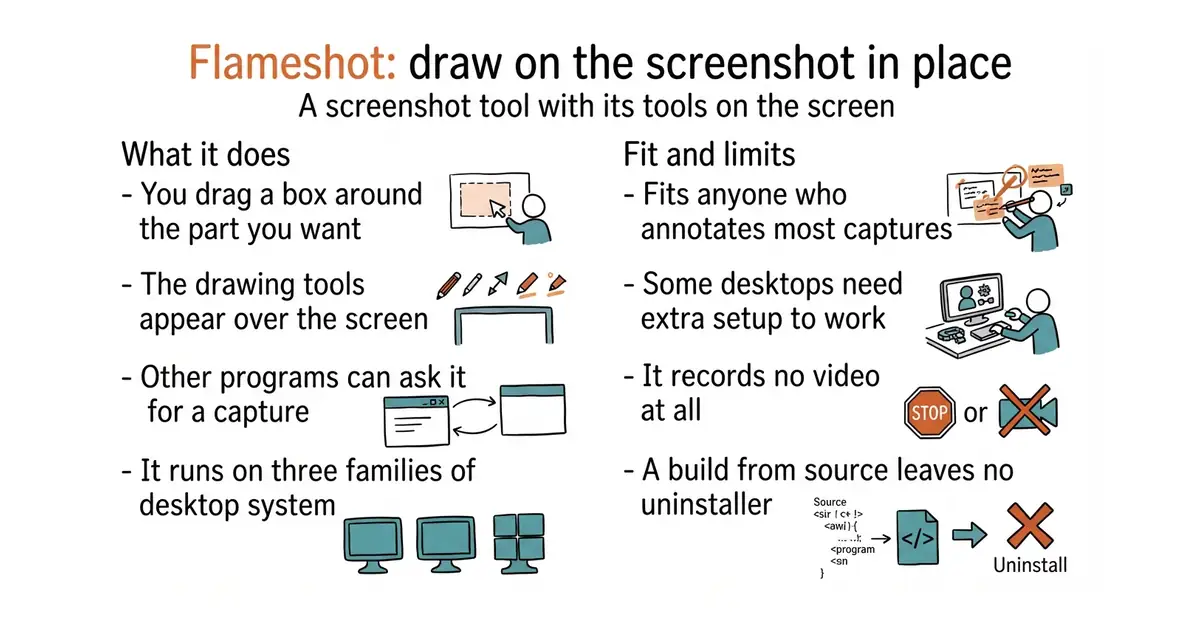
Flameshot captures a region you drag out and shows its drawing tools on top of the screen, so annotation happens before the file exists. The project lists in-app editing, an adjustable appearance, a DBus interface so other programs can ask it for a capture, and upload to Imgur. It runs on Linux, Microsoft Windows and macOS from one codebase. The project is specific about where the edges are. Wayland support on Linux is described as experimental, with separate instructions for Hyprland, Sway and wlroots. On minimal window managers a capture can fail with a missing desktop-portal service, which needs a legacy X11 capture setting turned on. On Windows the Print Screen binding is fixed and cannot be changed, and on macOS the Homebrew build may be stopped by Gatekeeper until you clear it by hand. It records no video.
Why it matters
Who it suits. Anyone on Linux who wants one screenshot tool that works the same on every machine they touch, and anyone who annotates most of their captures. The on-screen tool row is genuinely faster than a separate editor window, because the picture never leaves the screen. It also suits people who script things, since the DBus interface and the command line both work. Skip it if you are on GNOME Wayland and cannot tolerate experimental behaviour, and skip it if you need video.
Verdict. Five minutes on Debian, Ubuntu or Arch, and it is the one to install first on Linux. Build it from source only if your distribution's package is old, and note that the source install leaves no uninstaller unless you set your own prefix. The Wayland caveat is real rather than a formality, so if your desktop is Wayland, read the project's setup page before deciding. On Windows, ShareX is the more capable choice.
- One program, three operating systems, and on Linux it is a single package install.
- The drawing tools appear over the screen, so there is no second window and no save-then-edit step.
- Honest documentation: the project writes down its own Wayland, window-manager and Gatekeeper problems rather than hiding them.
- Wayland support is experimental, and several Linux desktops need extra setup before a capture works at all.
- No video or animated-image recording.
- Building from source needs Qt 6.2.4, GCC 11 and CMake 3.22 or newer, and provides no uninstaller.
 ShareX/ShareX
Much more capable, including video and chained upload steps, but Windows only.
Track this in Scout greenshot/greenshot
A simpler Windows-only alternative whose strength is the hide-and-blur tool.
Track this in Scout- ksnip/ksnip
The same cross-platform promise with a more conventional window-based editor.
Track this in Scout
sudo apt install flameshot