20.8k stars · MIT · v0.12.0 (2026-09-09), read from /releases/latest · Track this in Scout
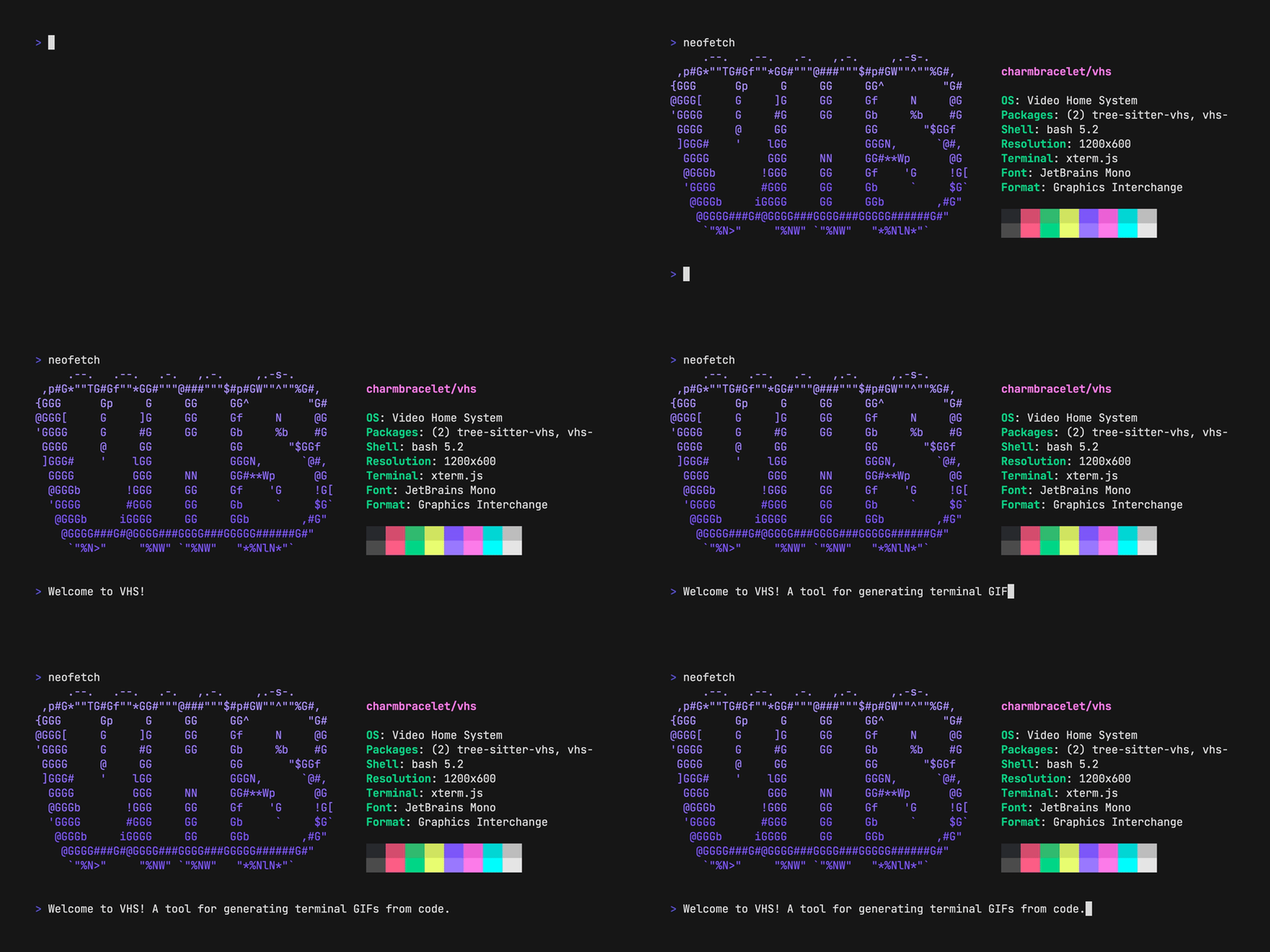
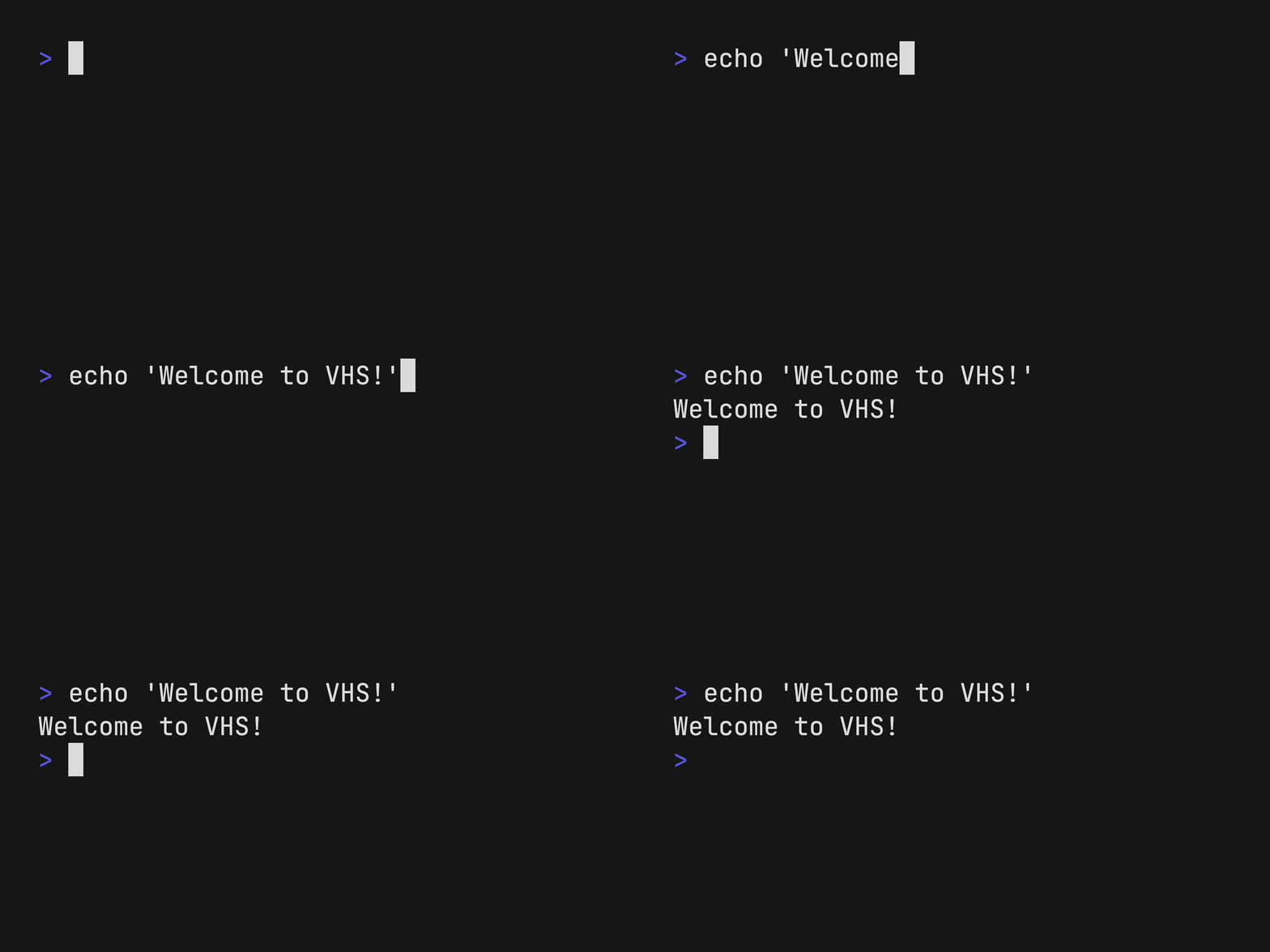
It performs a terminal demonstration from a written script and saves it as a video.
▶Repo detailsthe review · specs · pros & cons · install
What it is
A command-line tool written in Go that reads a .tape file, a small script of keystrokes, pauses and settings, and renders the resulting terminal session as a GIF, MP4 or WebM. It controls the window size, the font, the theme and the typing speed, so the output looks the same every time.What it is good for. Anyone who writes documentation, a README or a tutorial about something that runs in a terminal. The problem it removes is re-recording. A demonstration that lives in a text file can be regenerated after every release, and it can sit in the repository beside the code it demonstrates. For a YouTube channel this is the cleanest way to produce a short, correct terminal clip to drop into a longer video, without a screen recorder and without retakes.
- The demonstration is a text file, so it goes in git and you can see what changed.
- Every recording comes out identical: same size, same colours, same typing speed.
- There is a Docker image, so you can produce the video without installing anything on your own machine.
- Installed normally it needs two other programs on your machine first:
ttydandffmpeg. The Docker route avoids both. - It only records a terminal. It will not record a browser or a desktop window.
- A long demonstration takes as long to render as it does to play, so a three-minute clip costs three minutes every time.
- asciinema/asciinema
Records a real session you actually type, and stores it as text rather than video, so the file is tiny and the viewer can select the text.
Track this in Scout - faressoft/terminalizer
Also records a live session and turns it into an animated GIF or a web player, with the recording edited afterwards in a config file.
Track this in Scout - charmbracelet/freeze
The still-picture half by the same authors: it turns a file of code or captured output into a PNG or SVG image, with no motion at all.
Track this in Scout
# macOS or Linux with Homebrew (it pulls in ttyd and ffmpeg):
brew install vhs
# Or on Debian and Ubuntu, from the project's own package repository:
sudo mkdir -p /etc/apt/keyrings
curl -fsSL https://repo.charm.sh/apt/gpg.key \
  | sudo gpg --dearmor -o /etc/apt/keyrings/charm.gpg
echo "deb [signed-by=/etc/apt/keyrings/charm.gpg] https://repo.charm.sh/apt/ * *" \
  | sudo tee /etc/apt/sources.list.d/charm.list
sudo apt update && sudo apt install vhs ffmpeg
# Write your first tape and render it:
vhs new demo.tape
vhs demo.tape
# Or with no local installation at all:
docker run --rm -v $PWD:/vhs ghcr.io/charmbracelet/vhs demo.tape