26,010 stars · MIT, read from the About sidebar on 2026-10-14 · 0.71.0 (2026-09-18), read from /releases/latest and settled exactly by ungh's releases endpoint at 2026-09-18T22:57:29Z · Track this in Scout
Compares the syntax tree of each file rather than its lines, so moved or reformatted code shows as unchanged.
▶Repo detailsthe review · specs · pros & cons · install
What it does
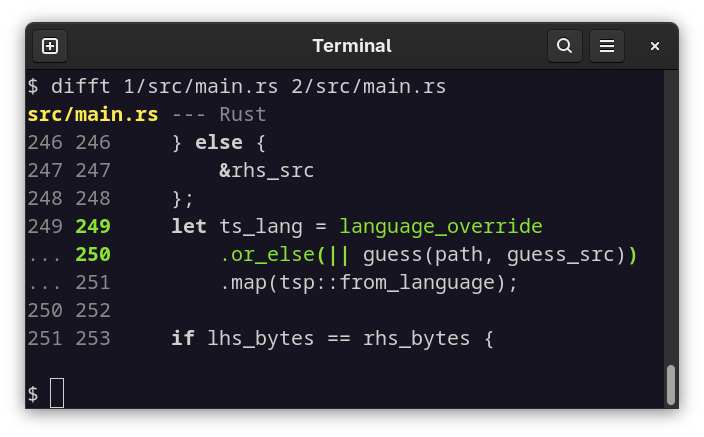
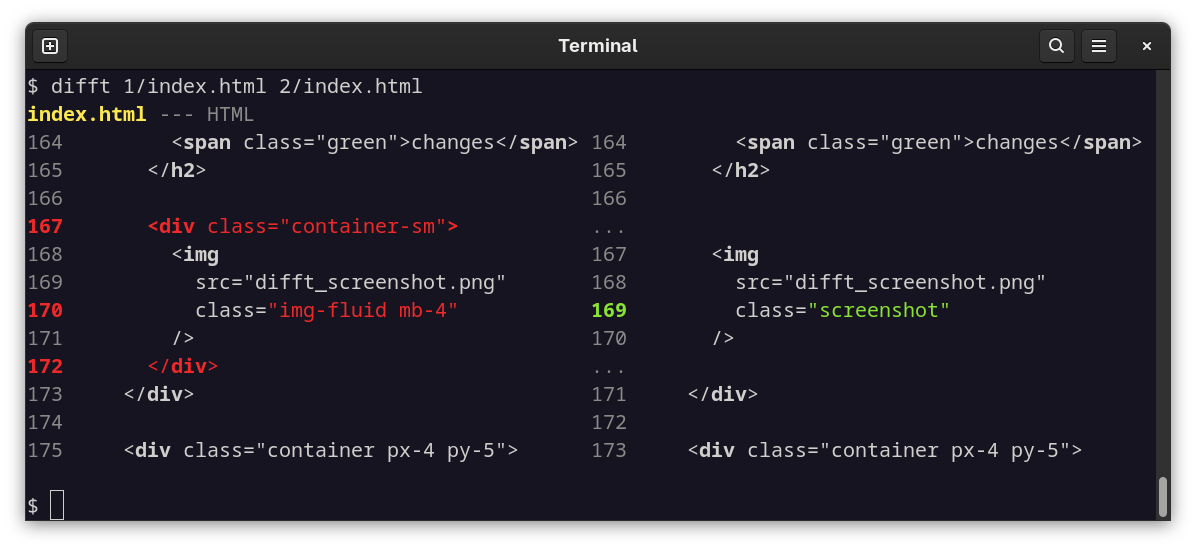
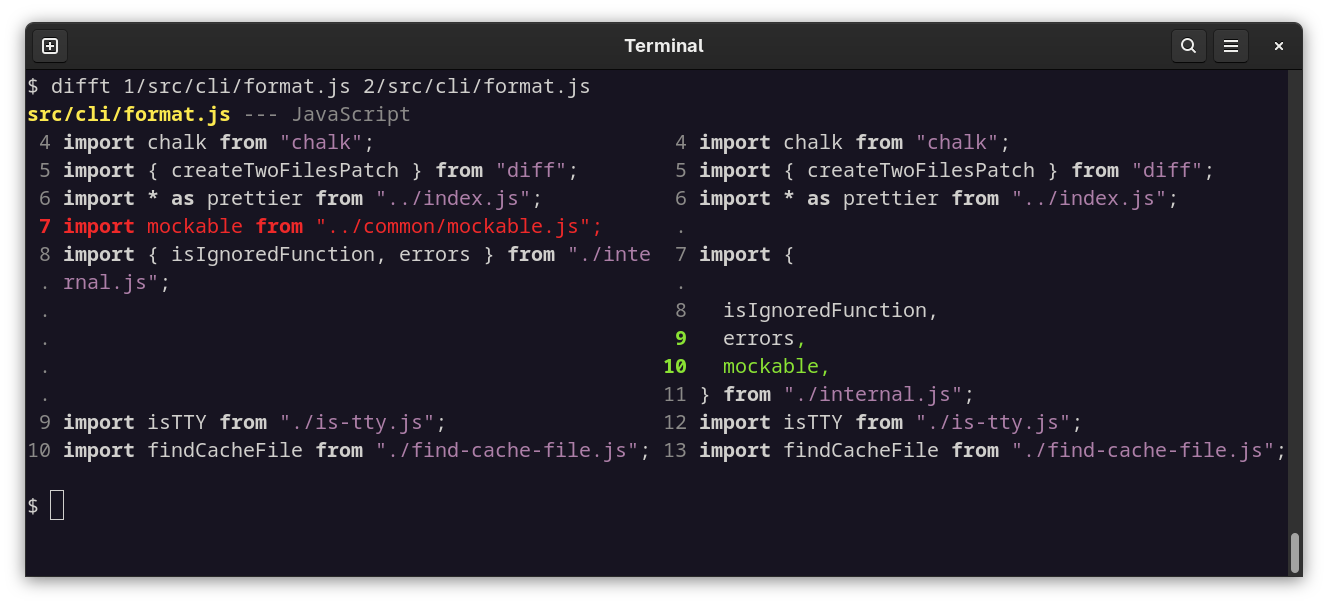
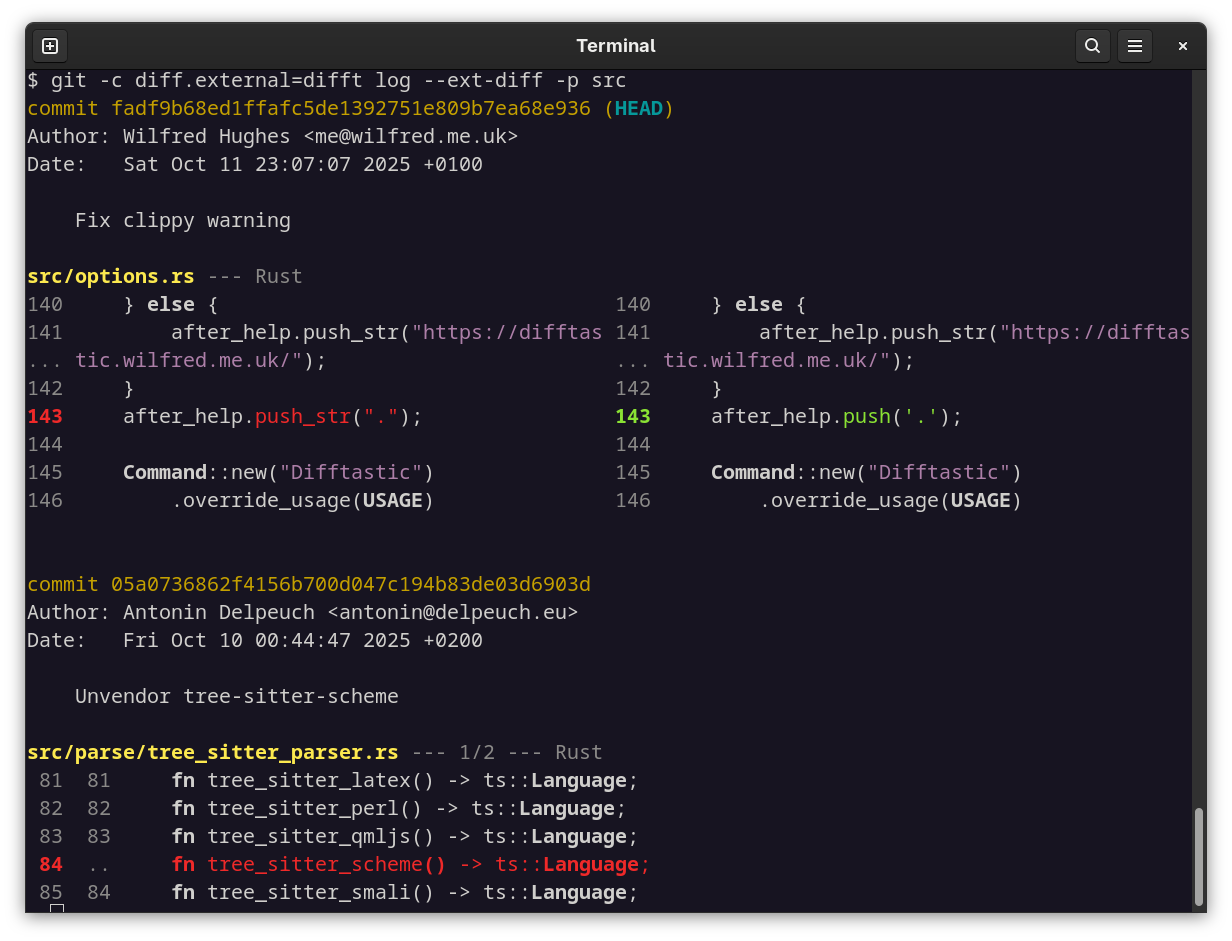
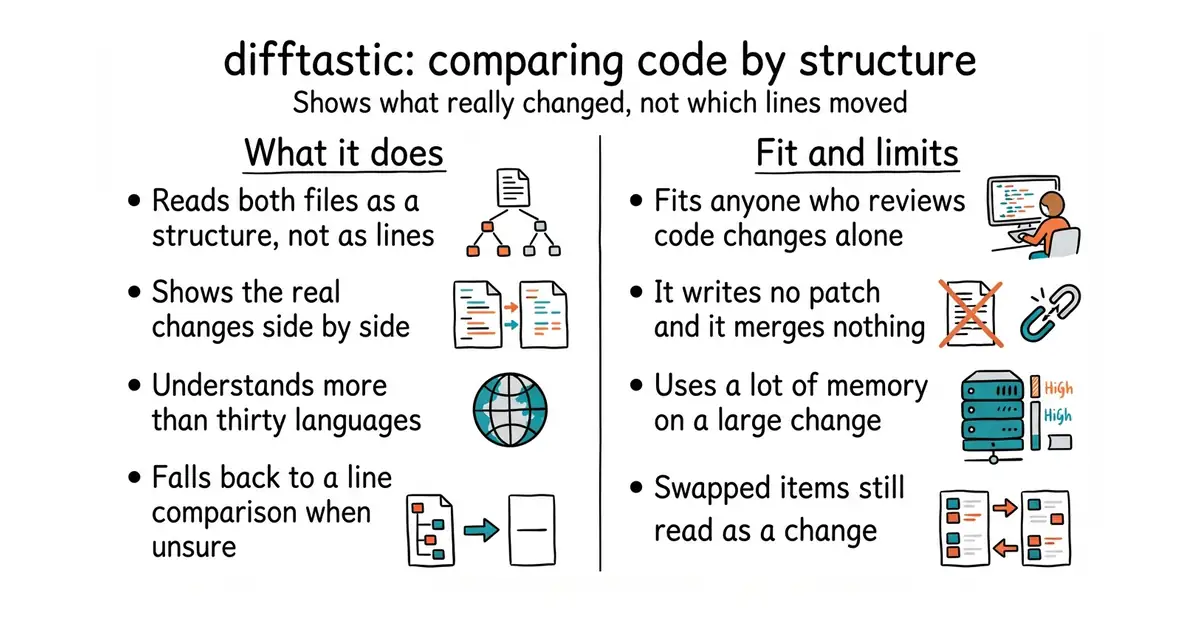
You run it in place of the normal comparison tool. It parses both files, compares the two structures, and prints the result side by side with the real changes highlighted. It understands over 30 programming languages. A file with an extension it does not know falls back to a line-by-line comparison with word highlighting, and so does a file it cannot parse, although one setting allows a small number of parse errors before it gives up. It also understands the markers git leaves in a file when two changes collide. The newest release is 0.71.0, from 18 September 2026, and code landed this morning. What it does not do is produce a patch file. It is a viewer, not a tool for applying changes, and it does not merge anything either. The README points at a separate project for merging.
Why it matters
Who it suits. Anyone who reads code changes regularly and has lost time to a comparison full of noise: a reformatted file, a function moved from one place to another, a change in indentation after switching tools. It helps most where reviews happen alone, because there is no colleague to say "ignore the first forty lines, that is just formatting". Skip it if the files you compare are prose or data rather than code, because the structural reading is the whole value and prose has little structure to read.
Verdict. The cheapest useful change on this page. Two minutes to install, one line in a settings file, and nothing else to learn, because the commands stay the same. Two honest limits before you turn it on everywhere. It uses a lot of memory on a change with many edits in it, so a very large commit can be slow. And it treats order as meaningful, so two items swapped around still read as a change. Both are stated plainly in the README. dandavison/delta at 32,100 stars solves a different half of the same problem: it keeps the line-by-line comparison and makes it readable, with syntax colours and a side-by-side view, and Edition 43 covered it. Many people run both, because one makes the output pretty and the other makes it correct. so-fancy/diff-so-fancy at 18,100 stars is the older and simpler version of that same idea.
- One command to install on every common system, with no runtime to add first.
- Reformatting, moved code and changed indentation stop showing up as changes.
- Turning it on and off is one setting, and the commands you already type do not change.
- It uses a lot of memory on a change with many edits, so a very large commit can be slow.
- It cannot produce a patch file and cannot merge, so it only ever replaces the reading step.
- Swapped items still read as a change, because it treats order as meaningful.
 dandavison/delta
Keeps the line-by-line comparison and makes it readable with colours and a side-by-side view, at 32,100 stars, under an MIT licence; Edition 43 covered it.
Track this in Scout- so-fancy/diff-so-fancy
Reformats ordinary comparison output so it is easier for a person to read, at 18,100 stars, under an MIT licence.
Track this in Scout
brew install difftastic
sudo dnf install difftastic
sudo pacman -S difftastic
nix-env --install difftastic
winget install difftastic
scoop install difftastic