In simple English
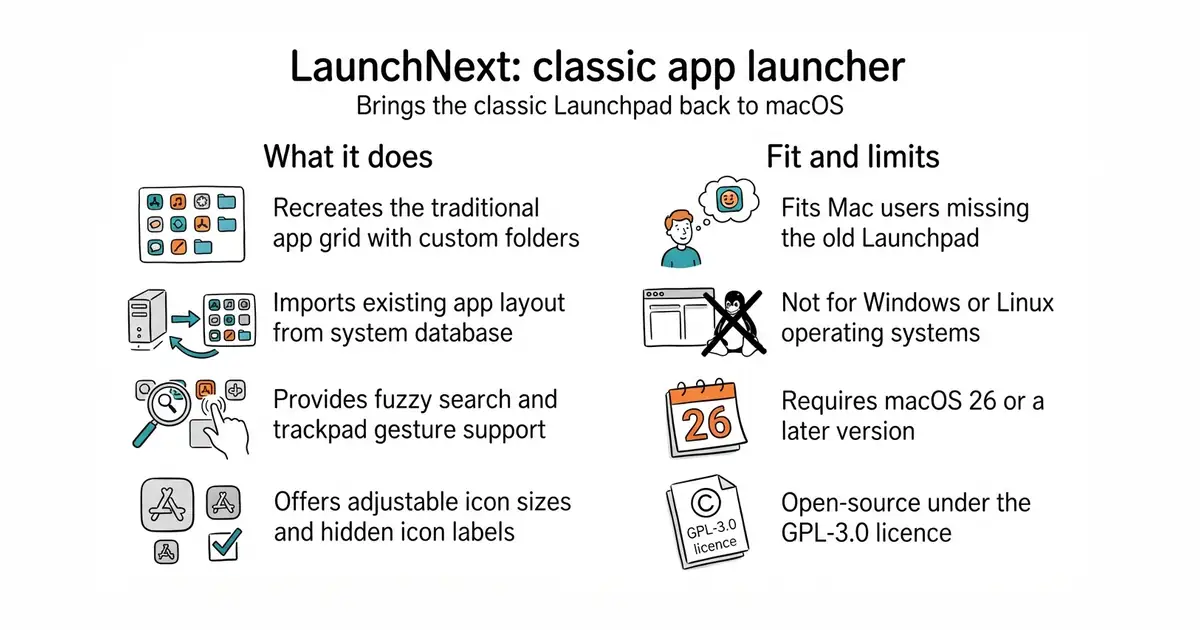
Apple removed the classic app screen in recent versions of macOS. This tool puts that familiar app launcher back on your Mac. It reads your old app layout and folders so you do not have to set them up again. You can search for apps, resize icons, and organise your desktop just like before. It costs nothing to download and runs locally on your computer.
What it is
LaunchNext is an open-source macOS application written in Swift (a programming language created by Apple for writing iOS and macOS software). It restores the traditional grid of applications with support for custom folders, fuzzy search, and trackpad gestures.
What it is good for
This is for Mac users who miss the old Launchpad app launcher and want custom folders, icon scaling, and keyboard shortcuts back on newer versions of macOS.
- Imports your existing app layout from the old system database with one click.
- Includes fuzzy search to help you find apps by typing partial names.
- Supports trackpad gestures and hot corners for quick opening.
- Requires macOS 26 or later, limiting older hardware.
- Unsigned versions may require a terminal command to bypass system security blocks.
- Building from source requires Xcode and an Apple device running macOS.
The default macOS app switcher and the removed system Launchpad
Homebrew (a package manager for installing software on macOS from the terminal)


- SVG-Edit/svgedit7.8k stars
A vector drawing editor that runs in a browser and can be embedded in a web page.
- viliusle/miniPaint3.5k stars
A layered image editor that runs in a browser, with no upload and nothing installed.
- johanmattssonm/birdfont561 stars
A free desktop editor for drawing a typeface and exporting it as an installable font file.
brew install --cask RoversX/homebrew-tap/launchnext