In simple English
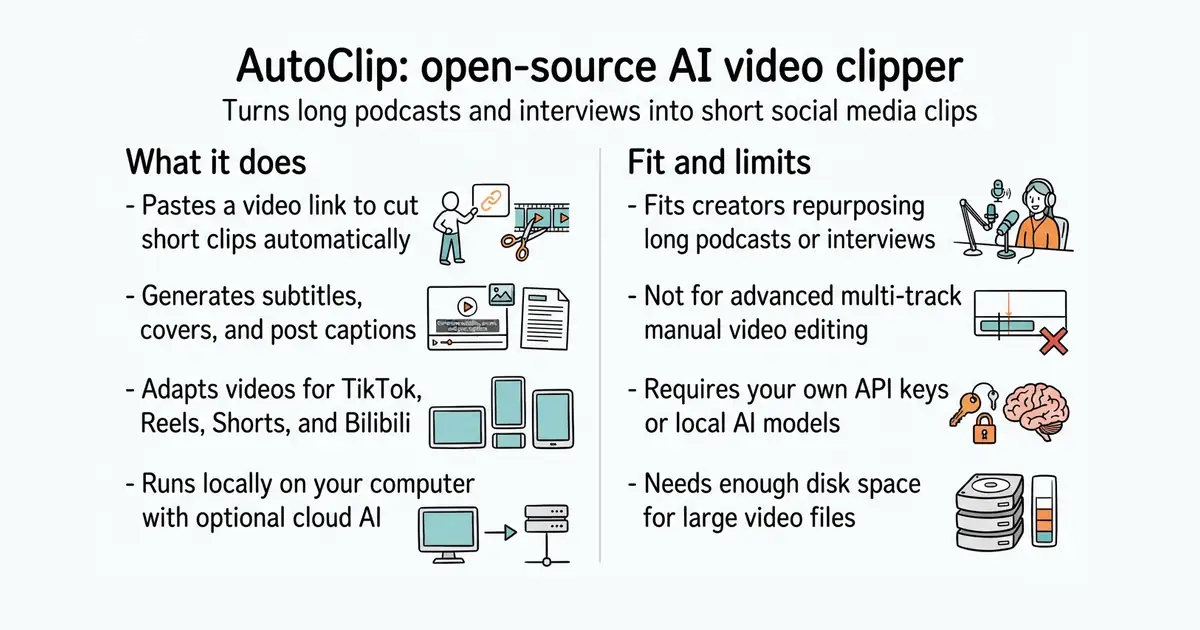
This program takes a long video link and cuts it into short clips for social media. It adds subtitles, makes a cover image, and writes post captions for you. You run it on your own computer so your files stay private. The app is free to download, but you pay for the artificial intelligence models you choose to use. You need an internet connection and some computer memory to run it.
What it is
AutoClip is an open-source desktop and command-line tool that automates video clipping, subtitle generation, and social media repurposing. It uses language models to find engaging moments and FFmpeg (a command-line tool to process video and audio files) to render the final vertical or horizontal clips.
What it is good for
Content creators and solo builders who want to turn long YouTube videos or podcasts into short clips for TikTok, Instagram Reels, YouTube Shorts, or Bilibili without spending hours editing manually.
- Processes videos entirely on your local machine for privacy.
- Generates vertical or horizontal clips ready for multiple social platforms.
- Creates titles, subtitles, and cover images automatically.
- Requires an API key or local model setup to run the artificial intelligence features.
- Needs significant memory and disk space to process long video files.
- Command-line and Docker setups require technical knowledge.
Manual video editing and transcription in desktop suites
FFmpeg for video processing and Ollama for running local models
- snapcast/snapcast8.0k stars
A server and clients that play one audio stream in several rooms, kept in time with each other.
- MusicPlayerDaemon/MPD2.8k stars
A background music player with no interface of its own, controlled over a network by separate client programs.
- AcademySoftwareFoundation/OpenTimelineIO2.0k stars
An interchange format and library for editing timelines: the order and length of cuts, and references to the media, but not the media.
git clone https://github.com/zhouxiaoka/autoclip.git
cd autoclip
cp env.example .env
mkdir -p data logs uploads
docker compose up -d --build