In simple English
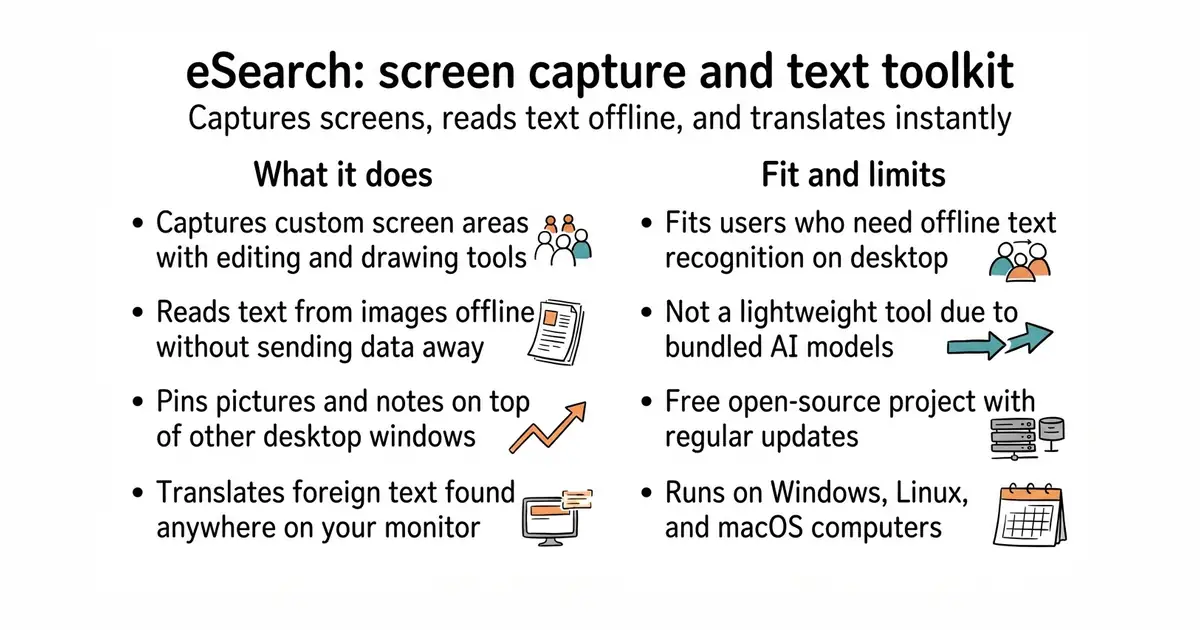
This tool lets you capture any part of your computer screen. It reads the text inside your picture without needing an internet connection. You can translate that text, search the web with it, or pin the image on your desktop like a sticky note. It works on Windows, Linux, and macOS. It is free to use and open source.
What it is
A cross-platform desktop application built with Electron (a framework for building desktop apps with web technologies) that combines screenshot capture, offline optical character recognition, screen translation, and image pinning.
What it is good for
Anyone who wants a tool to grab text from images, translate foreign text on their screen, or pin reference images while working.
- Works completely offline for text recognition and translation tasks.
- Pins images to your screen so you can view them while working in other windows.
- Includes built-in screen recording, color picking, and scrolling screenshot tools.
- Takes up significant storage space and memory because it bundles the Electron framework and offline artificial intelligence models.
- Requires manual installation of system tray extensions on certain Linux desktop environments like Gnome.
- Some advanced features require downloading extra model files from external servers.
Snipaste, Flameshot, or online OCR websites
Obsidian, Anki, or translation dictionaries
- Snipaste/feedback3.7k stars
A popular screenshot and pinning tool with similar desktop workflow features.
- flameshot-org/flameshot31k stars
A powerful open-source screenshot utility for Linux and other operating systems.


- snapcast/snapcast8.0k stars
A server and clients that play one audio stream in several rooms, kept in time with each other.
- MusicPlayerDaemon/MPD2.8k stars
A background music player with no interface of its own, controlled over a network by separate client programs.
- AcademySoftwareFoundation/OpenTimelineIO2.0k stars
An interchange format and library for editing timelines: the order and length of cuts, and references to the media, but not the media.
git clone https://github.com/xushengfeng/eSearch.git
cd eSearch
npm install
npm run start