In simple English
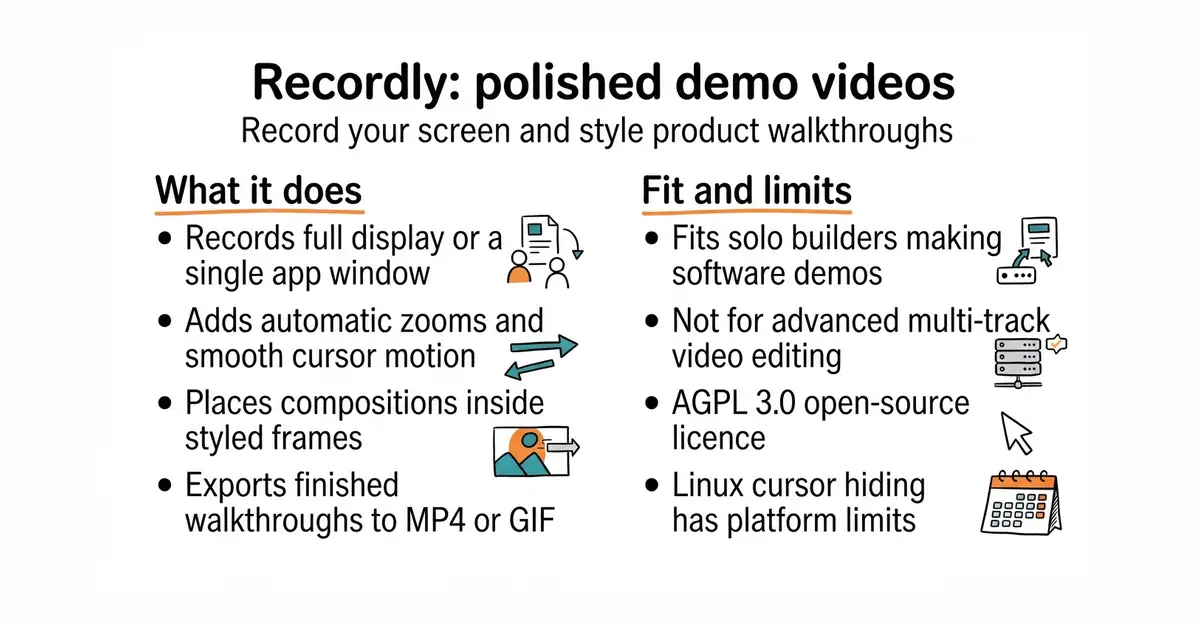
Recordly helps you turn raw screen recordings into clean demo videos without needing video editing skills. It adds automatic zooms, smooth cursor movements, styled backgrounds, and webcam bubbles. You can use it on macOS, Windows, and Linux for free. It is free software, licensed under the AGPL 3.0 licence (a rulebook that says you can use and change the code, but if you run it as a web service over a network, you must share your changes).
What it is
A cross-platform desktop application built with TypeScript and Electron that captures your screen and provides a timeline editor for product demos. It combines native screen capture helpers with a PixiJS-based rendering engine to export MP4 and GIF files.
What it is good for
Solo builders who need to create quick product walkthroughs, tutorial videos, or feature demos for social media without paying for commercial screen recorders.
- Auto-zooms and smooth cursor motion make simple clicks look professional.
- Built-in webcam bubble overlay with roundness, shadow, and mirror controls.
- Exports directly to MP4 and GIF with custom frame rates and quality settings.
- Linux support is limited because Electron desktop capture does not currently support cursor hiding.
- System audio on Linux requires PipeWire to work correctly.
- Building from source requires setting up Node.js, CMake, and platform-specific compiler tools.
Screen Studio, manual video editing in Premiere or CapCut
Obsidian, VS Code, Loom
- snapcast/snapcast8.0k stars
A server and clients that play one audio stream in several rooms, kept in time with each other.
- MusicPlayerDaemon/MPD2.8k stars
A background music player with no interface of its own, controlled over a network by separate client programs.
- AcademySoftwareFoundation/OpenTimelineIO2.0k stars
An interchange format and library for editing timelines: the order and length of cuts, and references to the media, but not the media.
git clone https://github.com/webadderallorg/Recordly.git recordly
cd recordly
npm install
npm run dev