In simple English
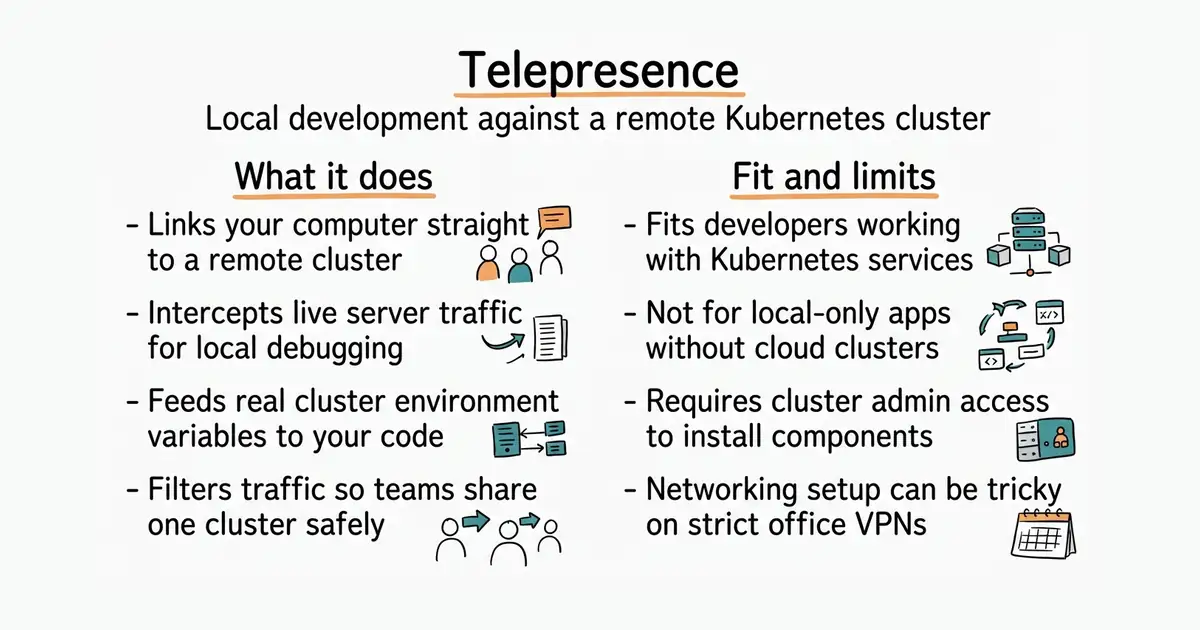
Writing software for a cloud server is slow. You usually have to pack your code into a box and send it to the server to see if it works. This tool links your own laptop straight to that remote server. Your code runs on your machine, but the server feeds it real traffic. You do not need to rebuild the box every time you change one line of code.
What it is
Telepresence is an open-source command-line utility (a program you run from your terminal window by typing text commands) that creates a virtual network tunnel between your computer and a Kubernetes (a system for running programs inside many connected servers) cluster. It lets you intercept live requests meant for a server and send them to your local laptop instead.
What it is good for
Solo developers and small teams building applications for Kubernetes who want to test their changes instantly with real data without waiting for slow cloud deployments.
- Saves hours of waiting by letting you test code locally.
- Preserves your normal workflow with your favourite debugger and editor.
- Supports traffic filtering so team members do not steal each other's requests.
- Requires an active Kubernetes cluster with permissions to install cluster components.
- Complex networking setup can fail if your local firewall or VPN blocks the tunnel.
- Troubleshooting routing bugs requires a solid understanding of container networking.
manual container rebuild and push cycles
kubectl
- podman-container-tools/podman33k stars
Runs containers locally without a full Kubernetes cluster setup.

- vectordotdev/vector23k stars
One collector that gathers logs and numbers from machines and sends them to one or more monitoring services.
- bluewave-labs/Checkmate11k stars
A self-hosted monitor that checks whether sites and services answer, records response times and sends alerts.
- statping-ng/statping-ng2.0k stars
A single-file status page and uptime checker that works with SQLite, PostgreSQL or MySQL.
Download the client binary for your operating system from the official website and add it to your command-line path.