11k stars · AGPL-3.0 · v3.13.0 (2026-10-21) · Track this in Scout
A self-hosted monitor that checks whether sites and services answer, records response times and sends alerts.
▶Repo detailsthe review · specs · pros & cons · install
What it does
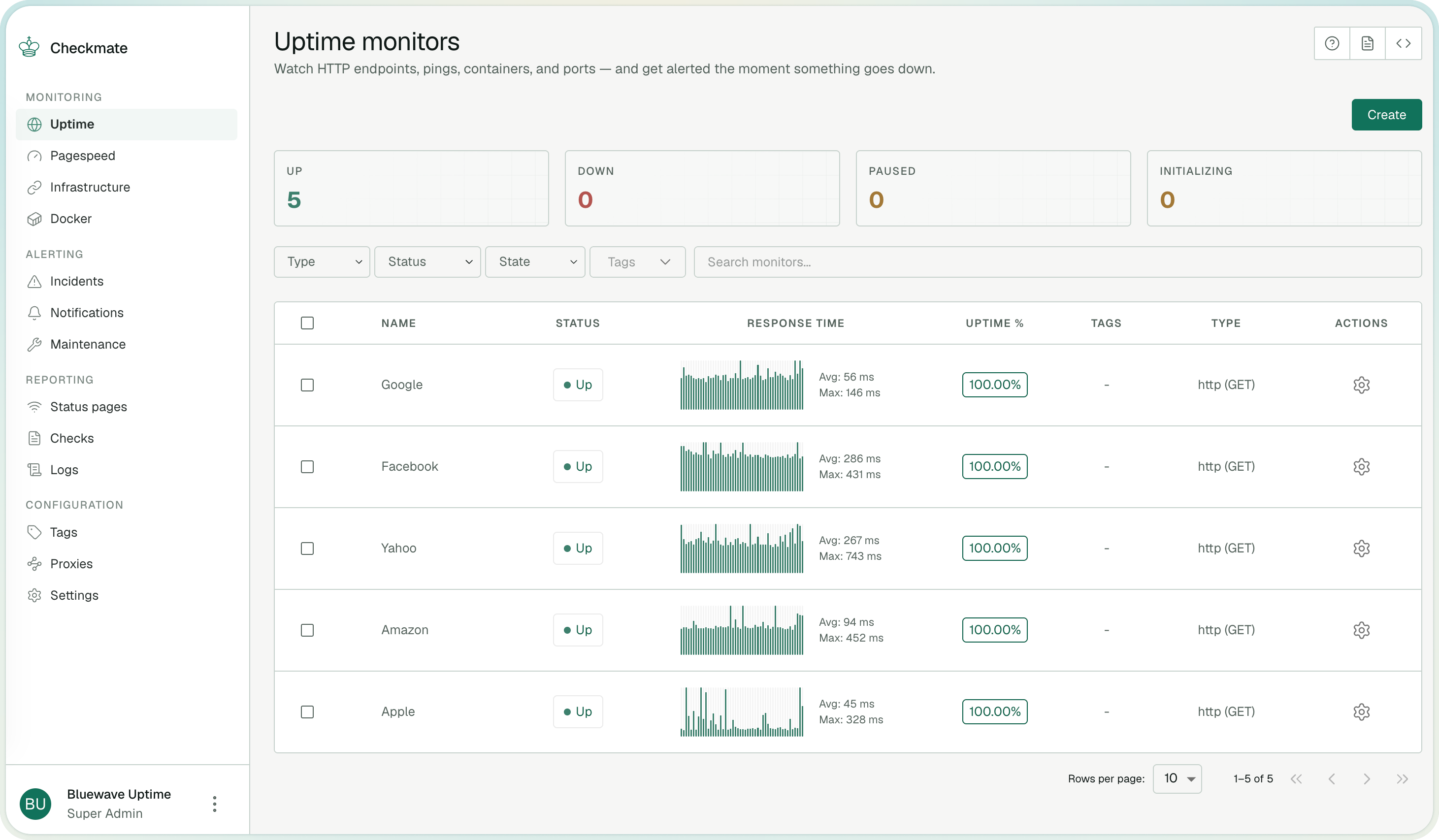
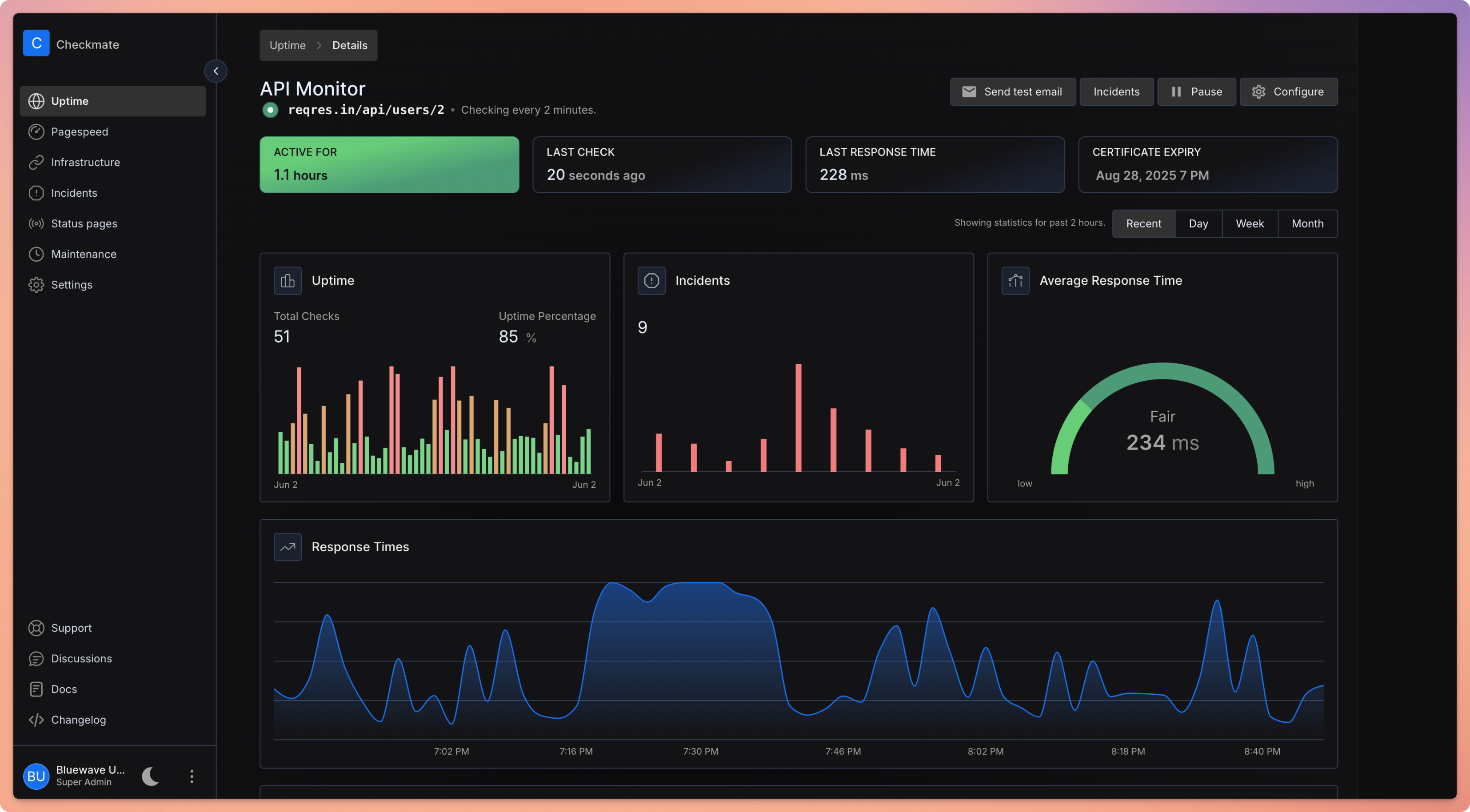
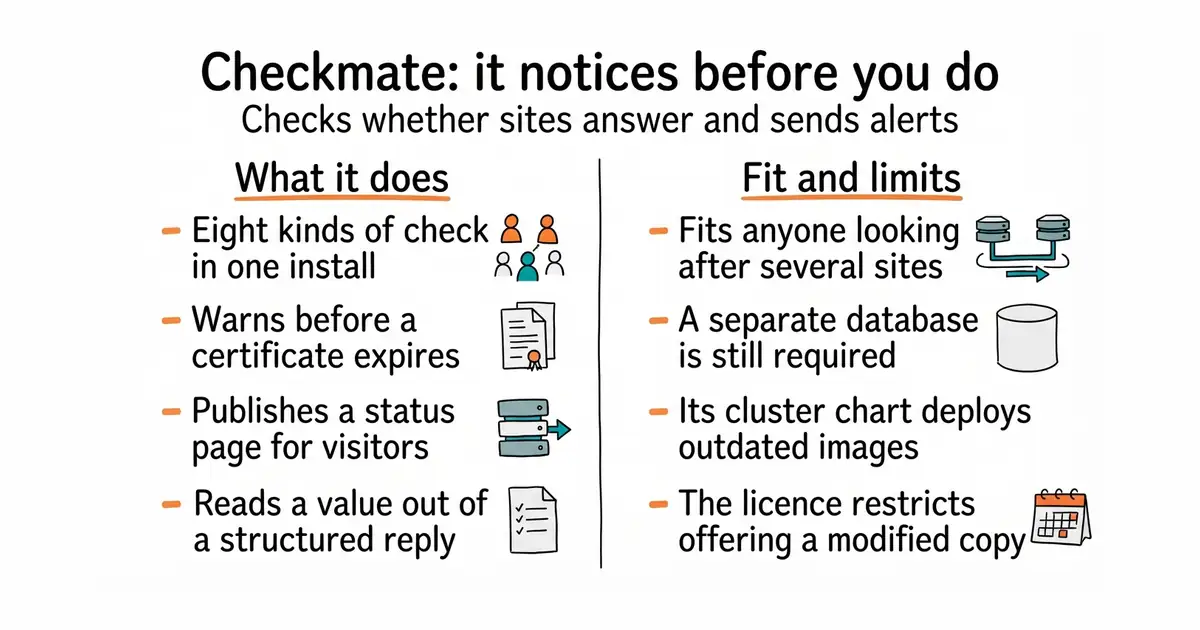
You add a thing to watch and choose how it should be checked. The check types cover plain web addresses, including a warning before a certificate expires; network ping; a specific port; name lookups; Docker containers; and three more for gRPC, WebSocket and game servers. There is a check that reads a value out of a structured reply, so you can watch a number rather than just whether the page loaded. On top of the checks it keeps incidents, publishes status pages, holds planned maintenance windows so a known outage does not page anyone, and sends notifications by email, webhook and several chat services. Hardware readings — processor load, memory, disk and temperature — come from a separate small program called Capture, which you install on each machine you want measured. Version 3.13.0 was released on 21 October 2026, the day before this edition. The project says it has been stress-tested with more than a thousand active checks, and shows one instance watching 323 servers every minute. Three things it does not do. It does not bring its own database: MongoDB is still required, and the supplied Docker setup starts one. Capture does not report container restart counts, published ports, mounts or container logs, and it reports a container that is still starting up as healthy. And unencrypted Docker daemons on port 2375 are not supported at all.
Why it matters
Who it suits. Anyone looking after a handful of sites who currently finds out about an outage from a person. It suits the case where several different things need watching at once, because one install covers web addresses, ports, name lookups and containers rather than needing a tool each. It also suits anyone who has to show customers a status page, since that is built in rather than bolted on. Skip it if a single hosted check on a free plan already covers the one site you have, because then you are running a database to solve a solved problem.
Verdict. One of today's three starting points, and the reason is the ratio: twenty minutes of Docker, after which something other than a person notices an outage. Released the day before this edition, so it is plainly maintained. Three things to get right. Set NODE_ENV to production, because the development setting switches off the request rate limiter. Keep the ENCRYPTION_KEY safe if you monitor Docker over TLS, since losing or rotating it wrongly makes those checks fail with decryption errors. And if you were planning to install this on Kubernetes, read carefully first: the project says its Helm chart has not moved to the current image and still deploys older images pinned at v3.8.1 that are no longer updated. The simpler and more widely used alternative is louislam/uptime-kuma; for a version configured from a file rather than a web page, TwiN/gatus.
- Eight kinds of check in one install, including certificate expiry and a value read from a structured reply.
- Status pages, incidents and maintenance windows are built in.
- Released the day before this edition, with more than ten thousand commits behind it.
- MongoDB is required and is not included in the image, so there is a database to look after.
- The Helm chart still deploys older images pinned at v3.8.1 which the project says are no longer updated.
- AGPL-3.0, which is a real constraint if you intend to offer a modified copy to other people as a service.
 louislam/uptime-kuma
MIT, the best known tool of this kind: fewer check types and no separate hardware agent, but a much simpler install and a far larger community.
Track this in Scout TwiN/gatus
Apache-2.0, the same job defined entirely in a configuration file, which suits a setup kept in version control rather than clicked together.
Track this in Scout
curl -O https://raw.githubusercontent.com/bluewave-labs/checkmate/master/docker/docker-compose.yaml
JWT_SECRET="$(openssl rand -hex 32)" docker compose up -d