39,525 stars · MIT OR Apache-2.0, both read from the files. LICENSE-MIT names 'ArtCraft Team and the PhotoCraft contributors' (2026); LICENSE-APACHE omits the appendix entirely, so that half of the dual licence carries no copyright line at all. · v0.6.0 (2026-10-10), read from /releases/latest; the repository was created 2026-09-30, which bounds the year. Note Cargo.toml declares version 0.2.0 against a v0.6.0 tag. · Track this in Scout
A free picture editor that opens Photoshop files and copies Photoshop's layout, ten days old and self-described as an early test version.
▶Repo detailsthe review · specs · pros & cons · install
What it does
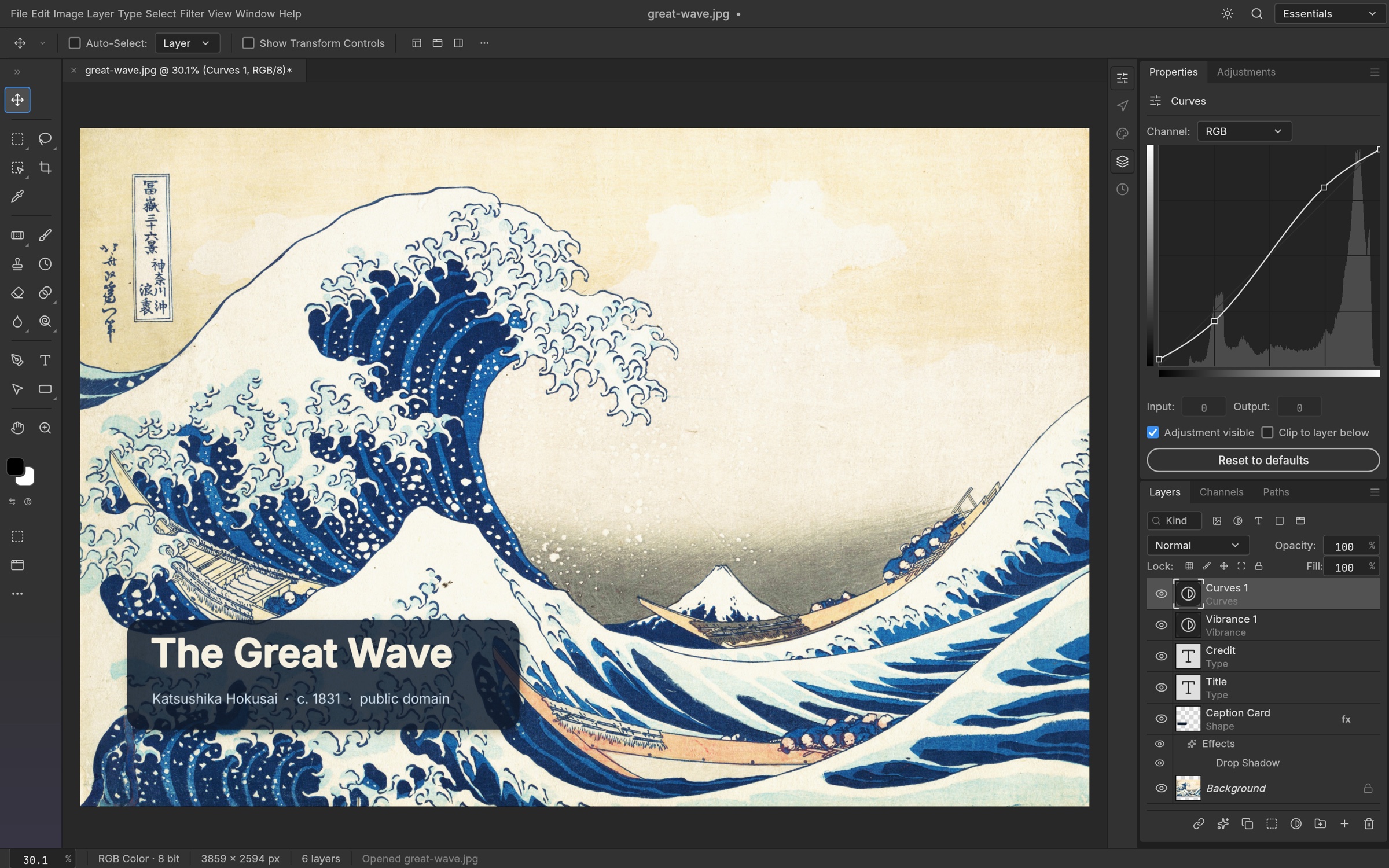
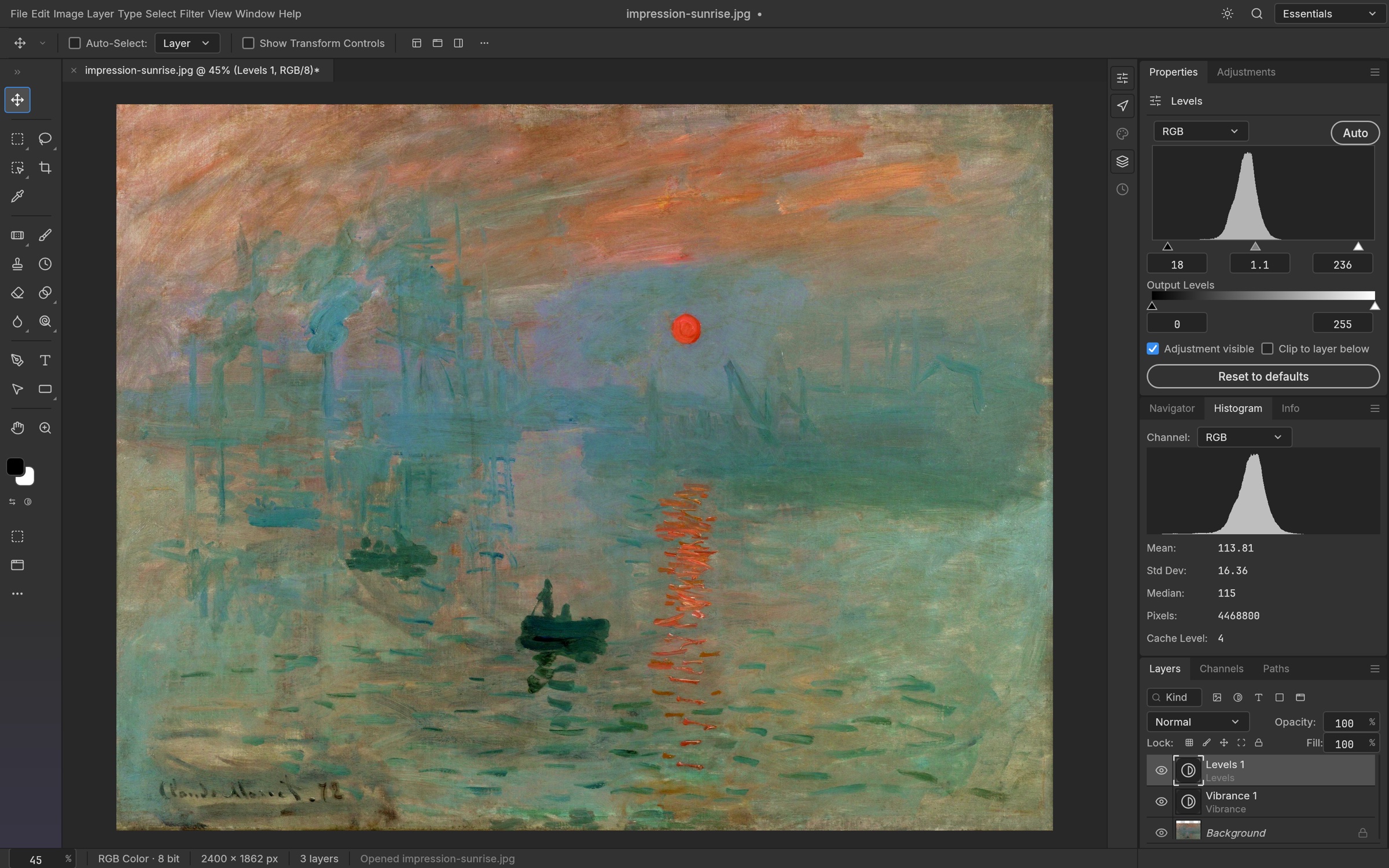
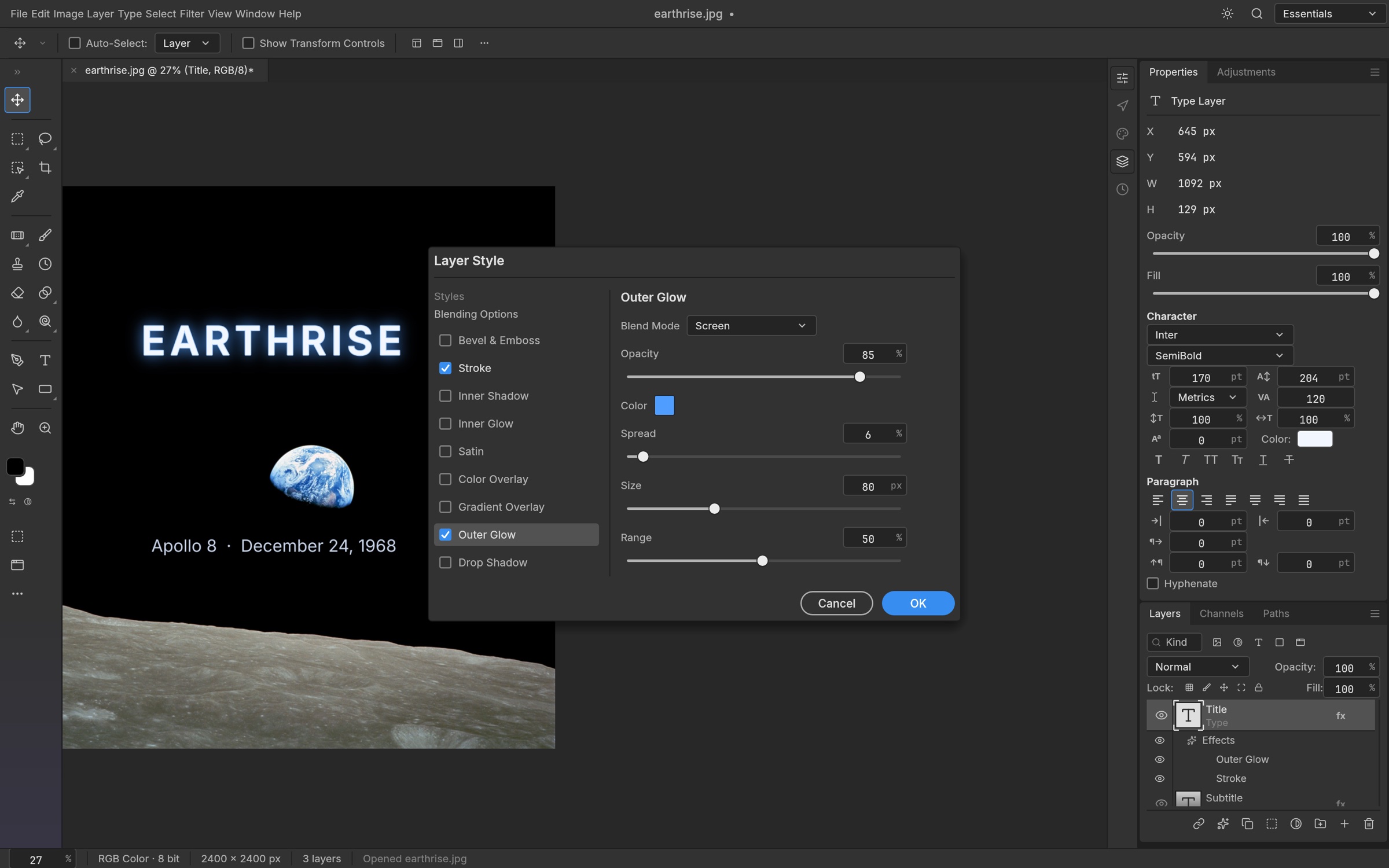
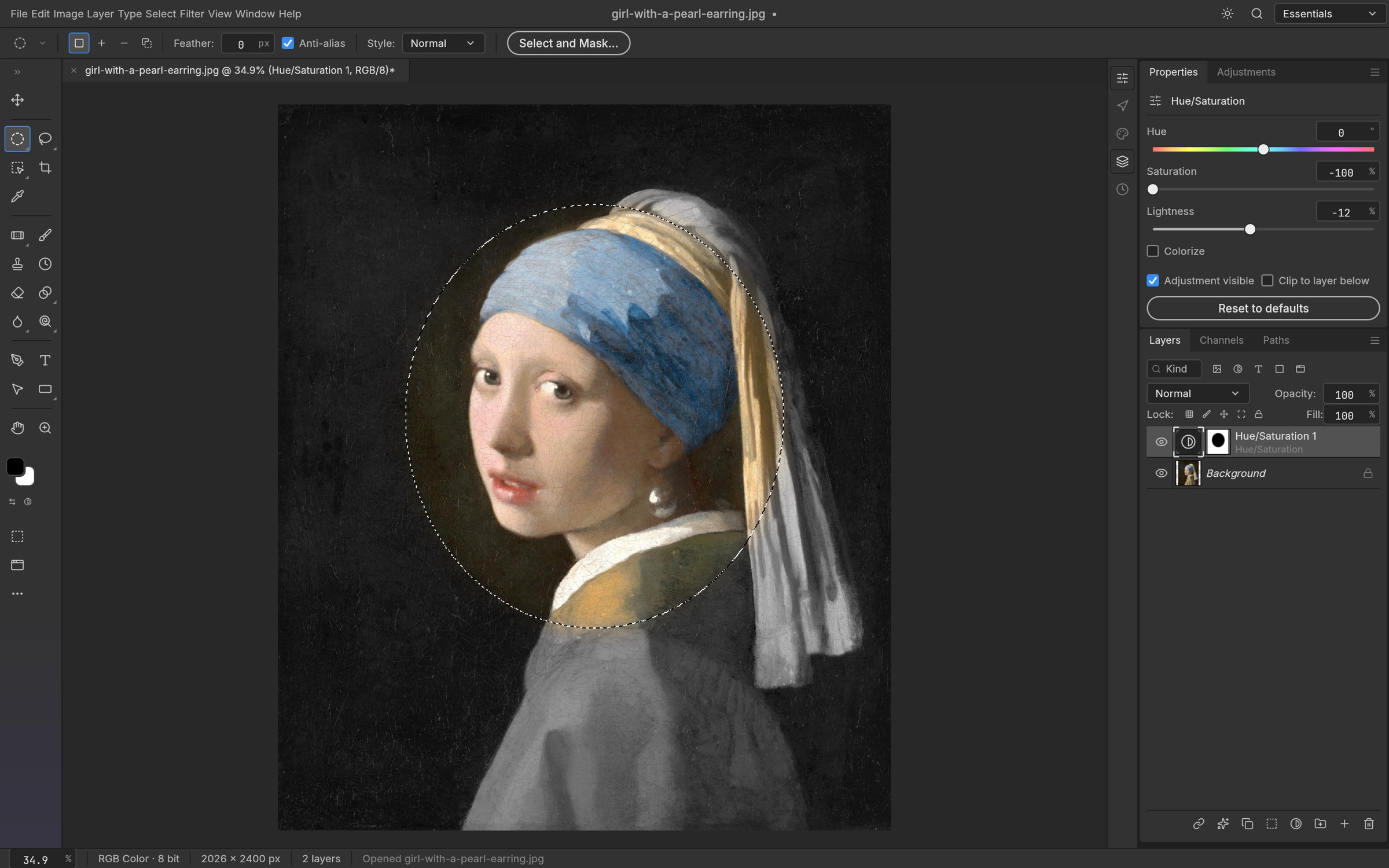
PhotoCraft opens a picture, shows it in layers, and lets you paint, mask, cut, type and draw shapes on those layers. It reads and writes real .psd and .psb files through a separate piece of code built from Adobe's published file description, so a file can go out to someone using Photoshop and come back. It also handles PNG, JPEG, TIFF, WebP, OpenEXR and AVIF, plus its own .pcraft format. Drawing happens on the graphics card, through the same drawing system used by modern browsers, with a slower fallback that uses the main processor instead. Every single action is also a named command, so the same edits can be run from the command line or from a script instead of by hand — the project counts more than 500 such commands. The project reports that 134 of its 135 test files save back to .psd byte for byte; that is its own measurement, not an outside one. It does not have Photoshop's full feature set, and the project tracks the gap publicly rather than claiming otherwise. It has no plug-in system, so Photoshop plug-ins will not run in it.
Why it matters
Who it suits. Anyone who opens a .psd file a few times a month and resents paying a subscription for the privilege. It also suits anyone who wants to apply the same edit to four hundred images from a script, because the command line and the graphical program share one list of commands. Skip it if the pictures are paid work with a deadline: at ten days old it is a test version, and a tool that produces slightly different output from the one your client uses is a problem you do not need.
What people say. Two named outlets have written about it and they disagree in a useful way. Michael Larabel at Phoronix, 7 October 2026, puts both "open-source" and "clean room" in quotation marks, writes that the project "appears to be rely predominantly on AI", and says the effort raises "potentially pressing legal challenges" without naming them; Phoronix sells advertisement-free subscriptions and its own benchmarking software, but nothing that competes with a picture editor. Joey Sneddon at OMG Ubuntu, 8 October 2026 actually installed it and tested it on Ubuntu: he found it quick to start but "some way off feeling like it's Photoshop", called it "A superficial facsimile with pronounced flaws", and made the point that matters most — "Having similar features in similar locations with similar names/icons is not the same as features behaving or outputting that is the same." He also measured memory use reaching about 5 GB after opening one .psd file. Set that hands-on account against the project's own 134-of-135 figure before believing either on its own.
Verdict. Worth twenty minutes of curiosity and nothing more yet. Download it, open a .psd you have a backup of, and see whether the layers land where you expect. Do not move real work onto it this month, and do not treat the file-fidelity numbers as independent. If you want a mature free picture editor today, GNOME/gimp is thirty years old and still shipping, though its menus are nothing like Photoshop's. If you want a Rust editor with a different idea of how editing should work, GraphiteEditor/Graphite was Edition 25's entry on diagrams' near neighbour and runs in a browser. The honest summary is that PhotoCraft is the most interesting new repository of the week and the least safe one to rely on.
- It opens and saves real Photoshop files, which is the one thing most free picture editors get wrong.
- Every action is also a command, so the same edit runs by hand, from a script, or against four hundred files in a batch.
- Dual MIT or Apache-2.0 licence read from the files, with no extra conditions, no paid key and no watermark.
- It is ten days old and self-described as "early alpha". There are already 540 open issues and 222 open pull requests.
- One named reviewer who installed it calls it "a superficial facsimile with pronounced flaws" and measured about 5 GB of memory after opening a single file. The project publishes no memory requirement at all.
- The Apache-2.0 file has no copyright line in it, so who owns that half of the dual licence is unclear. Two named outlets report the code as largely written by AI tools, and one says the "clean room" claim raises legal questions nobody has answered.
 GraphiteEditor/Graphite
A Rust image and vector editor doing the same drawing job, but built around a node graph you wire together and browser-first, with no Photoshop-parity goal.
Track this in Scout- GNOME/gimp
The thirty-year-old free raster editor, far more complete, with a deliberately different layout; the GitHub copy is a read-only mirror.
Track this in Scout - viliusle/miniPaint
A browser-only editor with layers and filters, the same basic idea with nothing to install, but much smaller and it cannot write .psd files.
Track this in Scout
git clone https://github.com/storytold/photocraft
cd photocraft
cargo run --release -p photocraft -- image.psd