5.0k stars · MIT · v42.7.0 (2026-09-11), read from /releases/latest on 2026-09-18 · Track this in Scout
Measures how fast your pages really load, using real browsers, and can run the same test on a schedule.
▶Repo detailsthe review · specs · pros & cons · install
What it is
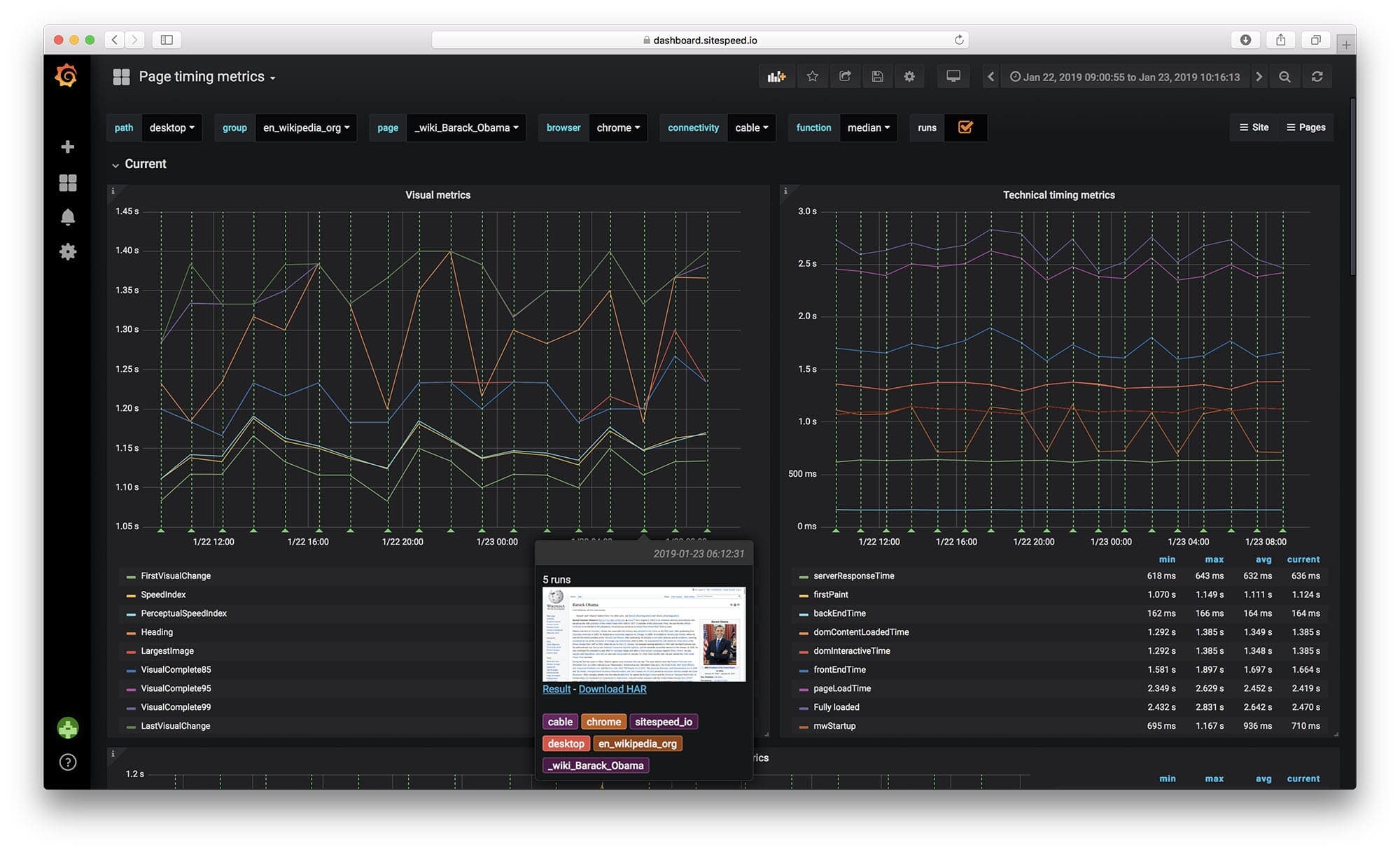
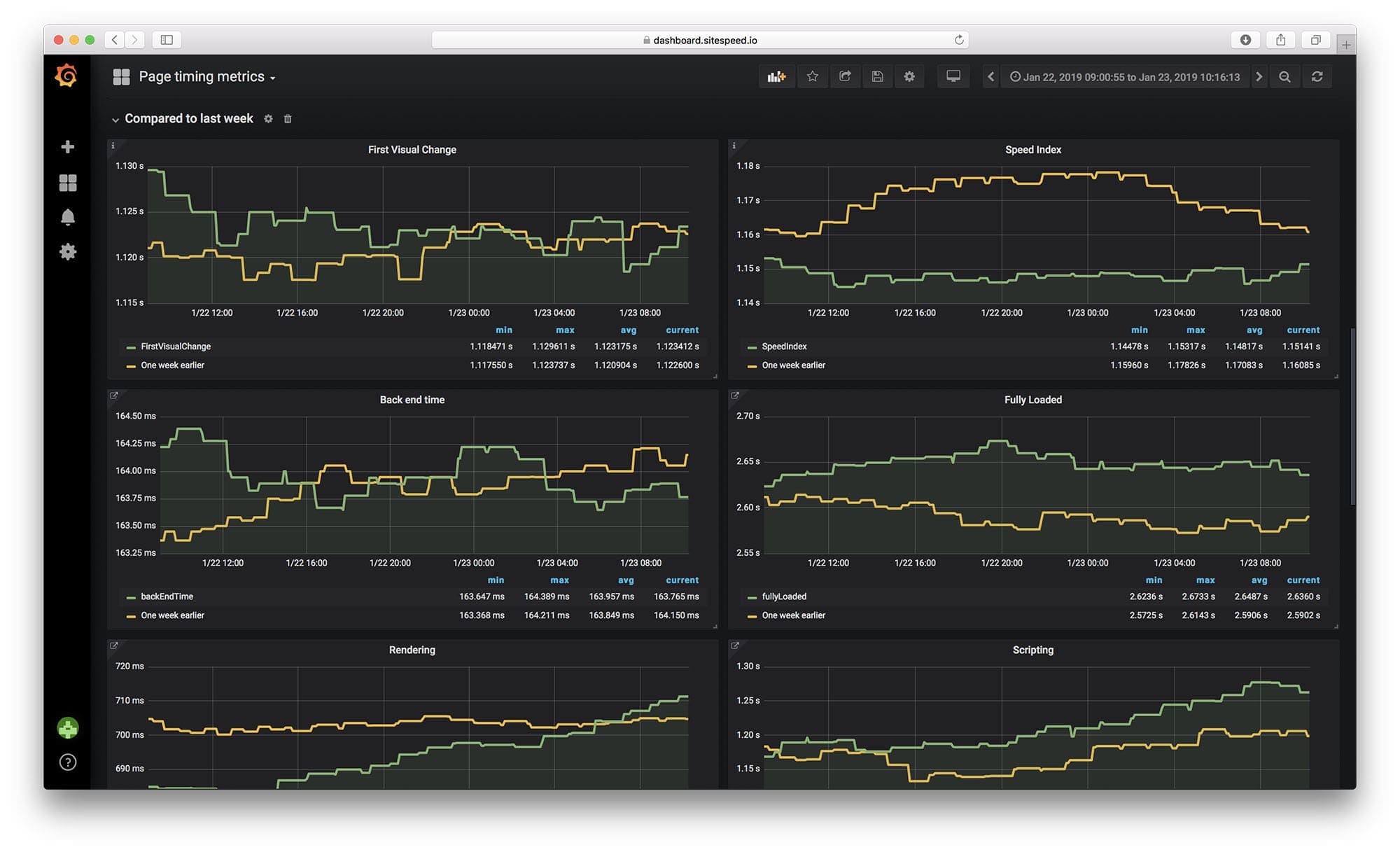
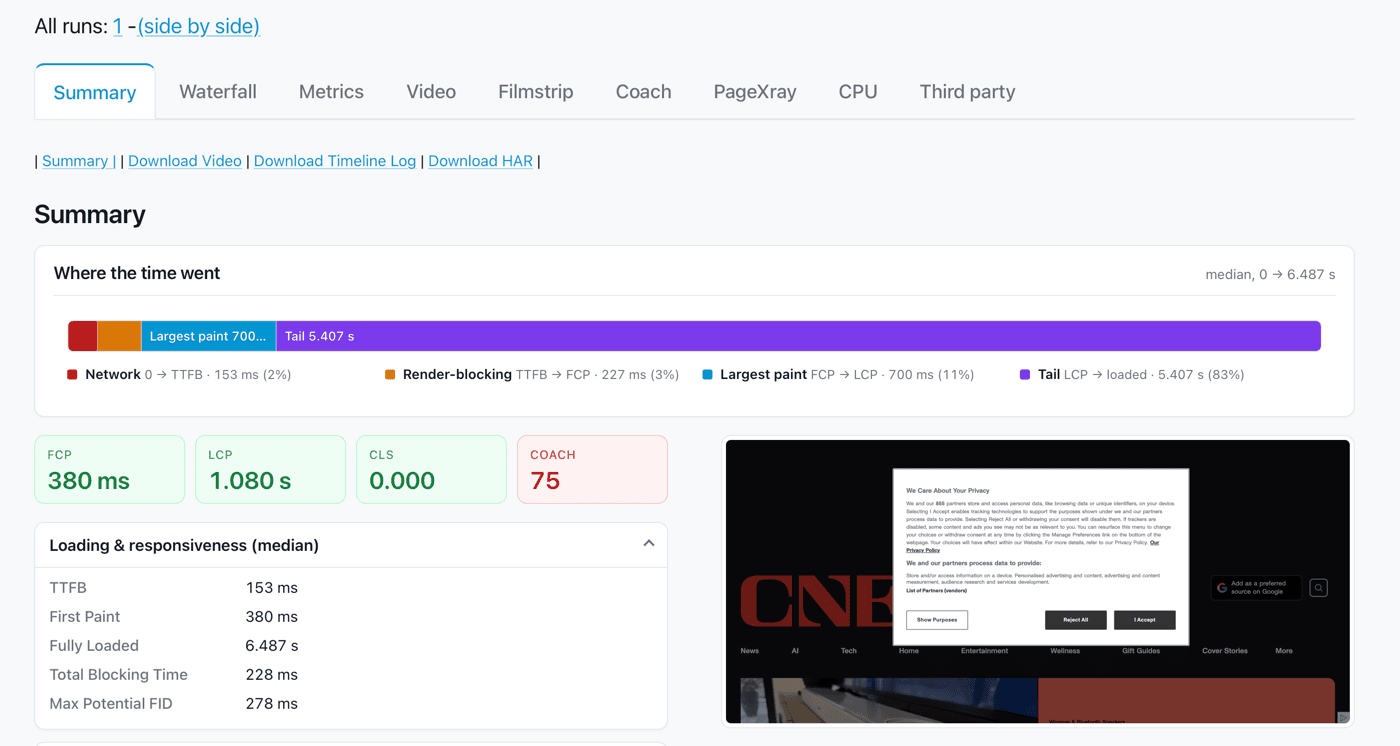
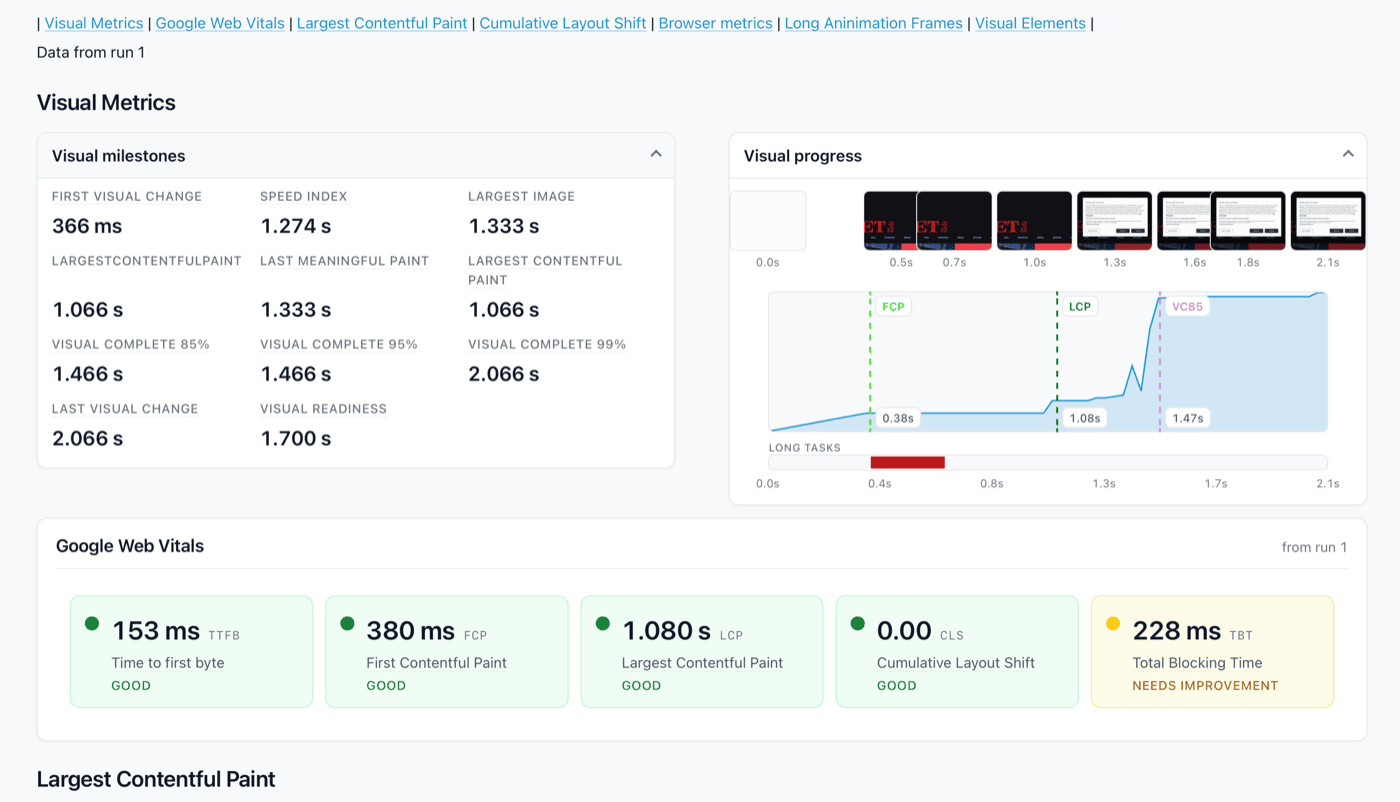
A set of tools that drives Chrome, Firefox, Edge or Safari against a list of your pages. It records the timings a visitor would experience, takes a video of the page loading, runs Lighthouse if you ask, and writes an HTML report. It can run on a schedule and send the numbers to Graphite or InfluxDB so you keep a history rather than a snapshot.What it is good for. Anyone whose site gets slower a little at a time, which is every site with more than one person working on it. The problem it removes is finding out from a visitor. A short line about grasppy.com: the radar pages are long and carry two full languages plus their Markdown, and this is how you find out what that costs a reader on a phone.
- It uses real browsers, so the numbers are what a visitor actually gets rather than a model of one.
- It keeps history, which is the part a one-off audit cannot give you.
- MIT licence, and a release most weeks.
- The Docker image is large and a running browser wants 1 to 2 GB of memory, so this is not something to leave on a small server.
- The numbers mean nothing until you have a few weeks of them, so the value arrives late.
- A page that is slow for a real reason will not tell you the reason. It tells you where, not why.
- GoogleChrome/lighthouse
Scores one page at a time and is the tool inside the browser's developer tools, and it keeps no history.
Track this in Scout  harlan-zw/unlighthouse
Published in Edition 2, it runs Lighthouse across a whole site in one go and does not track change over time.
Track this in Scout GoogleChrome/web-vitals
Published in Edition 8, it reports what real visitors experienced from inside their browsers, which is the other half of the picture.
Track this in Scout
# Nothing to install with Docker. Run it from a folder you can write to:
docker run --rm -v "$(pwd)":/sitespeed.io sitespeedio/sitespeed.io:latest \
  https://grasppy.com/radar/ -n 3
# The report lands in ./sitespeed-result/ — open index.html in a browser.
# Or, with Node.js 20 or newer:
npm install -g sitespeed.io
sitespeed.io https://grasppy.com/radar/ -n 3