In simple English
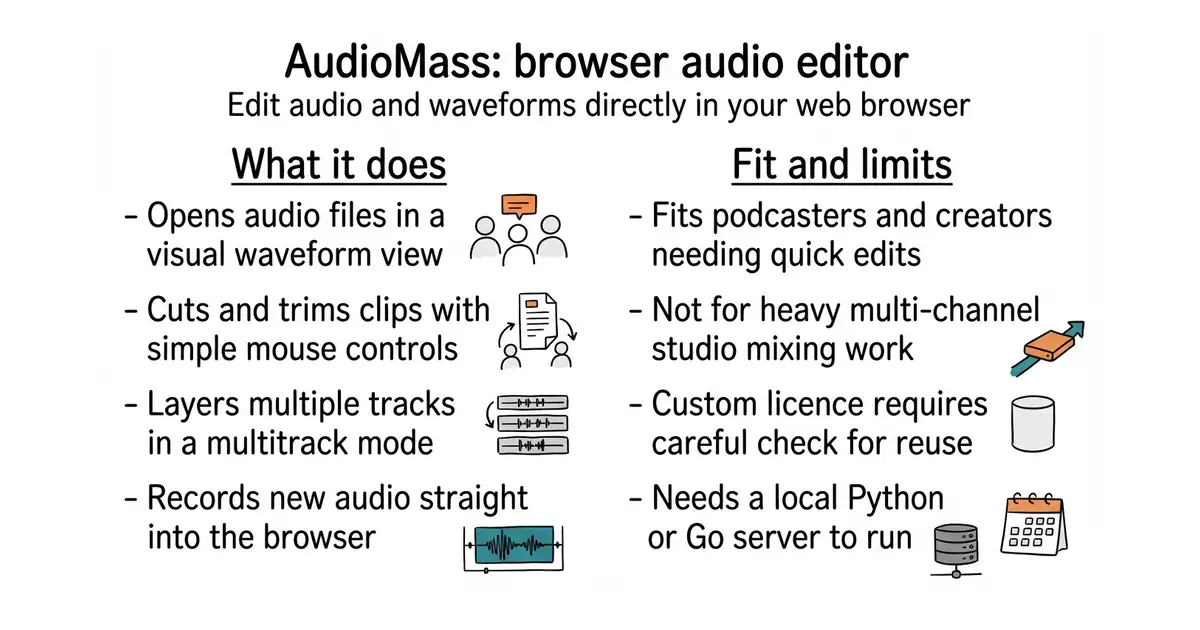
You can cut, record and change audio files right in your web browser. You do not need to install any heavy software on your computer. It handles single tracks and multiple layers of sound at the same time. You can use it to edit podcasts, music clips or voice notes. The code is free to run on your own machine.
What it is
AudioMass is a web-based audio editor built with JavaScript. It gives you a visual waveform view to edit sounds without leaving your browser window.
What it is good for
Solo builders who need to trim a podcast recording, mix a few sound effects or boost audio volume without paying for professional desktop software.
- Runs instantly in any modern web browser.
- Supports multitrack editing for layering different sounds.
- Includes built-in audio effects and recording tools.
- Requires Go or Python on your computer to run the local server.
- Uses a custom licence instead of a standard open source one.
- Has several open issues that may never get fixed.
Paid desktop audio editors like Audition or standalone recording software
Audacity for advanced local mixing or a local web server for hosting
- audacity/audacity19k stars
Audacity is a powerful desktop application for deep audio editing and recording.
- katspaugh/wavesurfer.js10k stars
Wavesurfer.js is the underlying library used to draw interactive audio waveforms in web pages.


- motion-canvas/motion-canvas19k stars
A code-written animation tool with a live editor, for explanatory videos built from shapes and text.
- paulpacifico/shutter-encoder2.8k stars
A desktop window over FFmpeg for converting, trimming and processing video, audio and images.
- htekdev/vidpipe232 stars
It watches a folder for recordings and produces captions, clips and draft social posts from each one.
git clone https://github.com/pkalogiros/AudioMass.git
cd AudioMass/src
python audiomass-server.py