In simple English
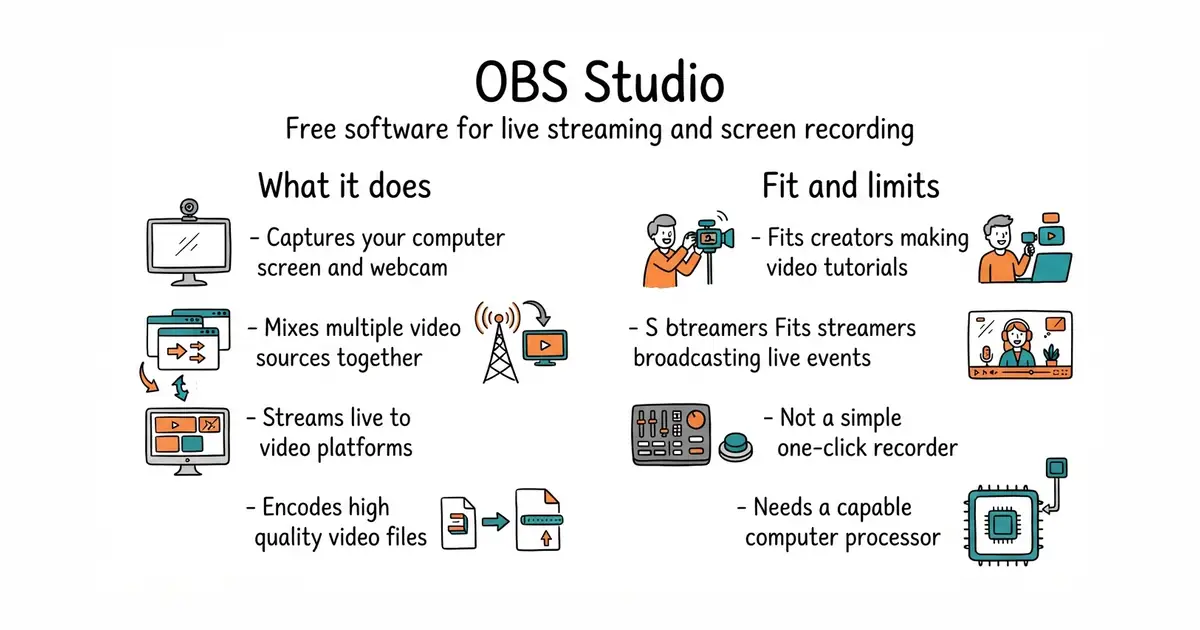
This tool records video from your computer screen or your camera. You can mix multiple video sources together on one screen. It sends live video to websites like YouTube and Twitch. It is completely free to download and use. It has no hidden fees or watermarks on your videos.
What it is
OBS Studio is free software for capturing video, recording your screen, and broadcasting live streams. It runs directly on your desktop computer and handles heavy video encoding.
What it is good for
Solo builders who want to record software tutorials, host live coding sessions, or broadcast webinars without paying for expensive studio tools.
- Completely free with no subscriptions or limits.
- Works on Windows, macOS, and Linux computers.
- Supports plugins for extra features and overlays.
- The interface has a steep learning curve for beginners.
- High-resolution video encoding needs a strong computer processor.
- Troubleshooting audio sync issues can take time.
Paid screen recorders and live broadcasting software
Audacity for audio editing
- libretro/RetroArch14k stars
Focuses on running retro games rather than general screen recording and live streaming.
- FFmpeg/FFmpeg66k stars
Provides powerful command-line video processing without the graphical interface of this studio.


- snapcast/snapcast8.0k stars
A server and clients that play one audio stream in several rooms, kept in time with each other.
- MusicPlayerDaemon/MPD2.8k stars
A background music player with no interface of its own, controlled over a network by separate client programs.
- AcademySoftwareFoundation/OpenTimelineIO2.0k stars
An interchange format and library for editing timelines: the order and length of cuts, and references to the media, but not the media.
Download the installer directly from the official website at https://obsproject.com and run it on your computer.