2.0k stars · MIT · v0.54.0, read from /releases/latest, shown as '12 Jul' with no year and therefore 12 July 2026 · Track this in Scout
A modern terminal pager with fixed header rows, live following of a growing file, and search across several files at once.
▶Repo detailsthe review · specs · pros & cons · install
What it is
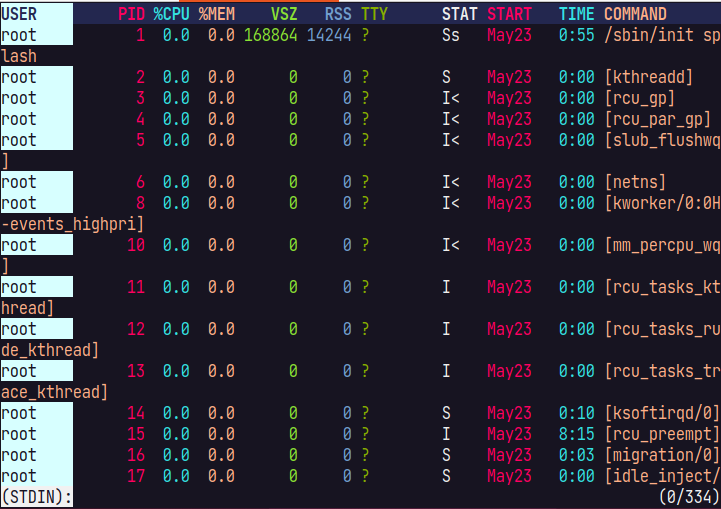
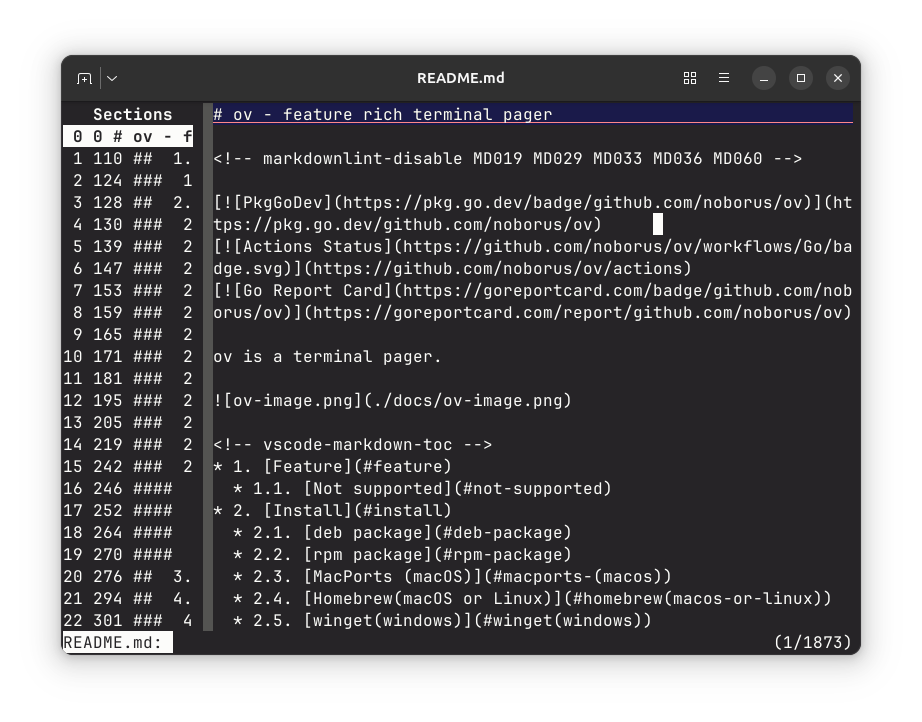
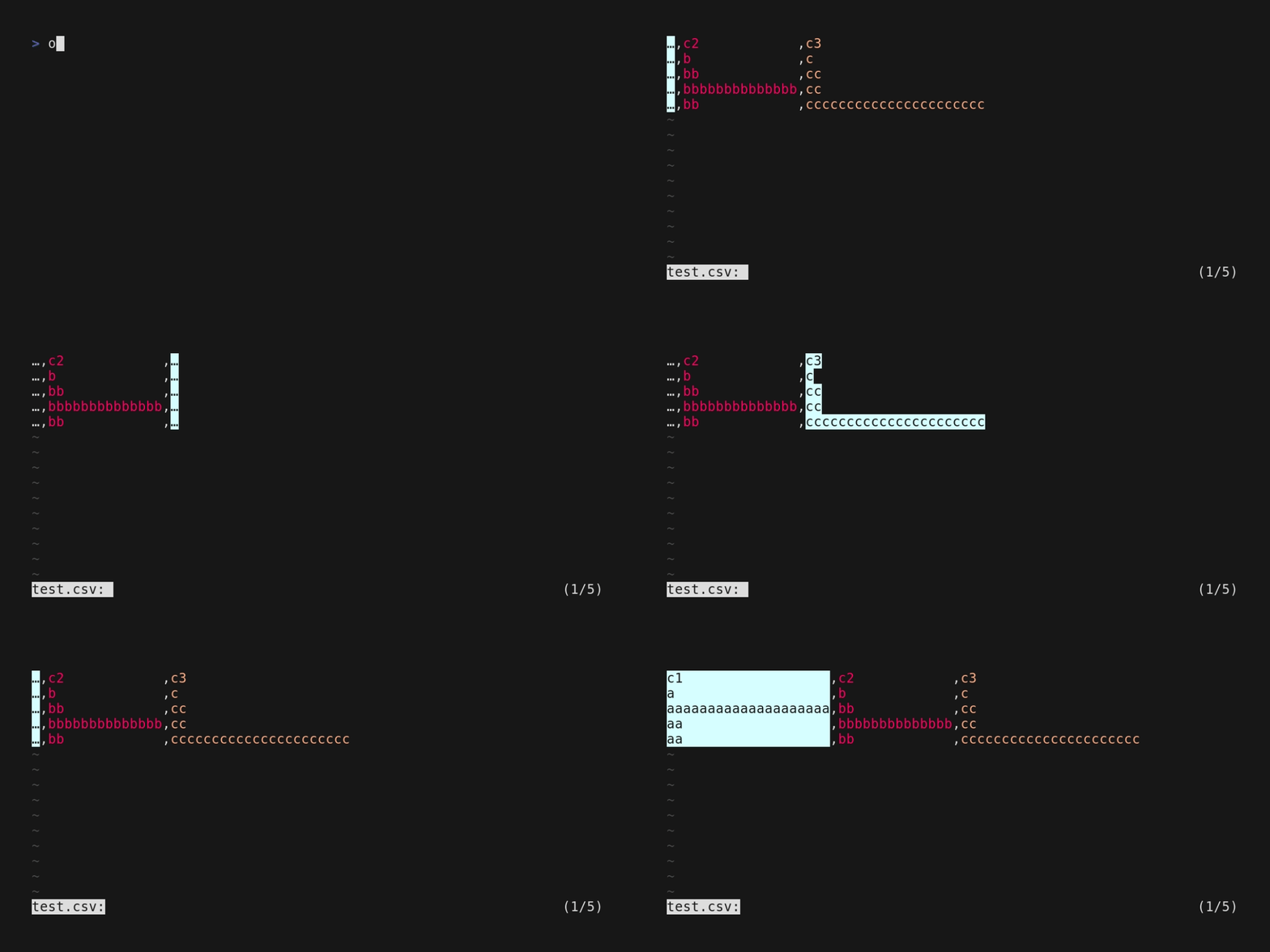
A terminal pager written in Go. A pager is the program that shows you a long file or the long output of a command, one screen at a time. Ov adds column awareness, so a table stays readable; a follow mode for growing files; search that works across several files; and a section mode that lets you jump between parts of a document.What it is good for. Anyone who reads logs, database output or long command output in a terminal, which is anyone with a server. The problem it removes is losing track of which column you are looking at, and running out of features half way through reading a file. A short line about the Hetzner server: this and lnav from Edition 22 answer different halves of the same evening, and this one needs no configuration at all.
- Fixed header rows and column highlighting, which turns unreadable command output into something you can actually follow.
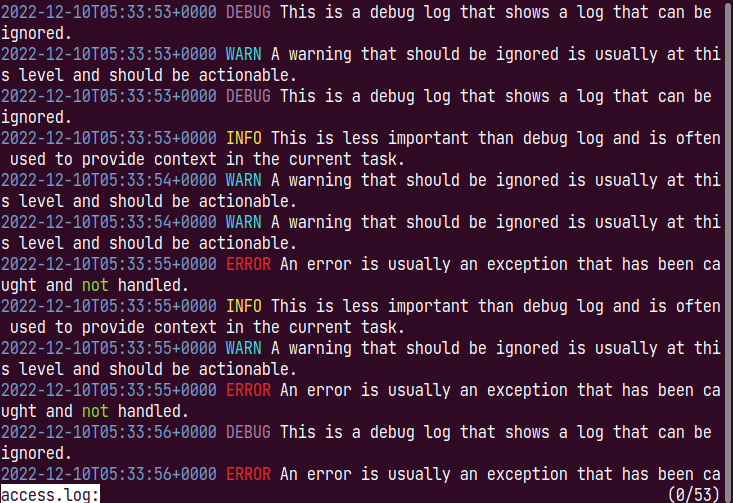
- It follows a growing file and can follow several at once in one window.
- MIT licence, one binary, and it is by the same author as trdsql, published in Edition 24.
- It is another thing to learn. The keys are similar to the old pager but not identical, and the first hour is slower.
- Terminal only. There is nothing to open on a phone and nothing to share.
- Setting it as the default pager for everything can surprise other programs that expect the old one's behaviour.
- sharkdp/bat
It prints a file with syntax colouring and hands the scrolling to a pager, so it sits in front of this rather than replacing it.
Track this in Scout  okbob/pspg
Published in Edition 21, it does the table half better and only the table half, and it is built around psql.
Track this in Scout tstack/lnav
Published in Edition 22, it understands log formats and answers SQL questions about them, which is a much bigger tool for a narrower job.
Track this in Scout
# With Go installed:
go install github.com/noborus/ov@latest
# Or on macOS:
brew install noborus/tap/ov
# Or download a binary from
# https://github.com/noborus/ov/releases/latest
# Read a log and keep following it as it grows:
ov --follow-mode /var/log/nginx/access.log
# Use it as the default pager:
export PAGER='ov -F'