In simple English
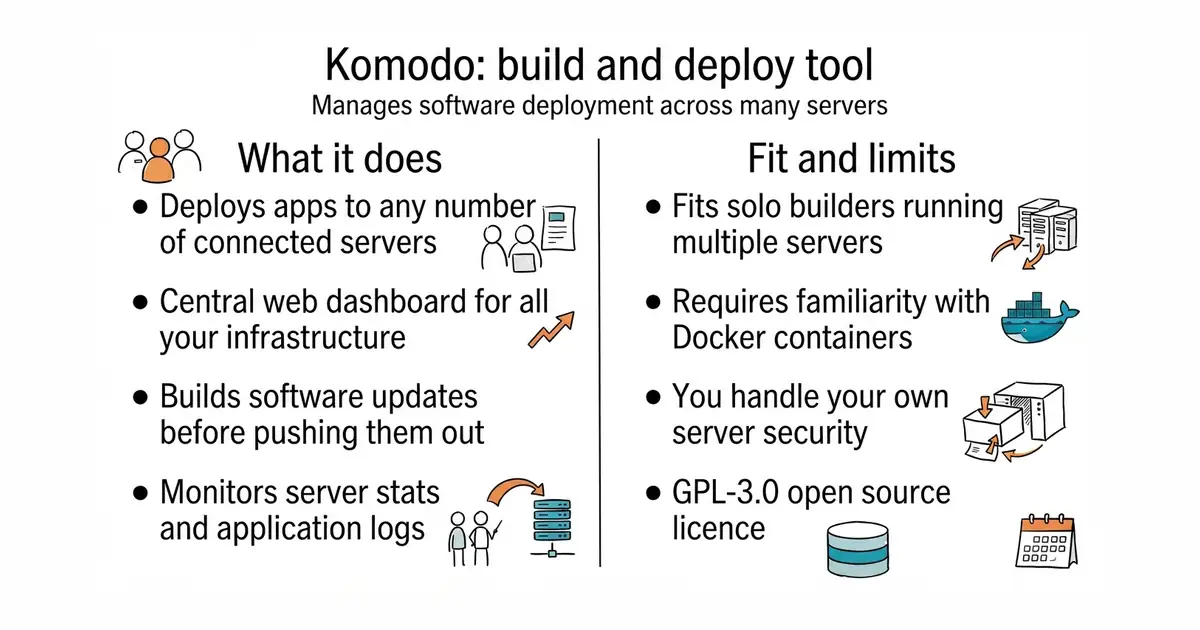
You want to run your apps on different servers without typing the same commands over and over. This tool gives you a web page to manage all your deployments in one place. It handles building your code and sending it out to your machines automatically. You do not pay any money for the software itself, but you need your own servers to run it. Setting it up takes time and some server knowledge.
What it is
Komodo is a self-hosted platform (software you run on your own server, rather than renting from a company) for building and deploying applications across multiple remote machines. It consists of a central panel and lightweight agents that sit on your target servers to execute updates.
What it is good for
Solo builders who manage multiple virtual private servers and want an easy way to push code updates without writing custom shell scripts.
- Manage unlimited servers from one single web interface.
- Includes a visual dashboard for viewing server stats and logs.
- Open source licence with no artificial limits on features.
- Requires Docker (a way to run a program inside its own sealed box, so it cannot break anything else on your server) knowledge to install and configure.
- High number of open bug reports means you might hit edge cases.
- Self-hosting means you must handle your own backups and security updates.
manual SSH deployments and shell scripts
Docker
- coollabsio/coolify63k stars
An open-source Heroku alternative that manages servers, databases, and applications through a web UI.


- vectordotdev/vector23k stars
One collector that gathers logs and numbers from machines and sends them to one or more monitoring services.
- bluewave-labs/Checkmate11k stars
A self-hosted monitor that checks whether sites and services answer, records response times and sends alerts.
- statping-ng/statping-ng2.0k stars
A single-file status page and uptime checker that works with SQLite, PostgreSQL or MySQL.
docker run -d -p 9090:9090 moghtech/komodo:latest