22.7k stars · Apache-2.0 · 0.24.0 (2026-08-17) · Track this in Rising ↗
Reactive Python notebook stored as a plain .py file — no hidden execution order, and `marimo run` serves it as a web app.
Radar check
What we found when we opened it. Every bar is one fact, with its date.
Last code pushed 26 Oct 2026, one day before this check.
Latest release 0.25.2 on 19 Oct 2026.
Public since August 2023, a little over 3 years.
23,326 stars and 1,357 forks.
619 commits and 231 new issues in the last 90 days.
374 contributors. 630 pull requests merged in 90 days.
A security policy says how to report a problem. 2 published security advisories.
How the bars are scored
- Alive. Days since the last code push: a week or less 100, a month 90, three months 70, six months 50, a year 30, eighteen months 15, older 0.
- Releases. Age of the latest GitHub release, on a similar scale; no bar when the project publishes no releases.
- Maturity. Age of the project: eight years 100, five 90, three 70, two 55, one 40, six months 25, younger 10.
- Adoption. Stars on a log scale: 100,000 stars is 100, 10,000 is 80, 1,000 is 60, 100 is 40.
- Activity. Commits in the last 90 days: 300 or more 100, 100 85, 30 65, 10 45, any 25.
- Community. People who have contributed: 100 or more 100, 30 80, 10 60, 5 40, 2 25, one 10.
- Security. A published security policy 80, none 40; published advisories are listed, not scored.
Checked by Repo Radar on 26 Oct 2026 from the repository on GitHub. Covered in Edition 6.
▶Repo detailsthe review · specs · pros & cons · install
What it does
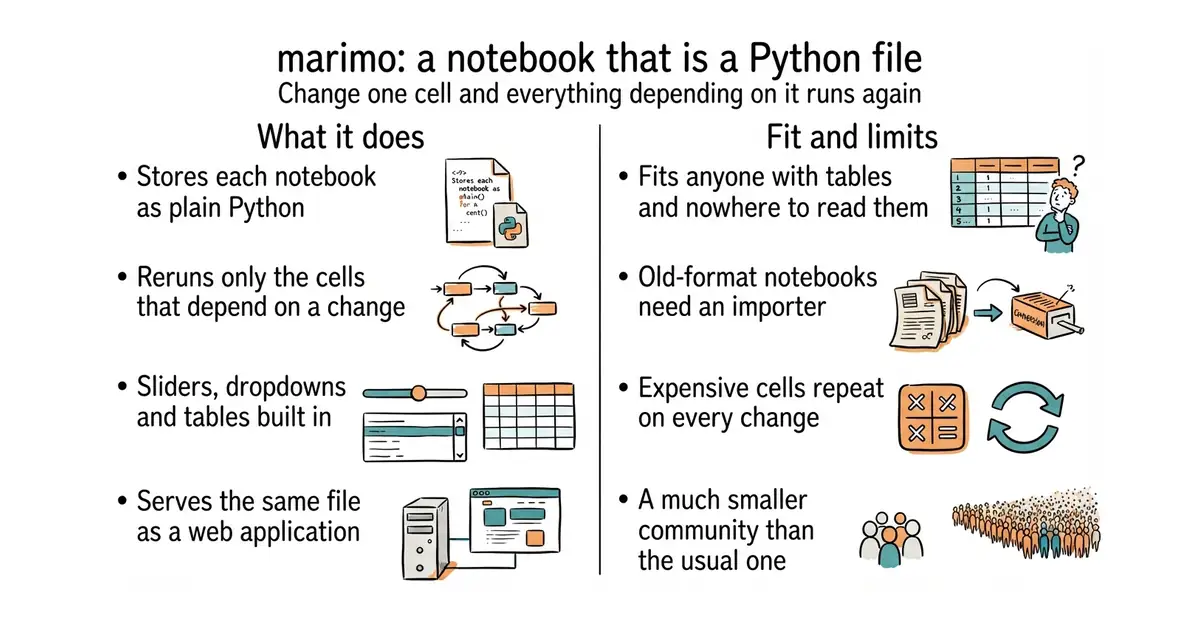
It stores each notebook as an ordinary Python file, not a special format, so the change history is readable and a program or an assistant can edit it like any other source file. When a cell changes, it works out which cells depend on that one and runs those, which removes the whole class of mistakes caused by running cells out of order. It has built-in interface elements, such as sliders, dropdown lists and tables, so a value can be dragged and the analysis rerun. The same file can be run as a plain script, or served as a web application with one command. It can also query data with SQL. The licence is Apache-2.0 and the newest release is 0.25.1, from 1 October 2026. What it does not do is run existing notebooks from the older format unchanged: there is an importer, and friction with it should be expected.
Why it matters
Who it suits. Anyone whose tools keep producing tables and who has nowhere good to look at them. Several entries in this ledger end that way: crawl tables, extracted features, volatility series, fold results. It also suits anyone whose answers carry money, because the usual notebook's hidden run order is the mistake that costs most there. And it suits anyone whose notebooks are edited by an assistant, because a plain code file is far easier to edit correctly than the usual packed format. Skip it if an existing notebook collection is large and working.
Verdict. Worth an evening, and the cheapest entry on this page to try. Two things to expect. Automatic rerunning means an expensive cell runs again whenever anything above it changes, so long jobs need caching or an explicit stop. And the surrounding community is much smaller than the usual notebook's, so most tutorials found elsewhere are written for the other one. The feature that earns the evening is the last one: the same file served as a web application turns a research notebook into an internal tool at no extra cost. streamlit/streamlit is the alternative if the goal is only the application.
Summary (Key Points)from the README
Key features
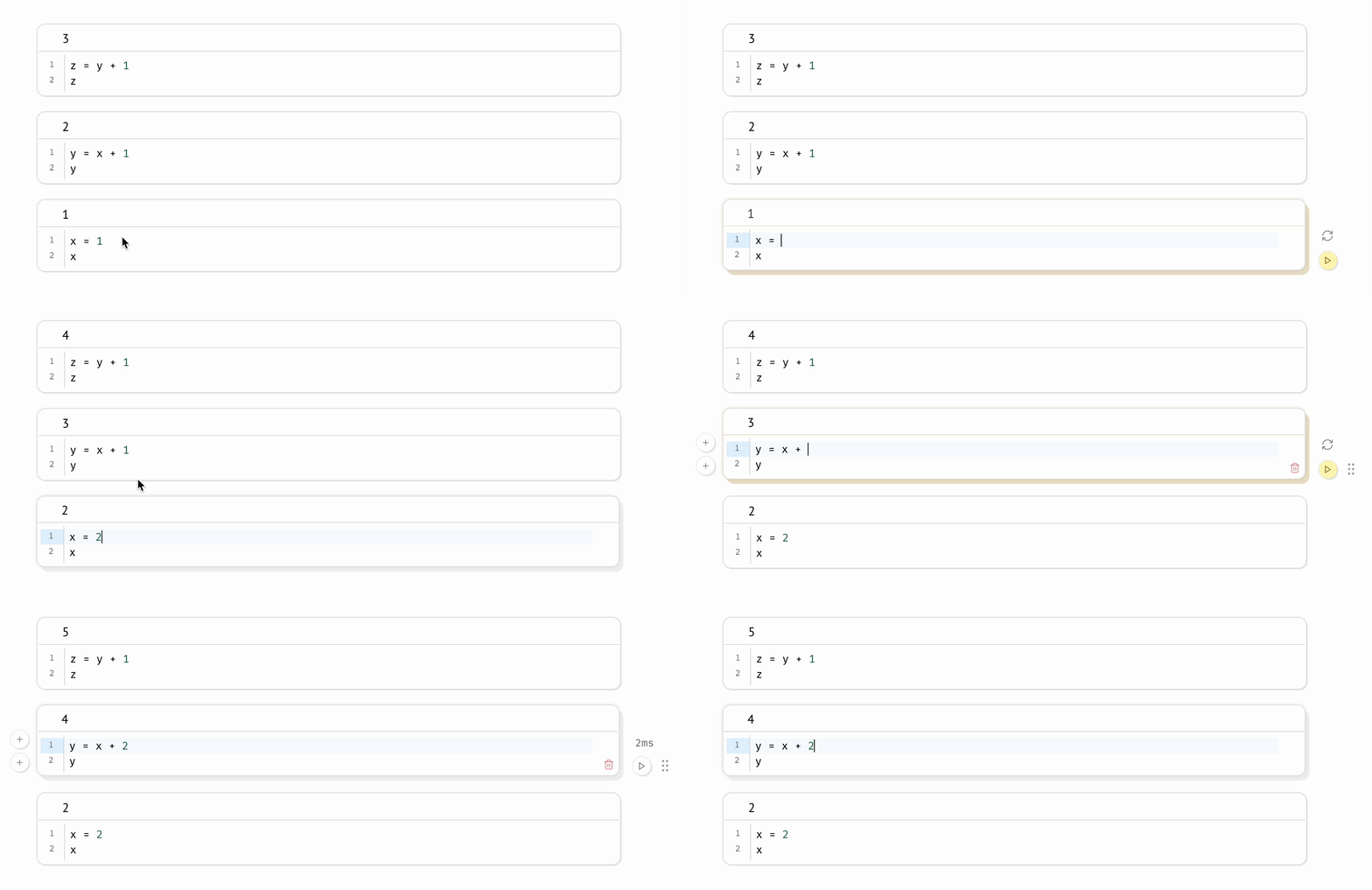
- Reactive execution: Running a cell automatically runs the cells that reference its variables, so you don't re-run cells by hand.
- Lazy runtime option: You can set the runtime to mark affected cells as stale instead of running them, which prevents accidental execution of expensive cells.
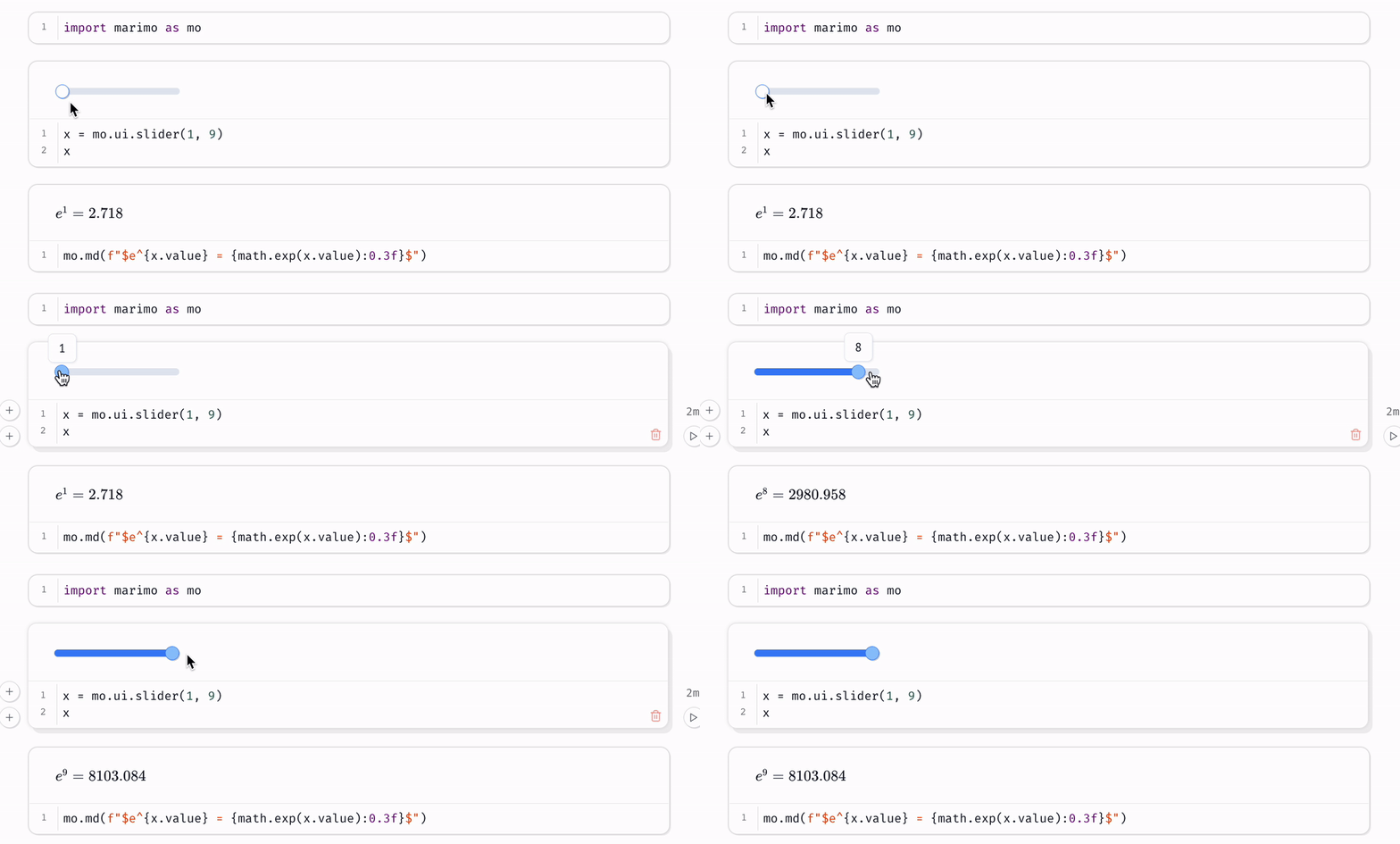
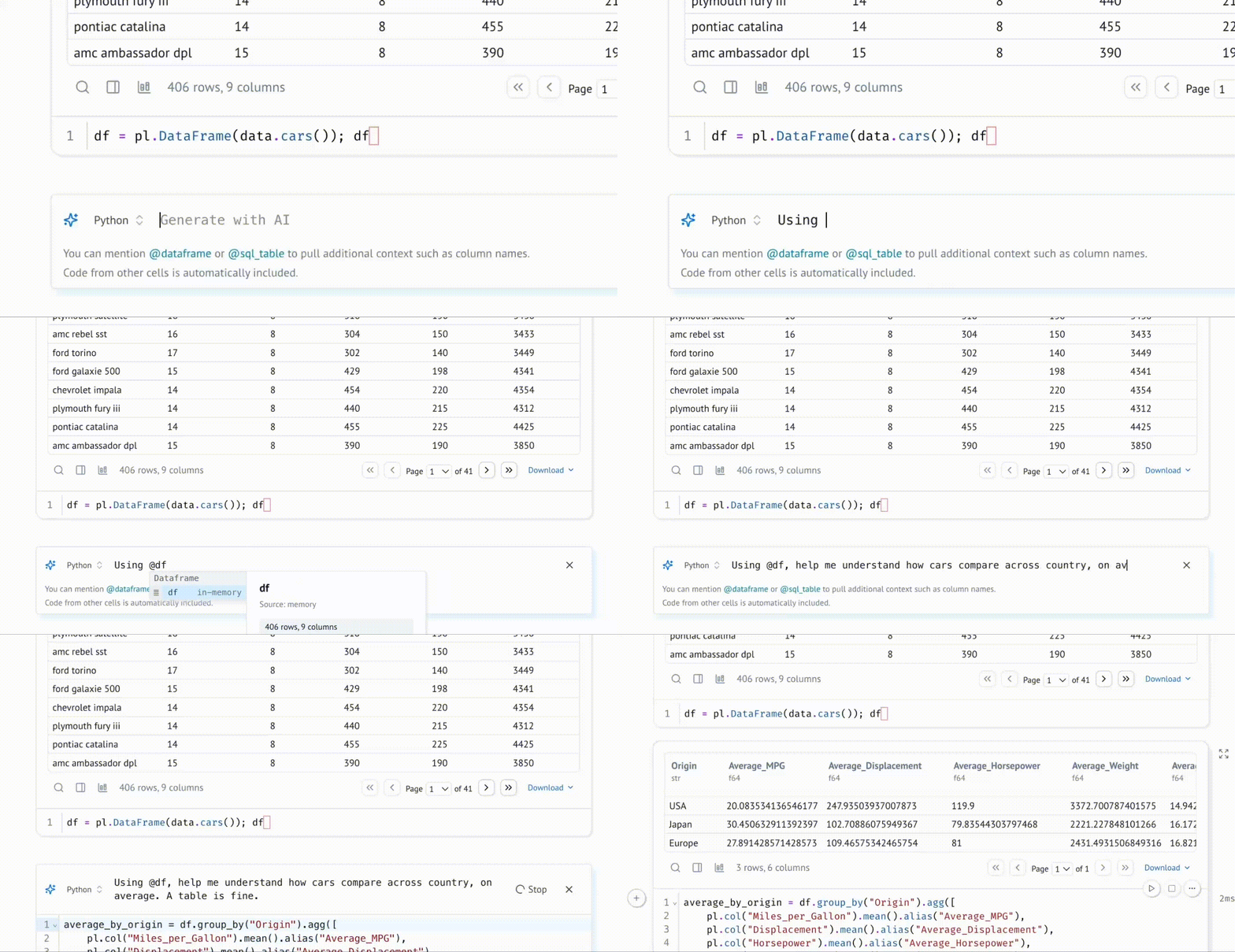
- Interactive UI bindings: Sliders, dropdowns, dataframe transformers and chat interfaces re-run the dependent cells with their latest values, without callbacks.
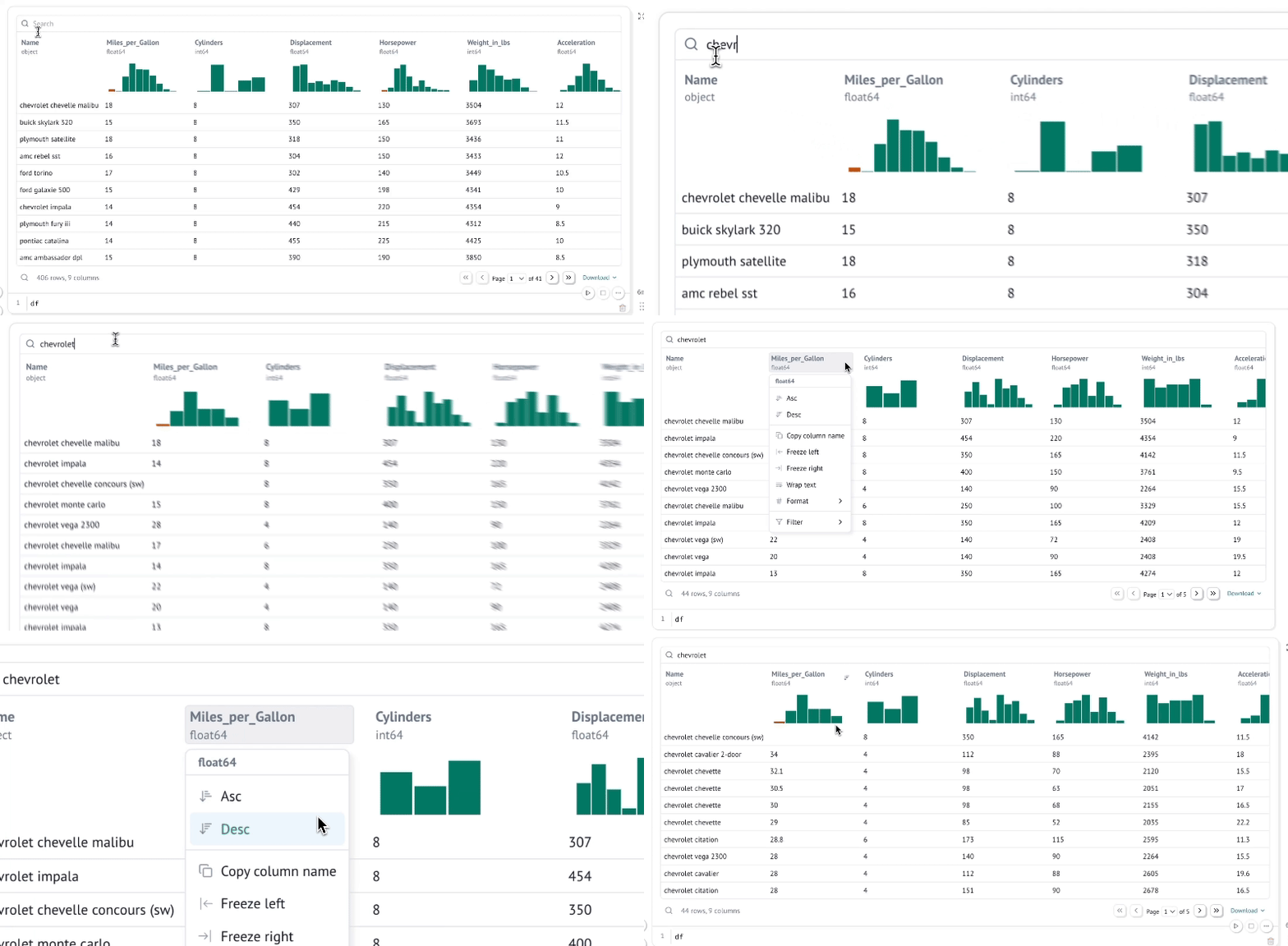
- Interactive dataframes: You can page through, search, filter and sort millions of rows with no code required.
- SQL cells: You can build SQL queries that depend on Python values and run them against dataframes, databases, lakehouses, CSVs or Google Sheets, returning a Python dataframe.
- Pure Python storage: Notebooks are stored as .py files, which keeps them git-friendly and importable as functions and classes from other notebooks.
- Deterministic execution order: Cells run based on variable references rather than their position on the page.
- Multiple run modes: A notebook can run as a web app with code hidden, as a Python script parameterized by CLI args, or as pytest tests.
- Jupyter conversion: Jupyter notebooks can be converted to marimo notebooks with the CLI or the web interface.
Ways to install
| Platform or method | What it needs | Effort |
|---|---|---|
| Local install (basic) | A terminal and the install command from the quickstart | One terminal command |
| Local install with extras | A terminal; the extras unlock SQL cells, AI completion and more | One terminal command with extra dependencies |
| molab (cloud notebook service) | A browser; README describes it as a free online notebook | No local setup |
Important
- Partial feature set: The README calls marimo "batteries-included", but SQL cells, AI completion and other extras only work after the install with additional dependencies.
- Cloud service status: The README links a Cloud Waitlist, which suggests hosted cloud notebooks are not yet open to everyone.
- AI features need configuration: The AI assistant can use your own API keys or local models, which you must set up yourself.
- Automatic package installation: marimo can install packages on import and auto-install requirements in isolated venv sandboxes, so check what gets installed before running notebooks from others.
- Lazy mode trade-off: In lazy mode, dependent cells are marked stale rather than updated, so outputs can lag behind code until you run them.
- Editor support varies: Full editor features are described for the marimo editor, while VS Code, Cursor, PyCharm and other text editors are supported through extensions or plain file editing.
Written by an AI model from the project’s README; not part of the review, and it can be wrong.
- Notebooks are plain Python files: readable in a change history, reviewable, and easy for a program to edit.
- Automatic rerunning removes the wrong answers caused by running cells out of order.
- One command serves the same file as a web application, so a research notebook becomes an internal tool.
- It will not run existing notebooks in the older format unchanged; expect friction with the importer.
- Automatic rerunning means an expensive cell repeats whenever anything above it changes.
- A much smaller community, so most tutorials found elsewhere are written for the other kind of notebook.
source venv/bin/activate
pip install marimo
marimo edit analysis.py