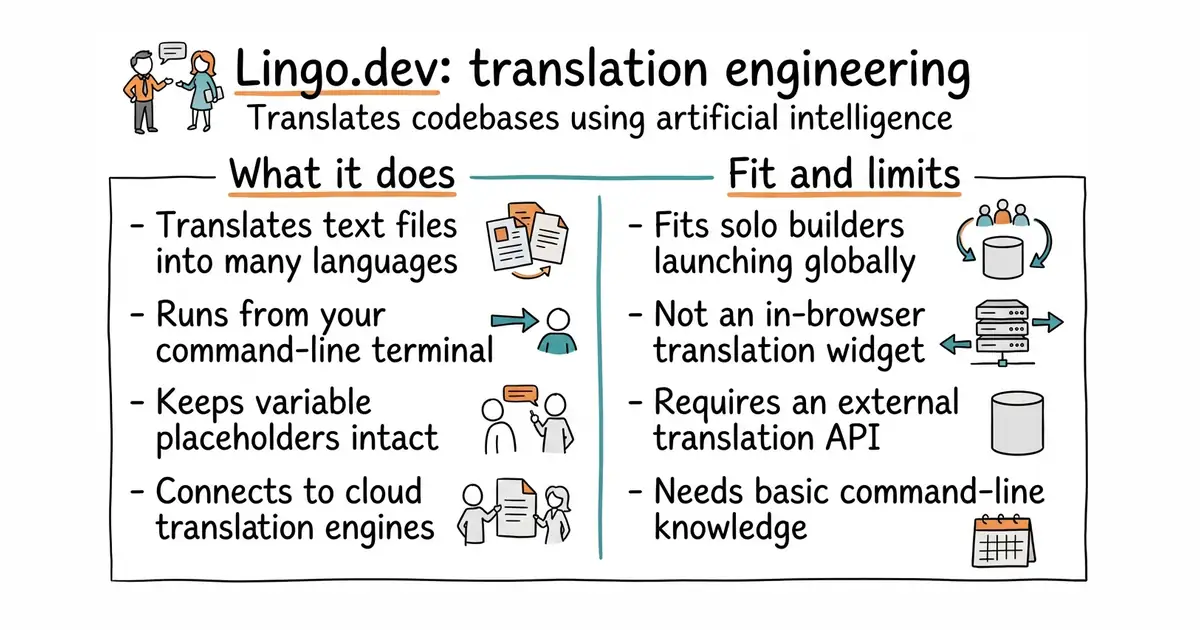
In simple English
This tool translates your software project into other languages. It reads your text files and sends them to an artificial intelligence engine. The engine gives back translated text that fits your original context. You run it from your command line to update translations automatically. It costs time to set up and requires an account with a translation service.
What it is
Lingo.dev is an open-source command-line interface (a text-based tool you run in your terminal) and a set of translation engineering packages written in TypeScript (a programming language that adds safety rules to JavaScript). It connects your codebase to external language translation services.
What it is good for
Solo builders who want to launch their web applications in multiple languages without manually copying translation keys into spreadsheets.
- Translates thousands of strings in seconds using automated intelligence.
- Keeps your formatting and variable placeholders intact during translation.
- Integrates directly into your existing development workflow.
- Requires a paid account or API key for the underlying translation service.
- Setup requires familiarity with command-line tools and configuration files.
- Depends on an external cloud platform to perform the actual translation work.
manual translation files and spreadsheets
React
- i18next/i18next8.6k stars
A popular internationalisation framework for JavaScript that handles translation display in your app.
- formatjs/formatjs15k stars
A collection of libraries to internationalise your web web apps according to ICU standards.


- sphinx-doc/sphinx8.1k stars
Builds a documentation website, and a PDF, from text files and from the comments beside the code.
- facebook/docusaurus67k stars
A static site generator from Meta that turns Markdown files into a documentation website.
npm install -g lingo.dev
lingo.dev init