In simple English
Kubernetes (a system for running container programs across many computers) can be hard to watch and manage. Headlamp gives you a clean web page to look at your apps, read logs, and edit settings. You can run it on your own computer as a desktop app, or put it straight onto your server. It respects your user permissions, so you cannot break things you do not own. The project is free to use and open source.
What it is
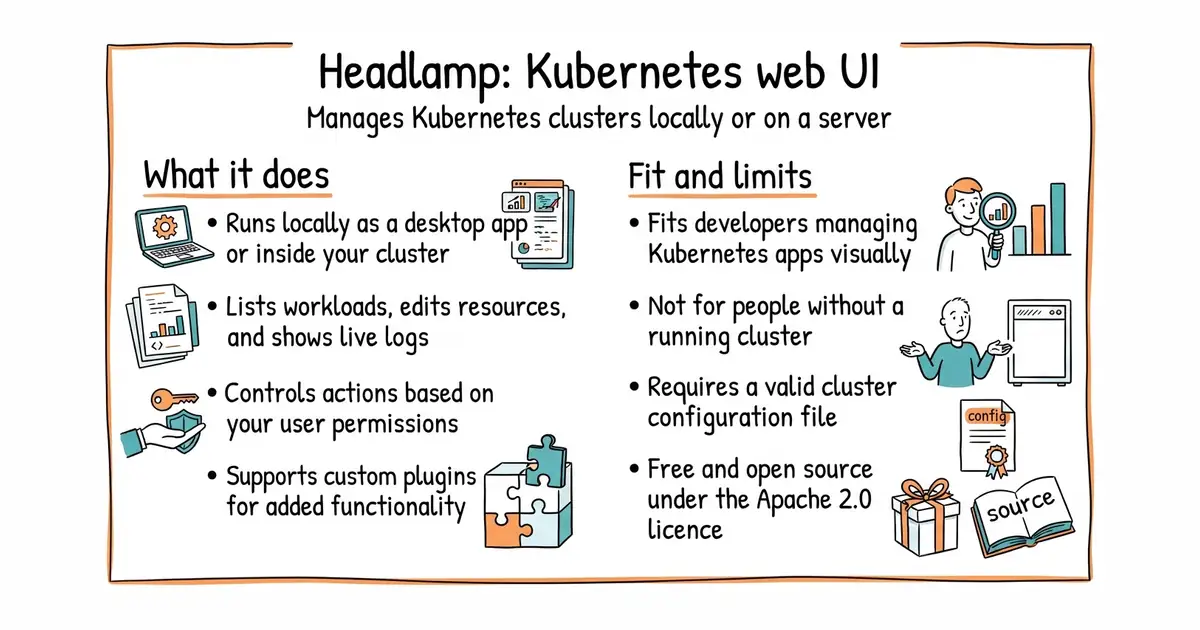
Headlamp is an open-source, vendor-neutral web user interface for Kubernetes clusters that supports plugins and multi-cluster setups. It runs either as a desktop application on your machine or inside your cluster.
What it is good for
Solo builders and small teams who want a visual dashboard to inspect workloads, check pod logs, and run commands inside containers without memorising command-line flags.
- Works as a local desktop app or inside your cluster.
- Supports adding plugins to change or add features.
- Honours your access permissions so you cannot make unauthorised changes.
- Requires an existing Kubernetes cluster and a working configuration file.
- Token permissions can block access if not set up correctly.
- Large open-source issue queue may mean slow bug fixes for edge cases.
The official Kubernetes Dashboard or raw command-line kubectl commands
kubectl (the command-line tool for running commands against Kubernetes clusters)
- derailed/k9s35k stars
A terminal-based UI to interact with your Kubernetes clusters, offering fast keyboard navigation.
- lensapp/lens23k stars
A commercial desktop application for Kubernetes management with a similar multi-cluster focus.


- vectordotdev/vector23k stars
One collector that gathers logs and numbers from machines and sends them to one or more monitoring services.
- bluewave-labs/Checkmate11k stars
A self-hosted monitor that checks whether sites and services answer, records response times and sends alerts.
- statping-ng/statping-ng2.0k stars
A single-file status page and uptime checker that works with SQLite, PostgreSQL or MySQL.
Download the desktop application installer for your operating system from the official Headlamp website or documentation pages.