In simple English
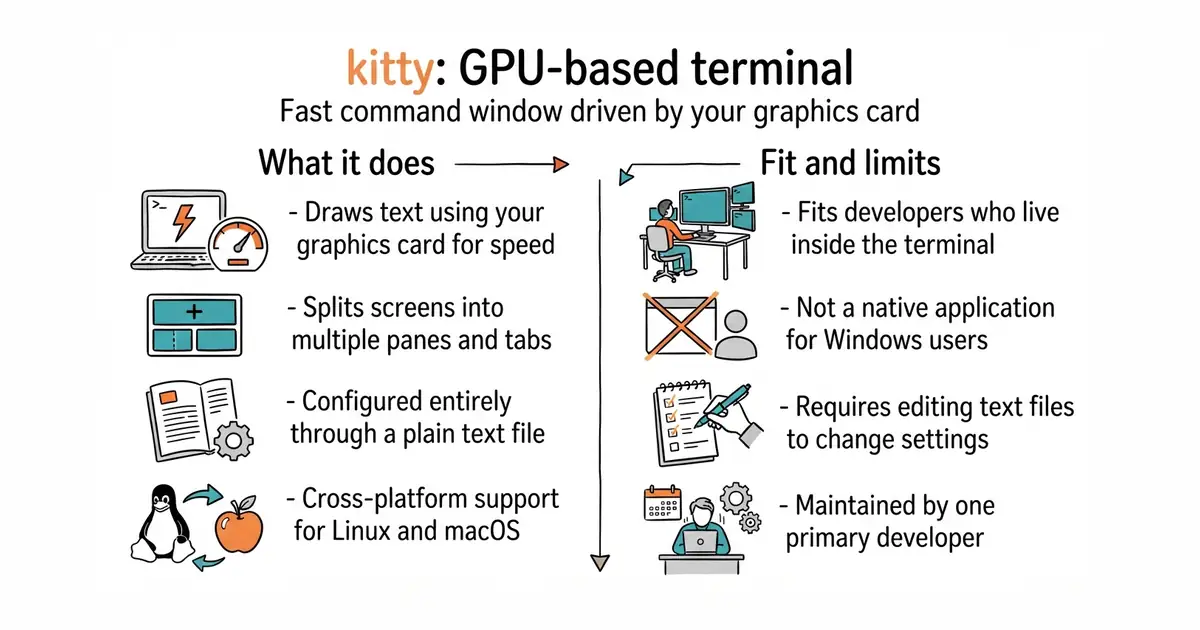
This tool replaces the standard command window that comes with your computer. It draws text using your computer's graphics card, so it runs very fast. You can split the screen into many small windows and control them with your keyboard. It costs nothing to use and receives regular updates from its main developer. You need some comfort with text-based configuration files to set up your preferences.
What it is
kitty is a command-line interface (a text-based window where you type commands to your computer) that renders graphics on your graphics card (a computer part that draws images quickly) for speed. It supports tabs, split panes, and custom keyboard shortcuts out of the box.
What it is good for
Solo builders who spend their entire day typing commands and running code will appreciate the speed and screen-splitting features. It removes the stutter and slow text rendering found in older default terminal apps.
- Draws text using your graphics card for very fast performance.
- Splits into multiple panes and tabs without needing extra software.
- Runs on Linux and macOS with consistent key bindings.
- Configuration requires editing a text file instead of using settings menus.
- Not available as a native Windows application for everyday use.
- Requires a modern graphics card driver to work properly.
your computer's default terminal app
tmux
- alacritty/alacritty66k stars
Another fast terminal emulator that uses the graphics card, focused on minimal configuration.
- wezterm/wezterm29k stars
A GPU-accelerated terminal emulator with built-in multiplexing and extensive Lua scripting support.


- jj-vcs/jj32k stars
A version control system that stores its history in Git repositories but handles changes and conflicts differently.
- WerWolv/ImHex55k stars
A hex editor with its own small language for describing the layout of a binary file.
curl -L https://sw.kovidgoyal.net/kitty/installer.sh | sh /dev/stdin