32.2k stars · Apache-2.0 · v0.46.0 (2026-10-07) · Track this in Scout
A version control system that stores its history in Git repositories but handles changes and conflicts differently.
▶Repo detailsthe review · specs · pros & cons · install
What it does
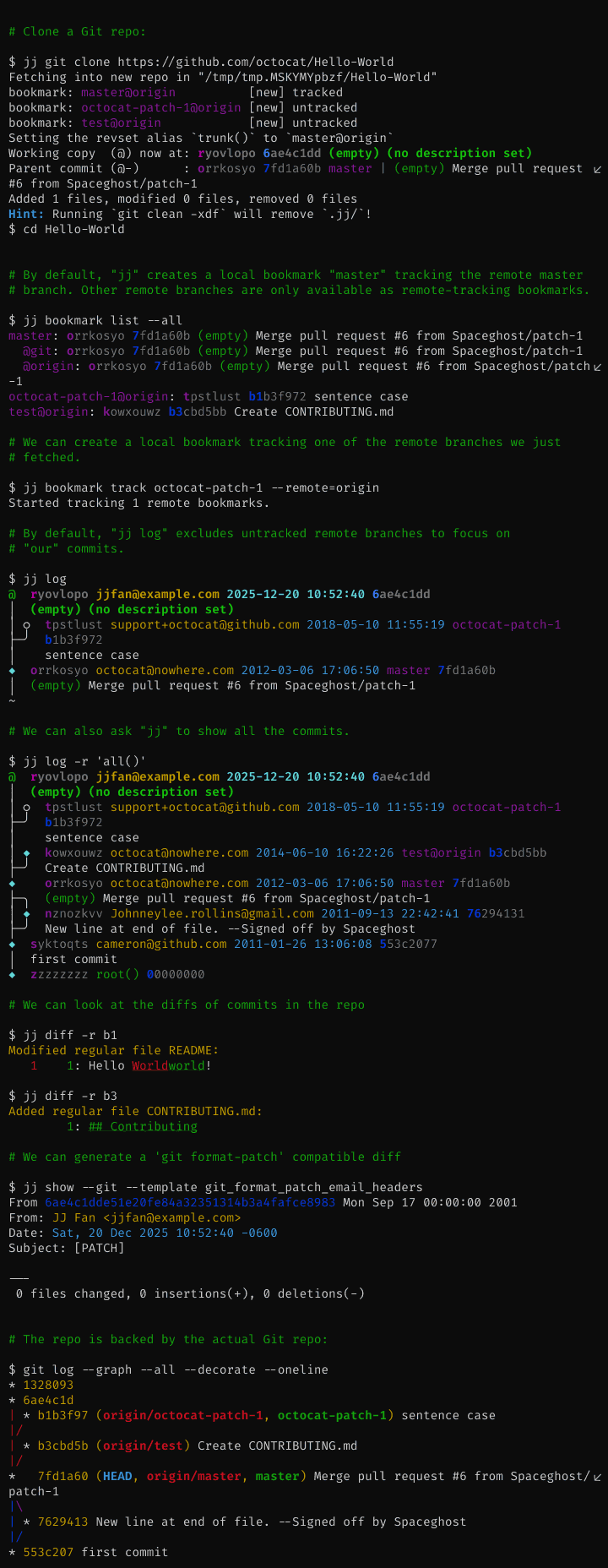
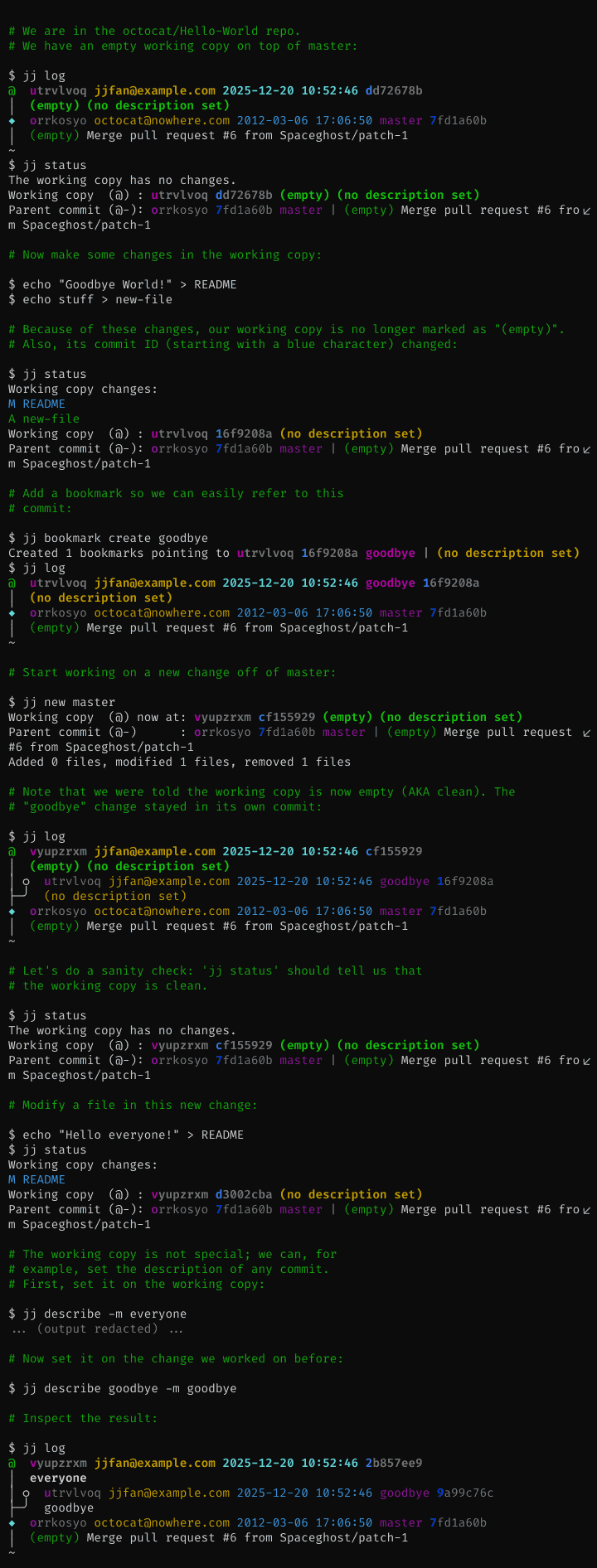
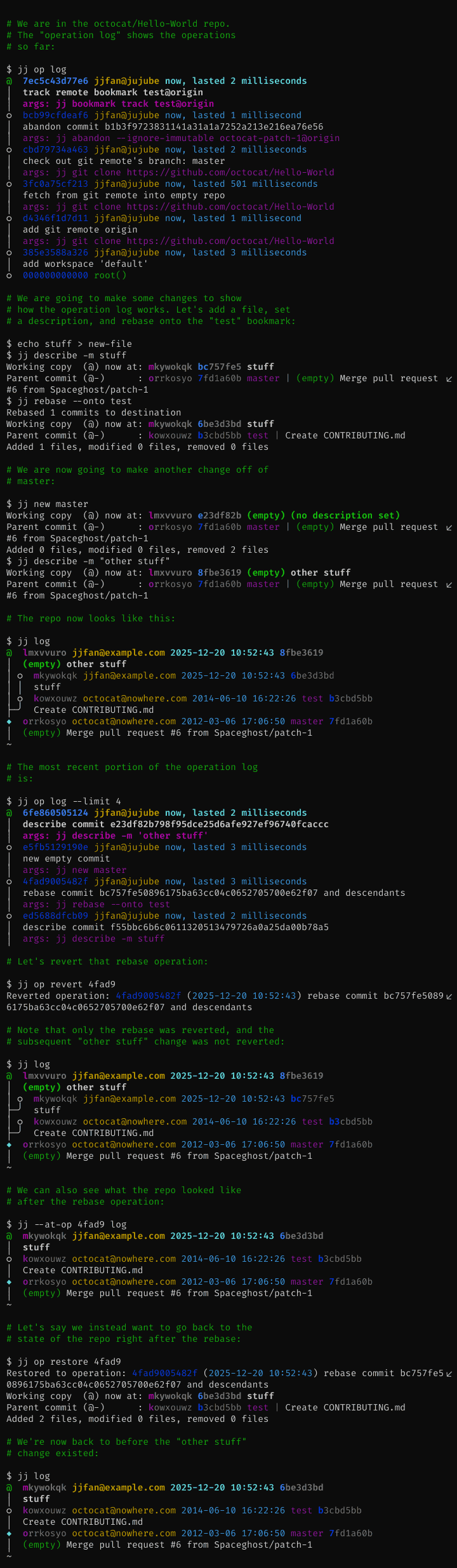
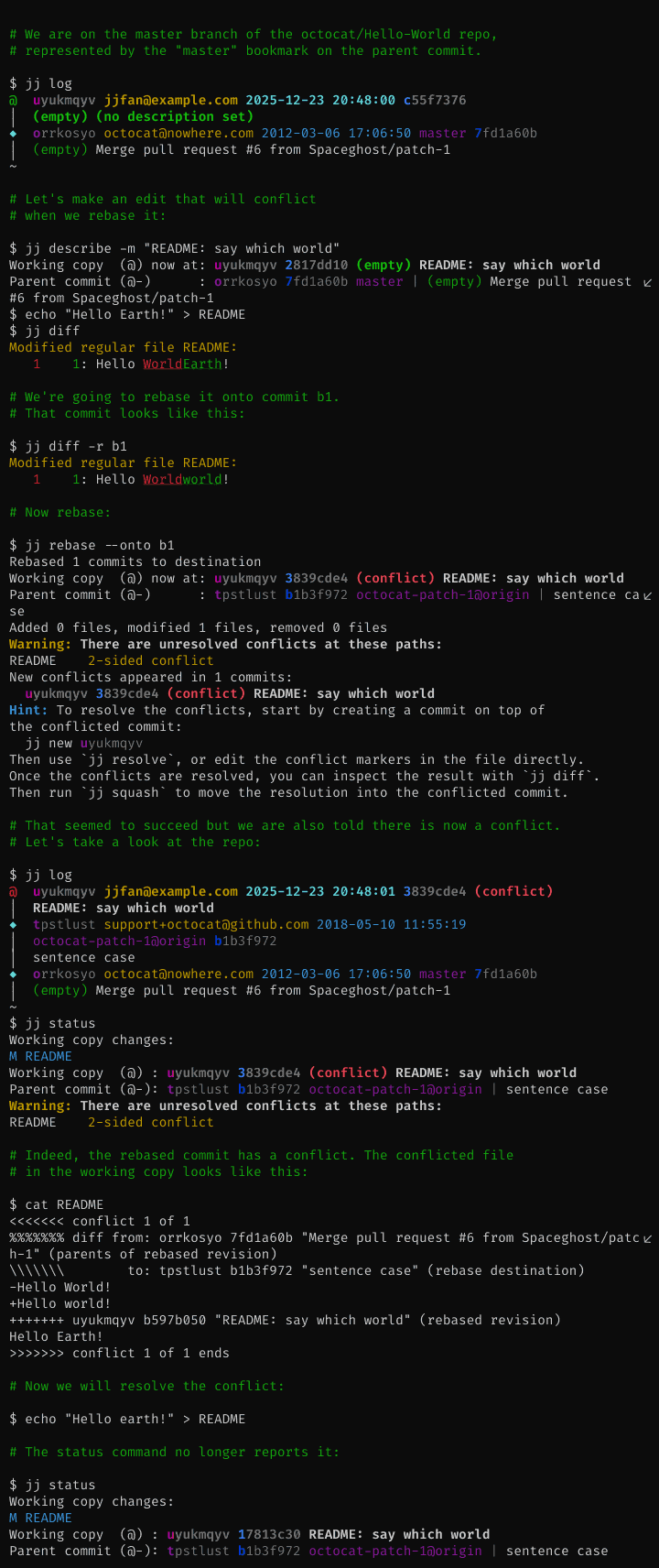
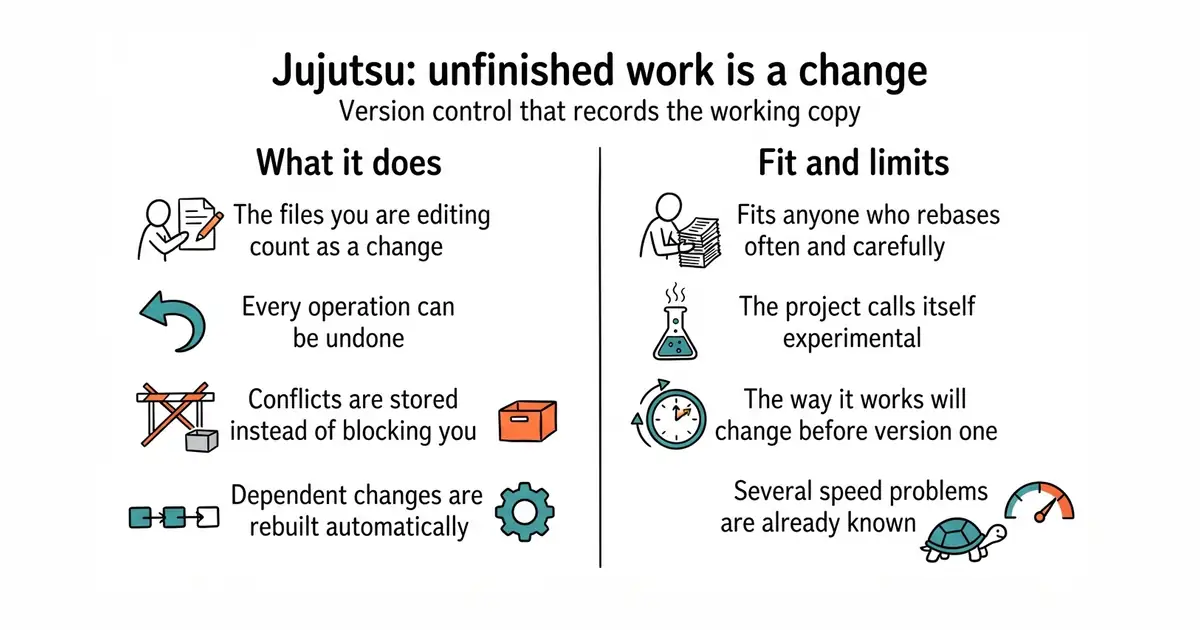
It records the files you are working on right now as a saved change, and updates that change as you edit. There is therefore no separate step for staging and no separate idea of uncommitted work. Every operation on the repository is written down, so any command can be undone, including ones that would be hard to recover from in Git. When you edit a change that others are built on top of, it rebuilds those automatically instead of asking you to do it. Conflicts are recorded inside a change rather than stopping the operation, so you can finish what you were doing and fix them afterwards. The default storage is a Git repository, which is why existing hosting and tooling keep working. It has been in development since December 2020 and has close to twelve thousand commits. Now the boundary, and the project is clear about it. Support for nested repositories is not finished. There is no built-in support for sending changes by email. Only commits and files live in Git, so branch names and other bookkeeping are stored separately. Only the Git storage is considered ready for real use, several speed problems are known, and the features for working with others are experimental and may change. The project also notes that despite Google being a major contributor, it is not a supported Google product.
Why it matters
Who it suits. Anyone who uses Git every day and keeps hitting the same three walls: a rebase that goes wrong with no way back, a conflict that arrives at the worst moment, and a stash they forgot about. It suits people who work in long chains of small changes, because rebuilding what sits on top of an edit is automatic here. It also suits a cautious experiment, because the data stays in a Git repository and the usual tools keep reading it. Skip it if you share a working copy with people who will not install it, and skip it if your work depends on nested repositories or on sending changes by email.
Verdict. The most interesting thing on this list, and also the one asking for the most patience. Code was pushed on 31 August 2026, so it is active, but the project describes itself as experimental and says the way it works will change before version 1.0, which is a promise about future disruption rather than a warning about present bugs. Try it on an existing repository and keep using Git alongside it: because the storage is a Git repository, that costs nothing and teaches you quickly whether the model fits how you think. Two notes. Read the undo command first, because it is the feature that makes experimenting safe. And do not plan a team move on it yet, since the parts about working with others are the parts still marked experimental. For a gentler improvement on Git that changes nothing underneath, jesseduffield/lazygit is the obvious stop.
- The data lives in a Git repository, so existing hosting, tools and colleagues keep working.
- Every operation is recorded, so almost anything can be undone with one command.
- Conflicts are stored inside a change instead of stopping the work.
- The project calls itself experimental and expects the way it works to change before version 1.0.
- Nested repositories are unfinished and email-based workflows are not supported.
- Several speed problems are known, and the features for working with others are experimental.
- jesseduffield/lazygit
MIT, a terminal interface over ordinary Git: it makes staging, rebasing and committing easier without changing the model underneath.
Track this in Scout  gitbutlerapp/gitbutler
A desktop and command-line client built around working on several branches at once; its licence is a Fair Source one that becomes MIT after two years, so read the terms before building on it.
Track this in Scout
# macOS, with Homebrew
brew install jj
# from source, with Rust installed
cargo install --locked --bin jj jj-cli
# then, inside an existing Git repository
jj git init --colocate
jj log
jj undo            # the command to learn first