2.7k stars · MIT · v2.3.0 (2025-10-23) · Track this in Scout
Side-by-side, syntax-highlighted file differences in a terminal.
▶Repo detailsthe review · specs · pros & cons · install
What it does
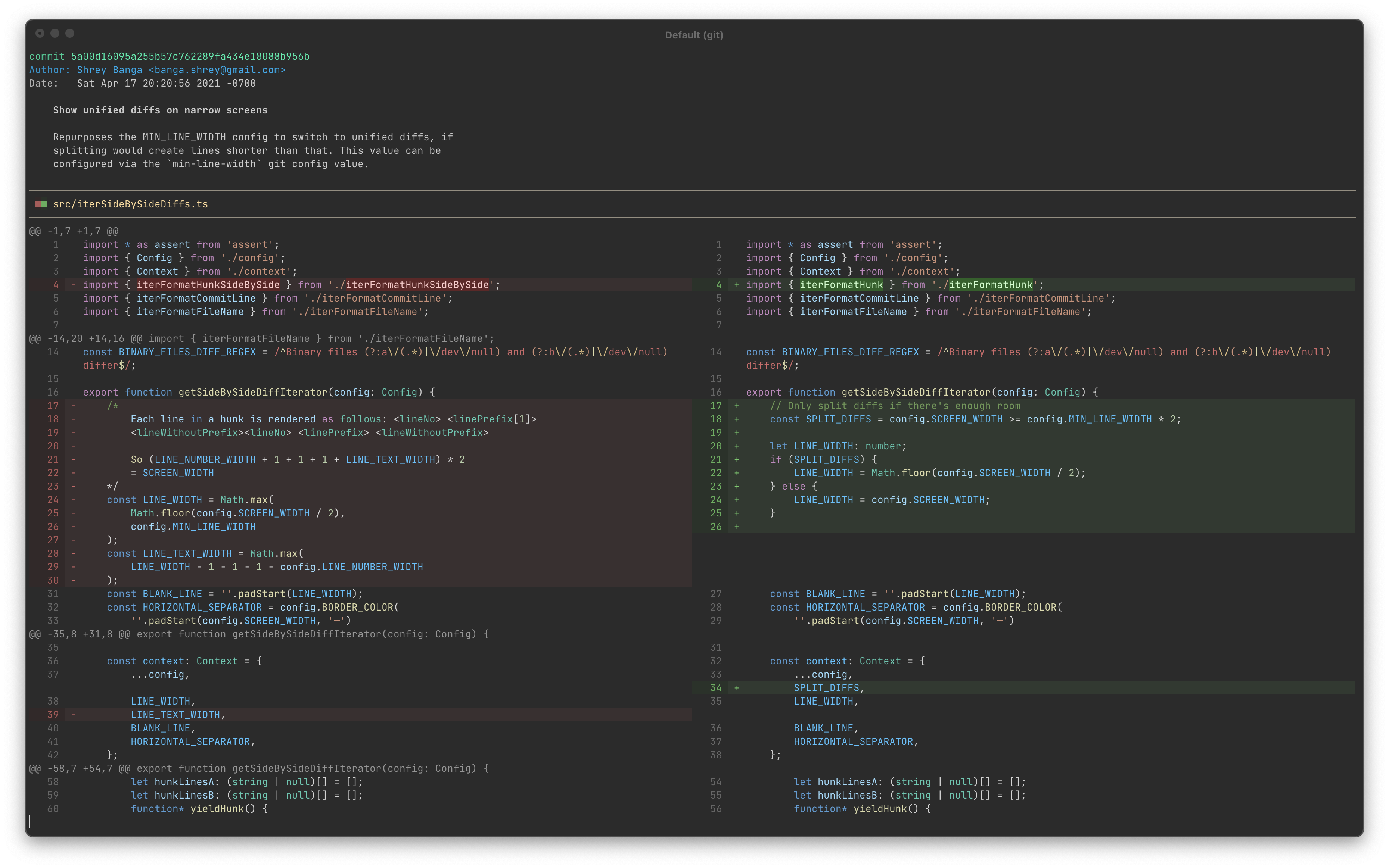
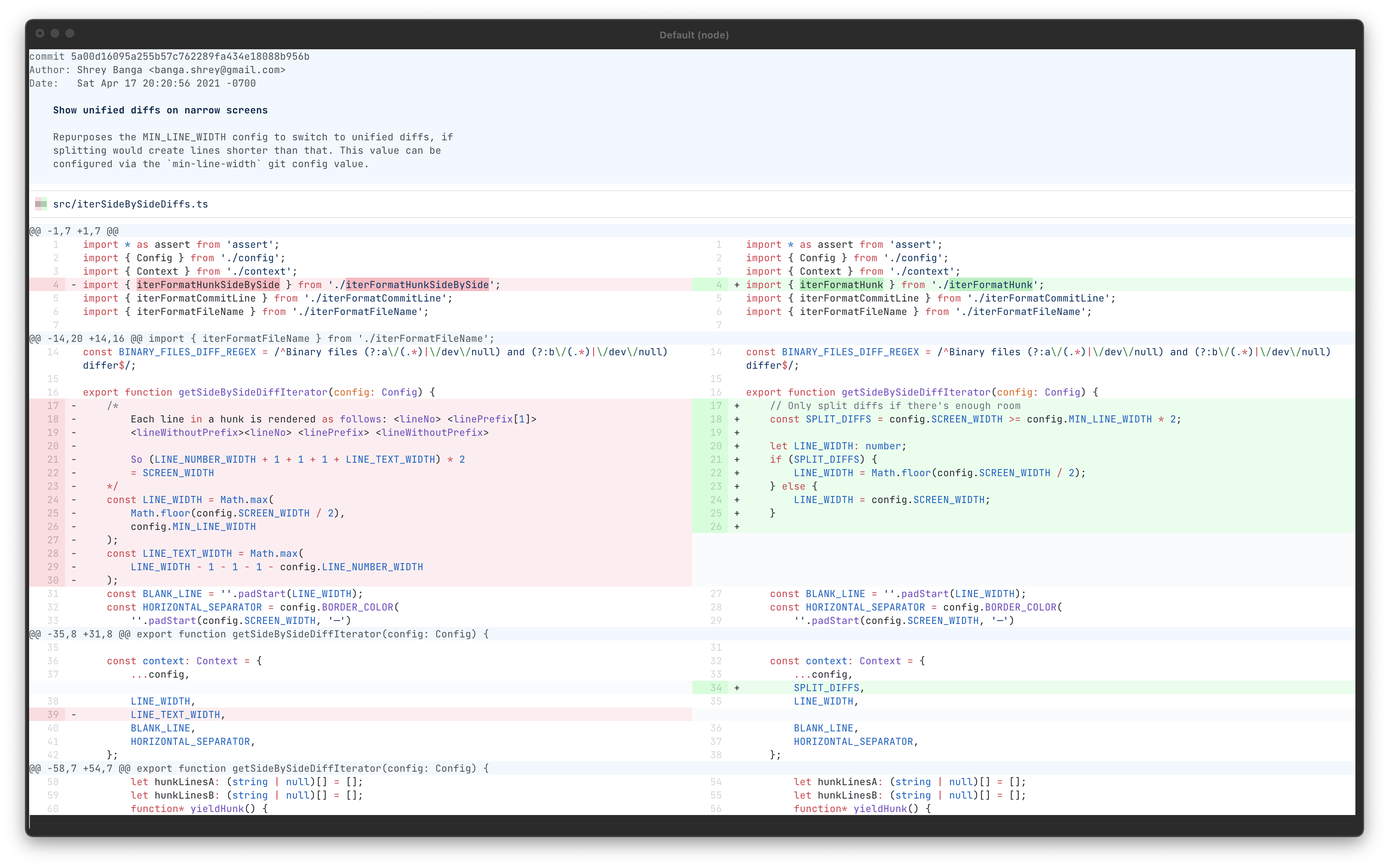
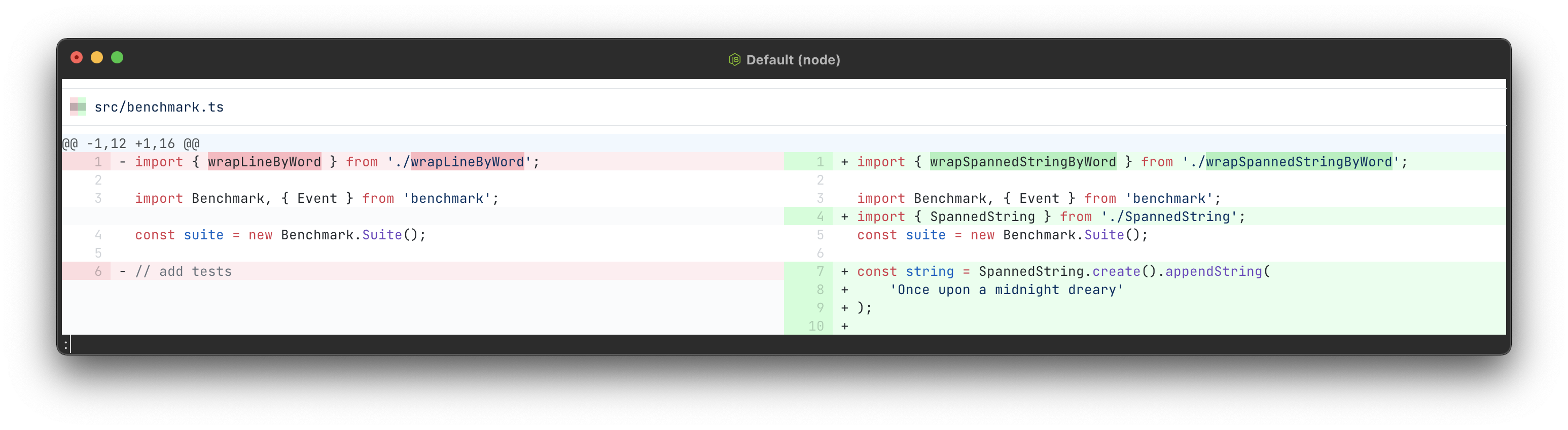
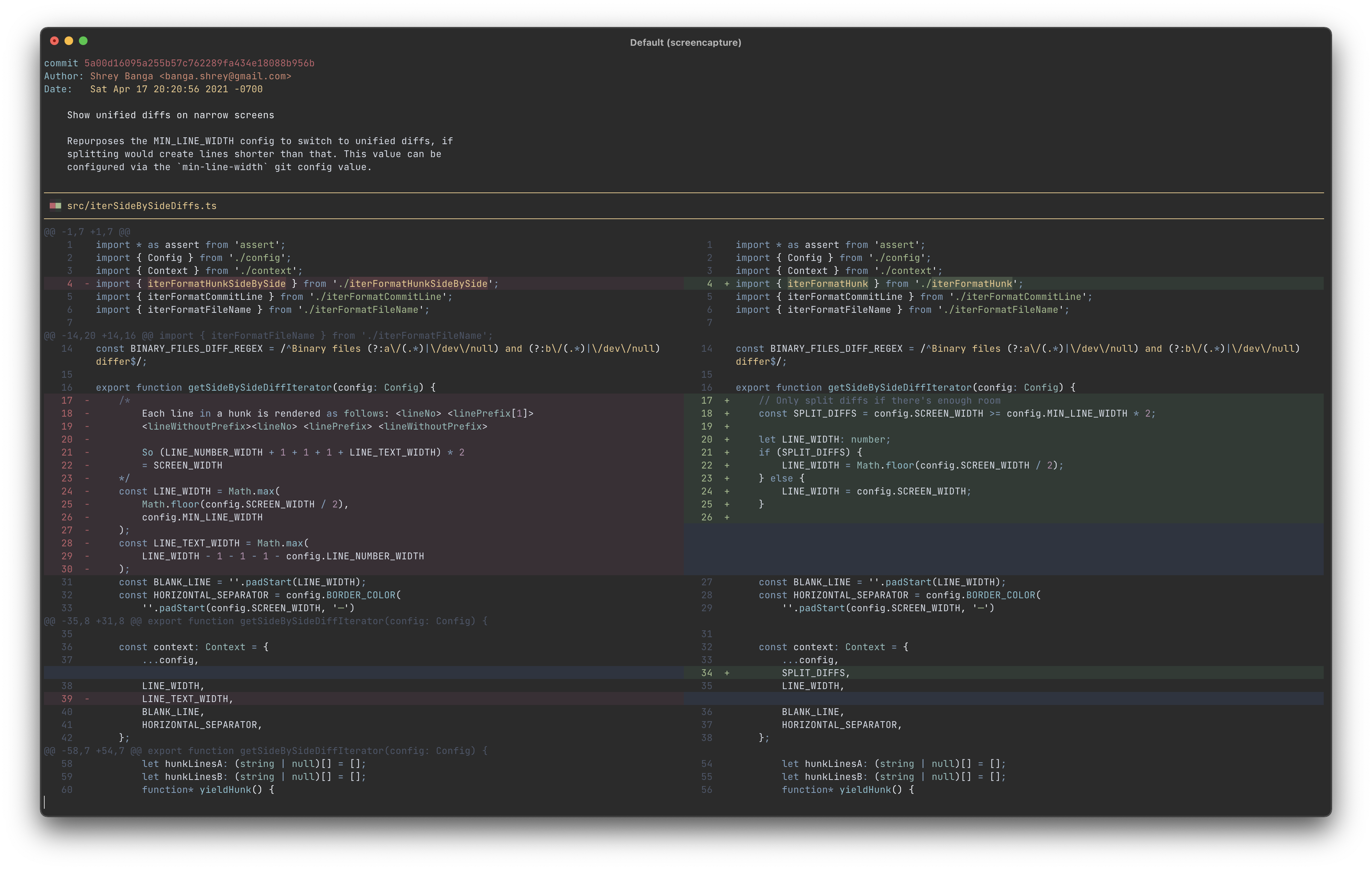
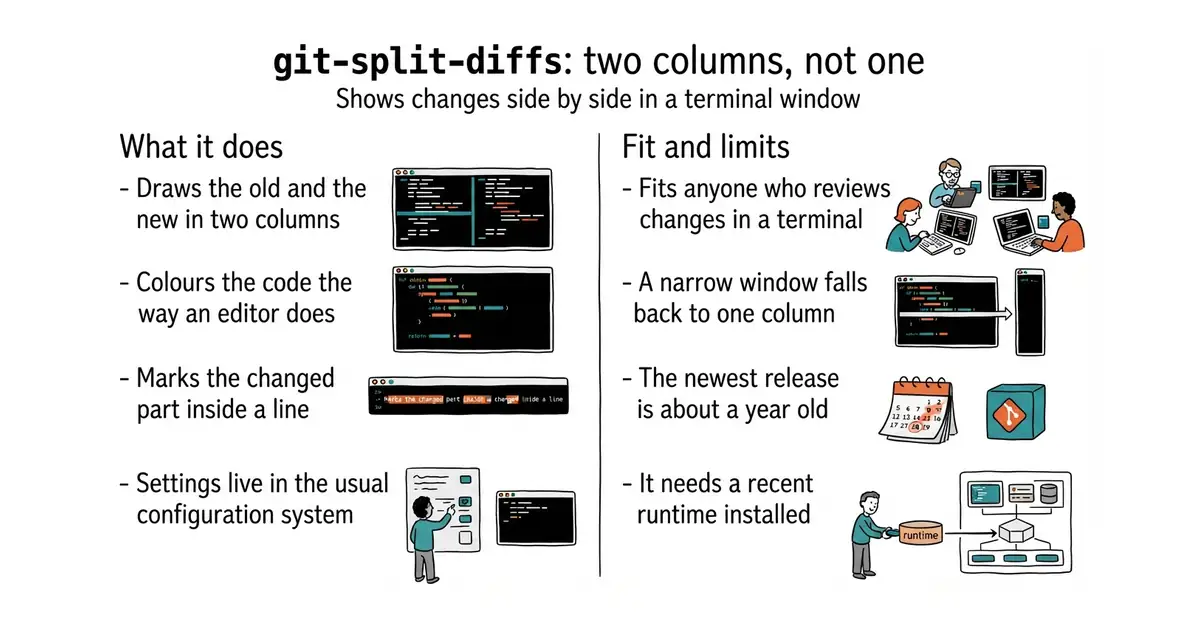
It takes the output of a comparison and redraws it as two columns. The code is coloured using the same grammars and themes that a widely used editor uses, so the colours are the ones you already read. Inside a changed line it marks the part that actually changed, which means a one-character edit does not look like a whole rewritten line. Lines wrap to fit the window by default, and can be truncated instead. Several themes are supplied, and more can be loaded from a folder. Everything is set through the ordinary configuration system of the version control tool, with names such as split-diffs.wrap-lines and split-diffs.syntax-highlighting-theme, so there is no separate settings file to learn. It needs Node.js 18 or newer, which is the runtime most web tooling already uses. Two boundaries, both documented. On a narrow window it gives up on two columns and falls back to the single-column view, below 160 characters by default. And it expects to be read through a pager, which is the small program that lets you scroll long output, so the documented setup pipes it into one.
Why it matters
Who it suits. Anyone who reads changes in a terminal rather than in a browser. It suits reviewing somebody else's work most of all, because two columns make a moved block obvious where one column makes it look like a deletion followed by an unrelated addition. It also suits anyone who keeps opening a web page just to read a change properly, since this removes that trip. Skip it if you already review everything in an editor or a browser, where this view exists already.
Verdict. One of today's three starting points, for the plainest reason on the list: two commands, and every comparison from then on is easier to read. A genuine find at 2,744 stars. Two notes, and the second is the more interesting. On a narrow window it falls back to the old view without saying so, so if nothing appears to have changed, widen the window before looking for a fault. And the dates need reading carefully. The newest release, version 2.3.0, is dated 23 October with no year, and because 23 October has not yet happened in 2026 that places it in 2025 — about a year ago. Code, meanwhile, was pushed on 11 October 2026. A year-old release on a tool this small and this finished is normal, and the code date is the one that says it is alive. Wilfred/difftastic and dandavison/delta are the two neighbours worth knowing about.
- Two commands, and every comparison from then on is side by side with nothing else to change.
- MIT, and the colouring uses the same grammars and themes as a widely used editor.
- It marks the changed part inside a line, so a one-character edit does not look like a rewrite.
- Below a 160-character window it falls back to the single-column view without saying so.
- The newest release is about a year old, although code was pushed eleven days before this edition.
- It needs Node.js 18 or newer, which is one more runtime to keep installed.
 Wilfred/difftastic
MIT, a comparison tool that reads the structure of the code rather than the lines, so moving a block or reindenting a file produces a much smaller result.
Track this in Scout dandavison/delta
MIT, a colouring pager for comparisons, searches and blame output, with side-by-side as one of its modes; a wider tool covering more kinds of output.
Track this in Scout
npm install -g git-split-diffs            # needs Node.js 18 or newer
# make it the default way comparisons are shown
git config --global core.pager "git-split-diffs --color | less -RFX"
# or use it once, changing nothing permanently
git diff | git-split-diffs --color | less -RFX