In simple English
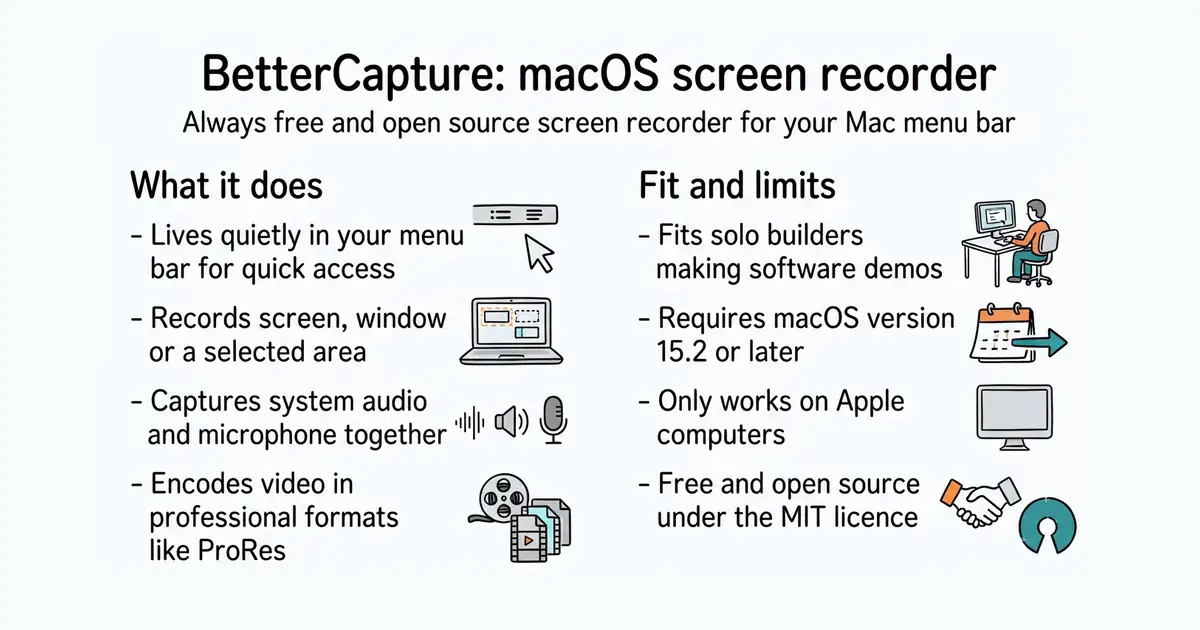
Your Mac has built-in screen recording tools, but they often lack advanced options or hide behind paid apps. This tool gives you a clean menu bar recorder that respects your privacy. It records your screen, window or a custom area with high quality. It captures your microphone and computer audio at the same time. It costs nothing, contains no tracking, and saves files directly to your hard drive.
What it is
A native menu bar screen recorder built in Swift for macOS. It uses modern system APIs to encode video in formats like ProRes and HEVC.
What it is good for
Solo builders who need to record software demos, bug reports, or tutorials on a Mac without paying for commercial screen recorders or dealing with heavy desktop software.
- Runs quietly from your menu bar with a native Mac look and feel.
- Supports professional video formats including ProRes and HEVC with HDR.
- Can record system audio and your microphone at the same time.
- Requires macOS 15.2 or later to run.
- Only works on Apple computers running macOS.
- Feature requests require prior discussion or get closed immediately.
Paid macOS screen recording apps and the built-in screenshot toolbar
Raycast for triggering recordings with keyboard shortcuts
- lihaoyun6/QuickRecorder8.7k stars
Another open-source macOS screen recorder with a menu bar interface.
- Mnpn/Azayaka768 stars
A lightweight macOS menu bar utility specifically for recording system audio and screens.


- snapcast/snapcast8.0k stars
A server and clients that play one audio stream in several rooms, kept in time with each other.
- MusicPlayerDaemon/MPD2.8k stars
A background music player with no interface of its own, controlled over a network by separate client programs.
- AcademySoftwareFoundation/OpenTimelineIO2.0k stars
An interchange format and library for editing timelines: the order and length of cuts, and references to the media, but not the media.
brew install bettercapture