In simple English
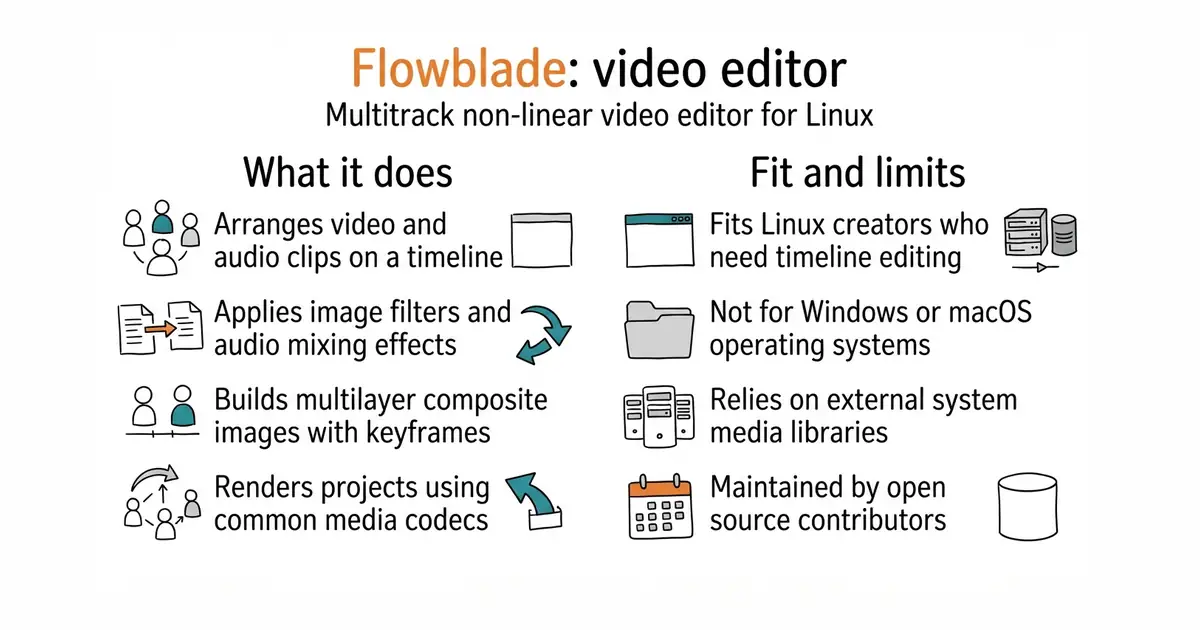
Flowblade is a program for cutting and joining video files on your computer. It runs on Linux and costs nothing to download or use. You can layer multiple video and audio tracks to build complete movies. It handles most common video formats and gives you precise control over every frame. You need a Linux computer to run it.
What it is
Flowblade is a multitrack non-linear video editor written in Python. It relies on underlying media libraries to handle decoding and rendering.
What it is good for
Solo creators who use Linux and need a reliable desktop application for editing YouTube videos, short films or promotional clips without paying for commercial software.
- Provides up to 21 combined video and audio tracks for complex edits.
- Includes over 50 image filters and 30 audio filters for polishing your media.
- Supports batch encoding so you can render multiple output clips automatically.
- Runs only on Linux, so Windows and macOS users cannot install it.
- Depends on external media codecs and libraries that you must install on your system.
- Requires a learning curve if you are new to traditional timeline video editors.
Adobe Premiere
FFmpeg
- KdenLive/KdenLive1 stars
Another popular multitrack video editor for Linux with a graphical interface.


- snapcast/snapcast8.0k stars
A server and clients that play one audio stream in several rooms, kept in time with each other.
- MusicPlayerDaemon/MPD2.8k stars
A background music player with no interface of its own, controlled over a network by separate client programs.
- AcademySoftwareFoundation/OpenTimelineIO2.0k stars
An interchange format and library for editing timelines: the order and length of cuts, and references to the media, but not the media.
Check your Linux distribution's package manager or follow the install guide in the repository documentation.