32.4k stars · MIT · v2026.9.11 (2026-09-18), read from /releases/latest on the morning of the edition; the version number is a calendar version and the eleventh release of September 2026 · Track this in Scout
One tool that installs language versions per project, loads that project's environment, and runs its commands.
▶Repo detailsthe review · specs · pros & cons · install
What it is
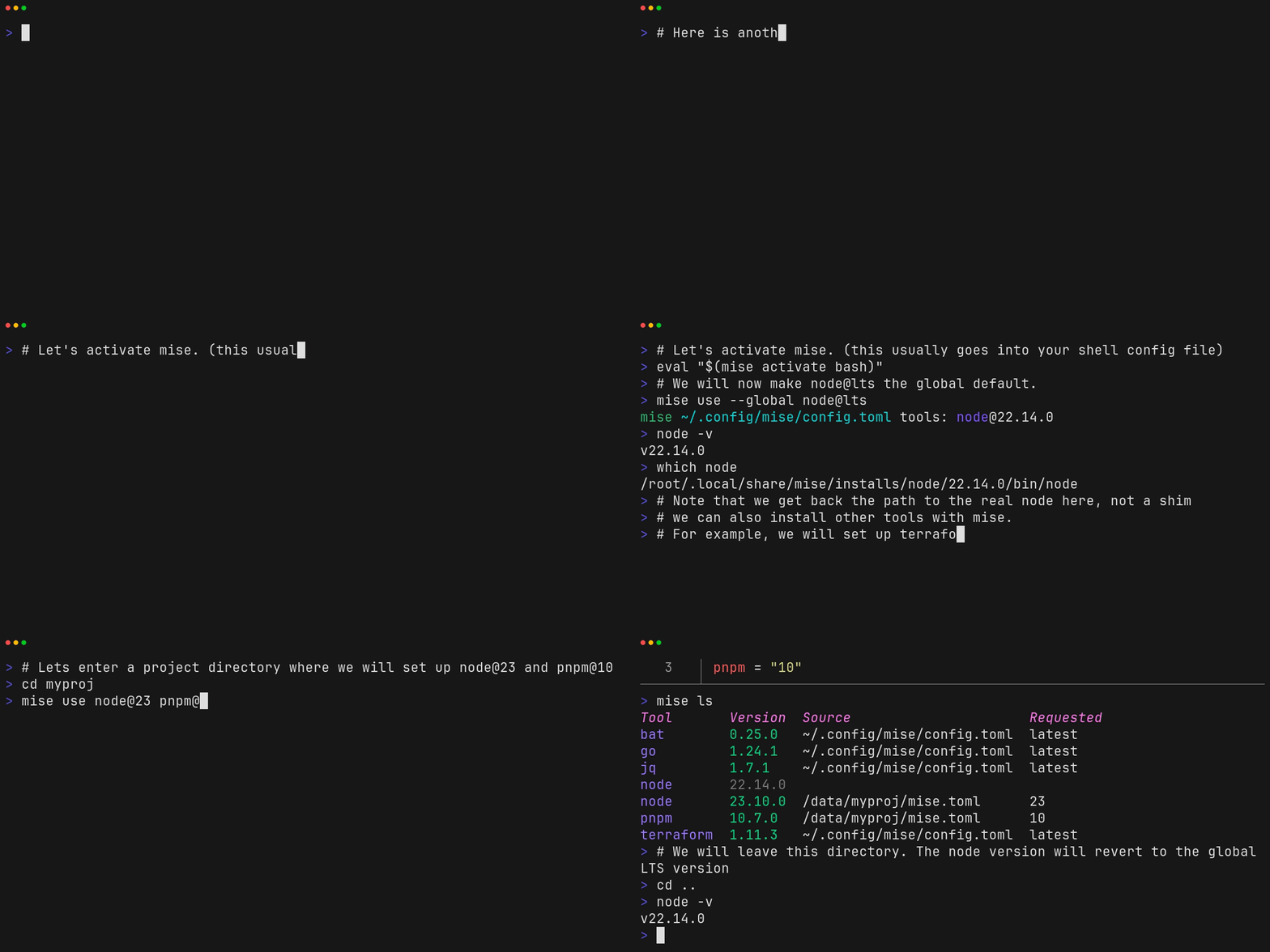
A version manager, an environment loader and a task runner in one program, written in Rust. A file called mise.toml in a folder lists the tools and versions that folder needs. When you enter the folder, mise puts those versions on the path and loads the settings; when you leave, it puts them back.What it is good for. Anyone with more than one project on the same machine, and anyone who has lost an afternoon to the wrong Python running. The problem it removes is the readme line that says "requires Node 20" and the hour you spend finding out you have 22. A short line about Grasppy and ScalpingMate: they are both Python projects on the same laptop and they do not have to agree about versions any more.
- Replaces asdf, nvm, pyenv and direnv with one program, and reads asdf's
.tool-versionsfile so moving over is not a rewrite. - It installs the version it needs rather than telling you to go and get it.
- MIT licence, and
mise doctortells you what is wrong with your setup instead of leaving you guessing.
- It hooks into your shell's startup, so a bad setup can break every new terminal you open. Read the activation step twice.
- If your current setup works and you only use one language, this is a change with no reward.
- It releases very often, sometimes several times a week, so pin the version on anything that has to keep working.
- asdf-vm/asdf
The tool mise was built to replace, with a larger plugin list and noticeably slower on every shell start.
Track this in Scout - direnv/direnv
Loads and unloads environment variables per folder and nothing else, which is a smaller thing to trust with your shell startup.
Track this in Scout  casey/just
A command runner published in Edition 13, overlapping only the task half of mise.
Track this in Scout
# macOS or Linux:
curl https://mise.run | sh
# Add this line to ~/.bashrc (or ~/.zshrc), then open a new terminal:
eval "$(~/.local/bin/mise activate bash)"
# In a project folder:
mise use python@3.13
mise use node@22
mise doctor