In simple English
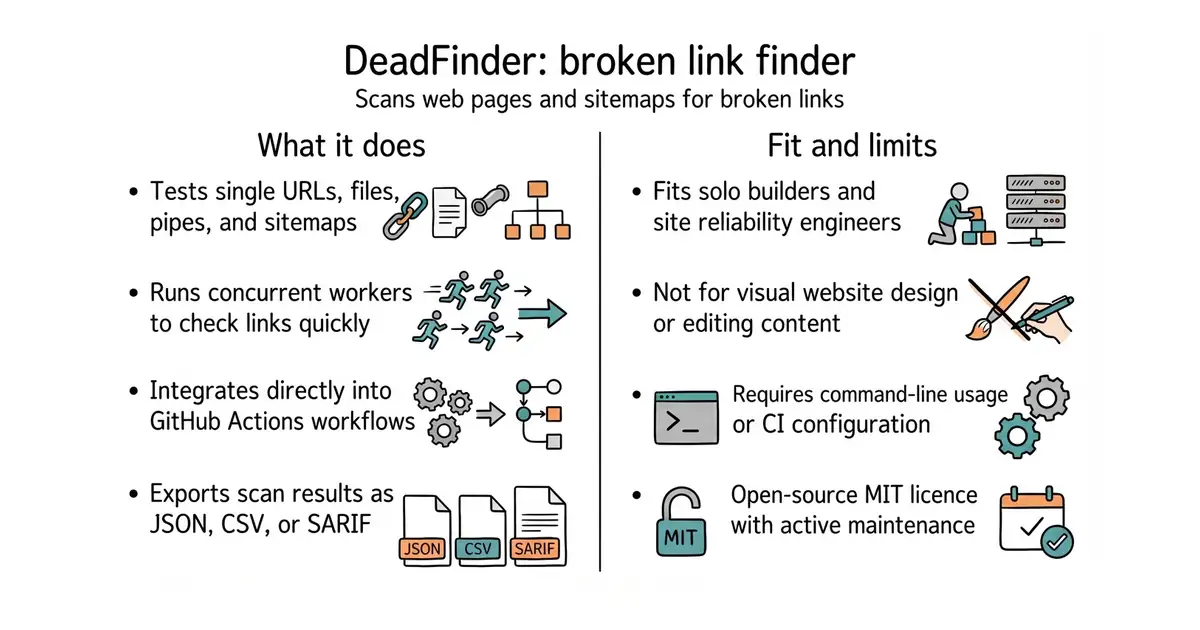
Broken links on your website hurt your search ranking and frustrate visitors. This tool scans your pages, sitemaps, or text files to find dead links automatically. It runs in your terminal or inside GitHub Actions when you publish updates. It costs nothing to run and keeps working in the background. You need a small amount of technical comfort to set it up.
What it is
DeadFinder is a fast command-line tool written in Crystal (a programming language that compiles to fast native machine code) for finding dead or broken HTTP links on websites. It reads sitemaps, files, or direct URLs and tests every link concurrently.
What it is good for
Solo builders and site owners who want to catch broken links before visitors do, or automate checks in continuous integration pipelines.
- Scans single URLs, sitemaps, or text files full of links.
- Runs inside GitHub Actions to check every code push.
- Outputs reports in JSON, YAML, TOML, CSV, or SARIF formats.
- Requires installing a command-line tool or container runtime.
- Building from source requires the Crystal programming language and CMake (a tool that manages the software build process).
- Checking large sitemaps can take time depending on network speed and concurrency settings.
manual link checking or slow browser extensions
GitHub Actions
- linkchecker/linkchecker1.1k stars
A classic Python-based link checker with a command-line interface and recursive crawling.

- vectordotdev/vector23k stars
One collector that gathers logs and numbers from machines and sends them to one or more monitoring services.
- bluewave-labs/Checkmate11k stars
A self-hosted monitor that checks whether sites and services answer, records response times and sends alerts.
- statping-ng/statping-ng2.0k stars
A single-file status page and uptime checker that works with SQLite, PostgreSQL or MySQL.
brew install deadfinder