In simple English
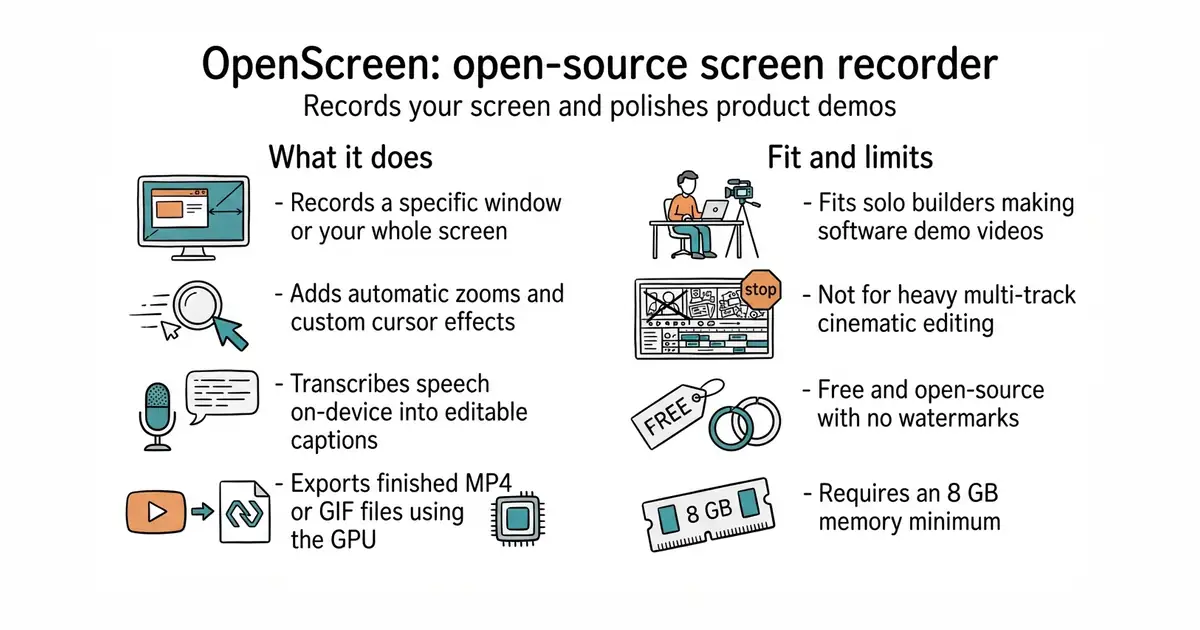
This is a free desktop application for recording your screen and editing the video. It lets you add zooms, background frames, captions and cursor effects to make your walkthrough look professional. You can use it without paying any money or signing up for a subscription. The program runs directly on your computer for Windows, macOS and Linux. It saves you from buying expensive video editing software just to show off a new feature.
What it is
OpenScreen is an open-source screen recorder and video editor built with TypeScript and Rust. It uses your computer's graphics card to render exports quickly and runs locally without hidden cloud costs.
What it is good for
Solo builders who need to create clean software demos and product walkthroughs for social media, launch pages or pull requests without buying dedicated commercial tools.
- Completely free with no watermarks or subscriptions.
- Automatic zooms, cursor smoothing and on-device captions.
- Works across Windows, macOS and Linux.
- Needs 8 GB of memory minimum and a modern computer.
- Mac version requires manual screen recording permissions on first launch.
- Active development means you may run into occasional rough edges or breaking changes.
Paid screen recording and video styling desktop apps
FFmpeg for extra command-line video conversion tasks
- snapcast/snapcast8.0k stars
A server and clients that play one audio stream in several rooms, kept in time with each other.
- MusicPlayerDaemon/MPD2.8k stars
A background music player with no interface of its own, controlled over a network by separate client programs.
- AcademySoftwareFoundation/OpenTimelineIO2.0k stars
An interchange format and library for editing timelines: the order and length of cuts, and references to the media, but not the media.
winget install --source msstore OpenScreen