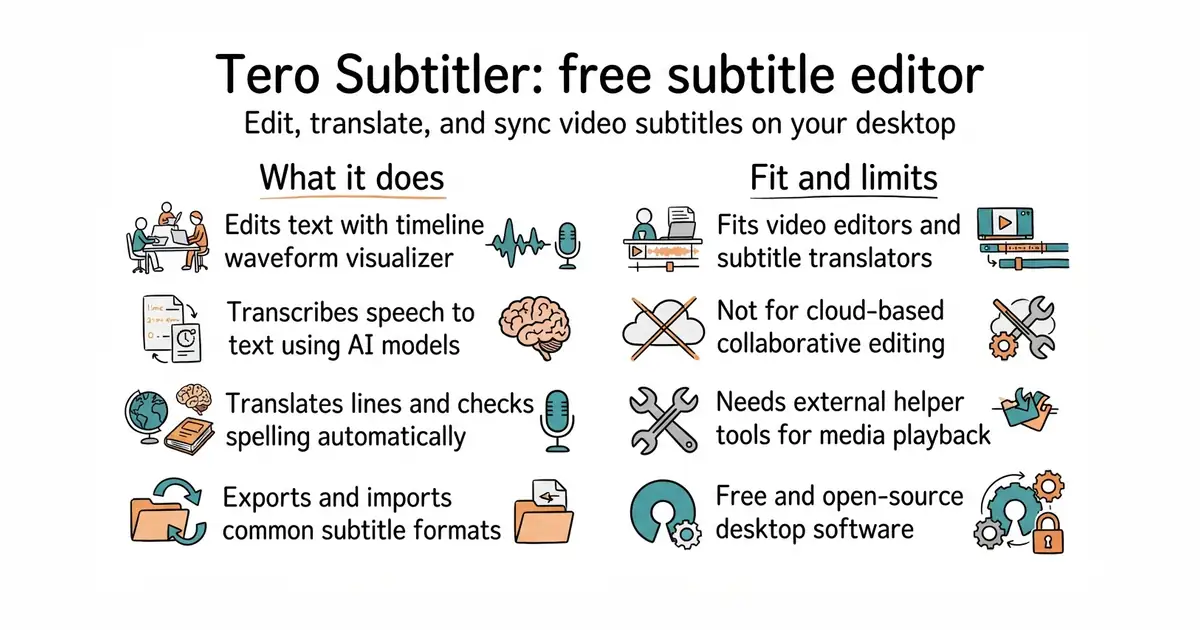
In simple English
Tero Subtitler helps you create and fix subtitle files for videos. You can watch your video, check the audio waveform, and adjust the exact timing of every line. It also connects to artificial intelligence tools to transcribe speech automatically. The software is free to download and use on your computer. It costs you nothing in money, but takes time to learn if you are new to video editing.
What it is
This repository contains the source code and release links for Tero Subtitler, an open-source subtitle editor built on the Lazarus IDE (a visual programming environment for the Pascal language). It replaces older subtitling tools from the same developer and integrates external helper programs like MPV (a command-line media player) and FFmpeg (a command-line tool for converting audio and video formats) to handle playback and media processing.
What it is good for
Solo creators, translators, and video editors who need a desktop program to sync subtitles, translate dialogue, or turn audio into text without paying for a commercial subscription.
- Includes built-in tools for automatic speech transcription and translation.
- Features a timeline with an audio waveform to help you sync text precisely.
- Completely free and open source with no hidden paywalls.
- Requires downloading and installing external tools like FFmpeg for full media support.
- Source code is written in Pascal, which is less common for modern web developers to modify.
- Contains many advanced industry features that may overwhelm casual users.
Subtitle Workshop
FFmpeg
- SubtitleEdit/subtitleedit15k stars
A mature open-source subtitle editor for Windows with extensive format support.

- snapcast/snapcast8.0k stars
A server and clients that play one audio stream in several rooms, kept in time with each other.
- MusicPlayerDaemon/MPD2.8k stars
A background music player with no interface of its own, controlled over a network by separate client programs.
- AcademySoftwareFoundation/OpenTimelineIO2.0k stars
An interchange format and library for editing timelines: the order and length of cuts, and references to the media, but not the media.
Download the installer for your operating system from the GitHub releases page and run it on your computer.